Page 13
877-877-2269 | blackbox.com
Chapter 4: Windows Local Area Network Settings
4. Windows Local Network Settings
For Windows
®
7, follow these steps:
1. Start Windows 7.
2. Click Start.
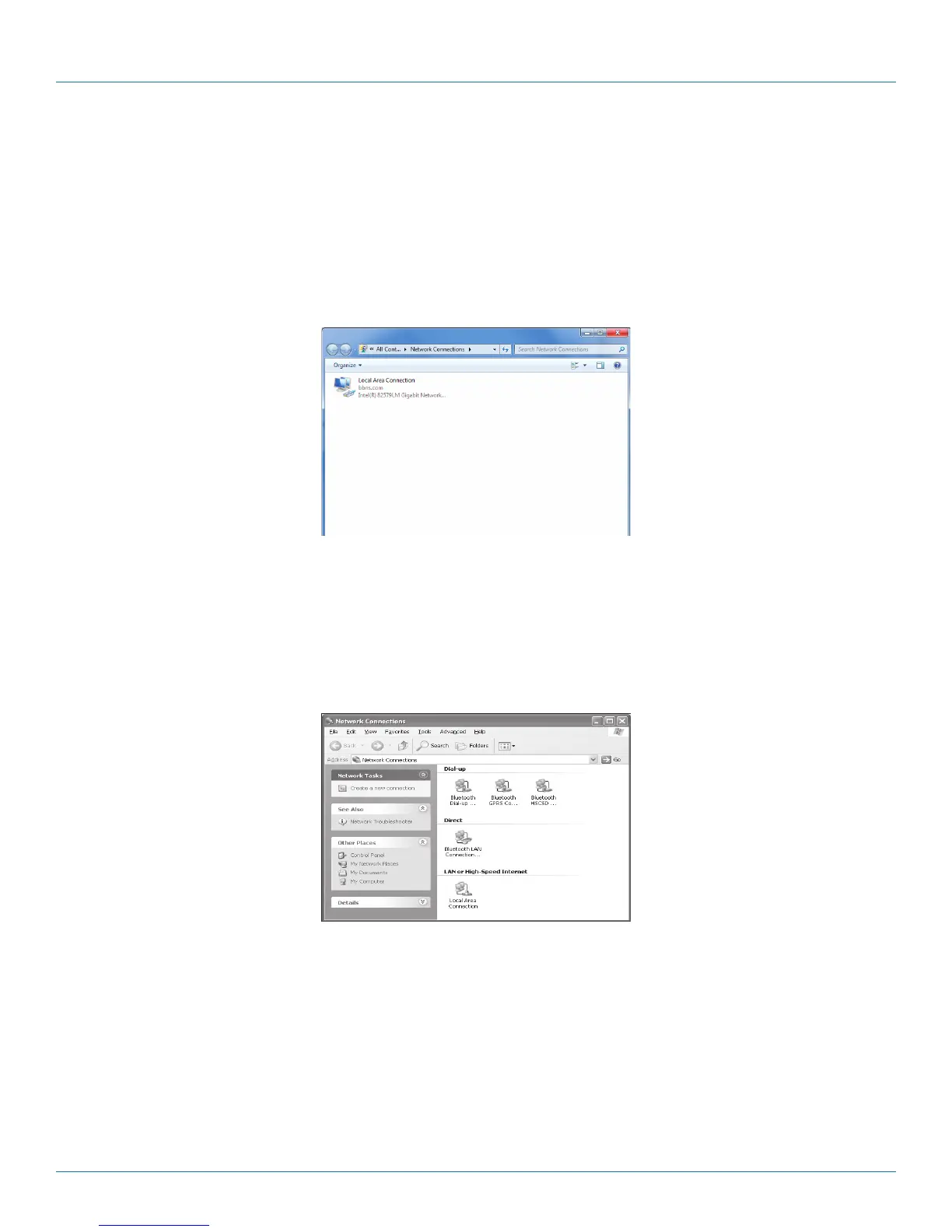
3. Enter ncpa.cpl to the Search Box and press Enter. Following window is displayed.
Figure 4-1. Windows 7 screen.
For Windows XP, follow these steps:
1. Start Windows XP.
2. Click Start, then click Control Panel choose the option to switch to Classic View.
3. Double-click Network Connections.
Figure 4-2. Windows XP screen.



 To Next Page