DCX Switch
877-877-2269 | blackbox.com
Page 40
4.10 Reallocating ports
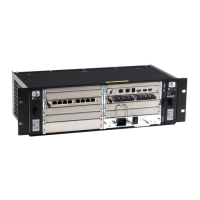
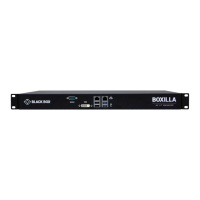
By default the DCX1000/3000 Switch provide the following user console and computer ports:
• DCX1000 provides 2 user console ports and 8 computer ports (along its rear panel).
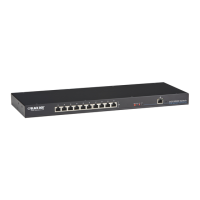
• DCX3000 provides 10 user console ports (on its front panel) and 20 computer ports (along its rear panel).
However, these designations are not fixed. If your installation requires a greater number of computers or has a need for more user
consoles, you can alter the allocation of these standard ports to suit:
• DCX1000 - You can allocate the ten rear panel ports in any combination.
• DCX3000 - Any of the 20 rear panel computer ports can be reallocated as user console ports, or
• DCX3000 - Three of the front panel ports (labeled 21 to 23) can be used as computer ports.
4.10.1 To reallocate a port that is already being used
1 While creating (or editing) a computer or console entry, choose the required port.
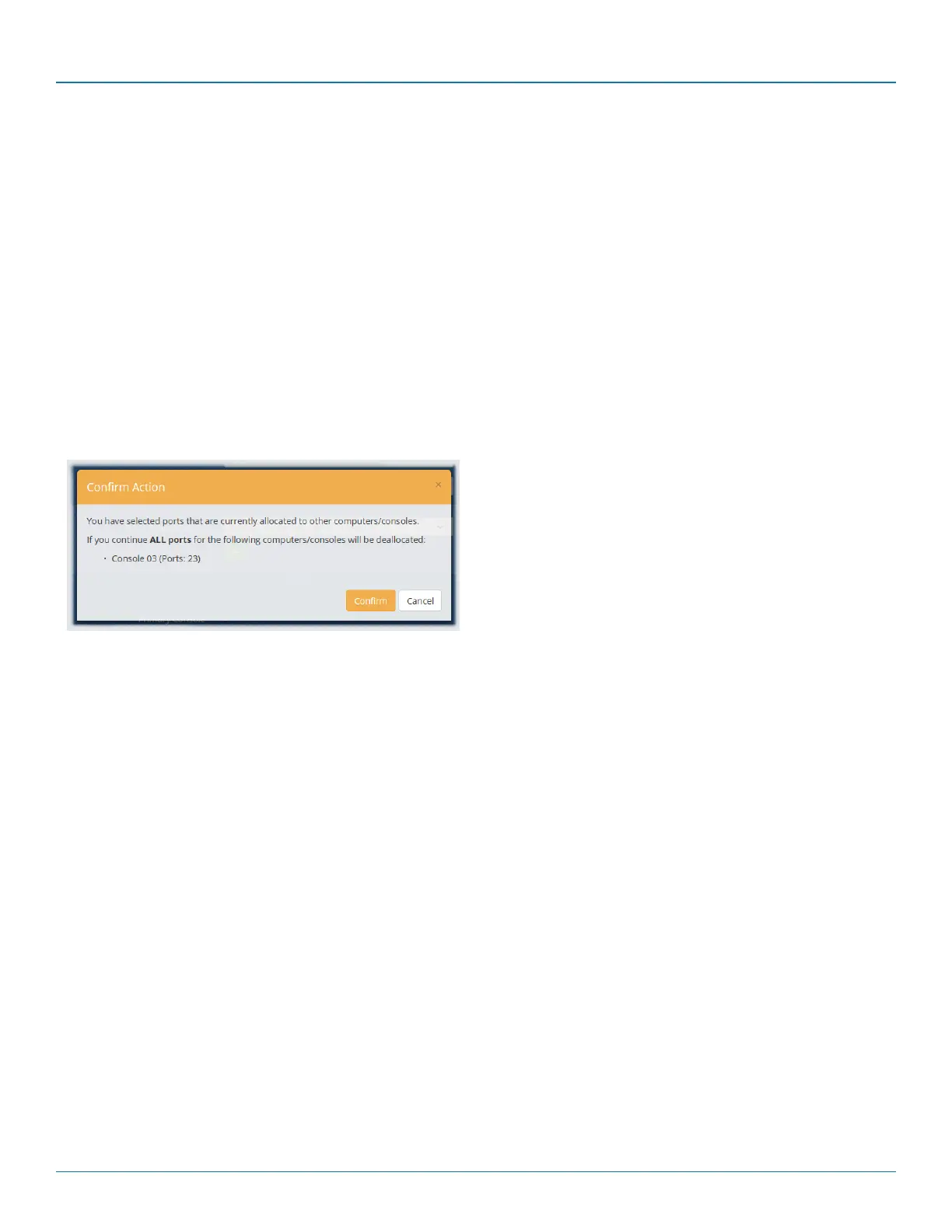
If the port is already being used, when you click the Update button, you will be presented with a warning such as the
following:
2 Click the Confirm button. The chosen port will first be de-allocated from its existing relationship and then paired to your
device. The device that originally used the port will be left without a port allocation and will need separate attention.
Note: If you reallocate any port from a multi-head computer/console this will cause all ports associated with that
computer/console to be de-allocated.


 To Next Page