Chapter 2: Overview
877-877-2269 | blackbox.com
Page 7
2. Welcome
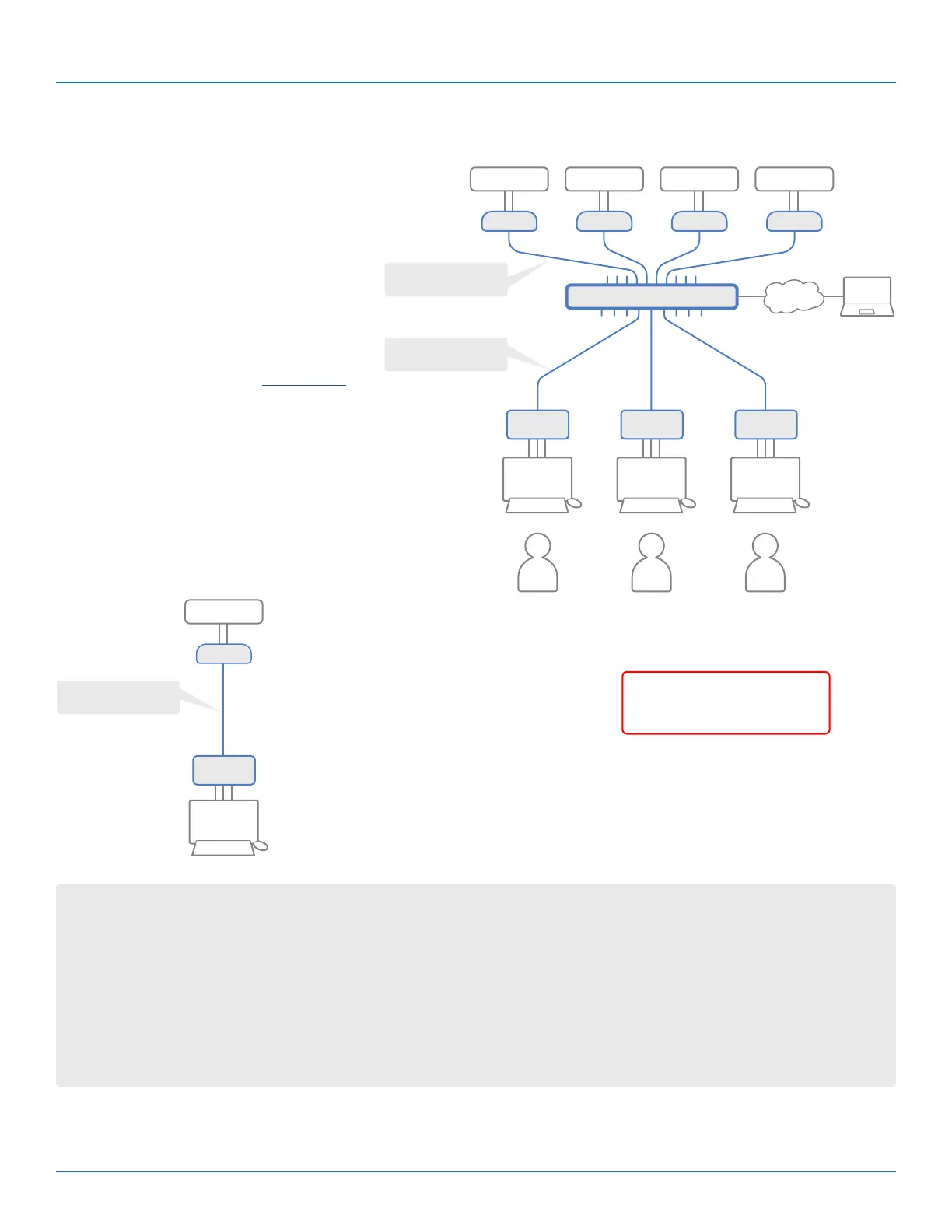
Thank you for choosing the Black Box DCX sys-
tem. This adaptive system makes sharing
numerous host computers among multiple
users straightforward and flexible. Every com-
puter is linked, via its USB and video ports, to a
compact DCX SAM module while each set of
peripherals are connected to a DVR Remote
module (to form Consoles).
The various computers and consoles are then
linked, via CAT6a or CAT7 cable with S/FTP,
S/STP or PiMF shielding (see Appendix C
for details), to a central DCX switch. Each
user can then, subject to the privileges grant-
ed by the admin, gain quick access to any of
the required computers.
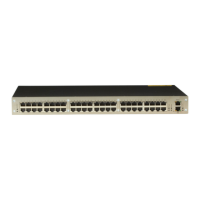
An integral part of the DCX1000 and
DCX3000 Switches is the DCX Matrix, a
browser-based configuration and management
tool that allows one or more remote admin
user(s) to monitor and maintain all aspects of
operation.
If required, computers and consoles
can be individually connected in order
to take advantage of the DCX
extender properties without the
switching.
COMPUTER COMPUTERCOMPUTERCOMPUTER
DCX Switch
DCX DVR
Remote
DCX DVR
Remote
DCX DVR
Remote
DCX SAM DCX SAMDCX SAMDCX SAM
CONSOLECONSOLE CONSOLE
ADMIN
USER
A
USER
B
USER
C
Shielded CAT6a or 7
maximum10m
Shielded CAT6a or 7
maximum50m
COMPUTER
DCX SAM
CONSOLE
DCX DVR
Remote
Shielded CAT6a or 7
maximum50m
Cable type and distance rules
• Cable screening/shielding is required. The best cable shielding specifications for use with the DCX system are: S/FTP, S/STP
or PiMF.
• Extension distances up to 50m are supported with single uninterrupted runs of recommended cable (shielded CAT6a or
CAT7 cable).
• CAT5 or CAT5e cables must not be used with this product.
• Overall cable runs must be reduced by 5m for each additional cable coupling.
• All patch cables should be as short as possible and should be no longer than 2m.
• It is recommended that shielded CAT7 cables are used for maximum performance.
IMPORTANT: Always ensure
you are using shielded cables
with DCX modules.


 To Next Page