Chapter 4: Configuration
877-877-2269 | blackbox.com
Page 45
4.13 Resetting and recovering
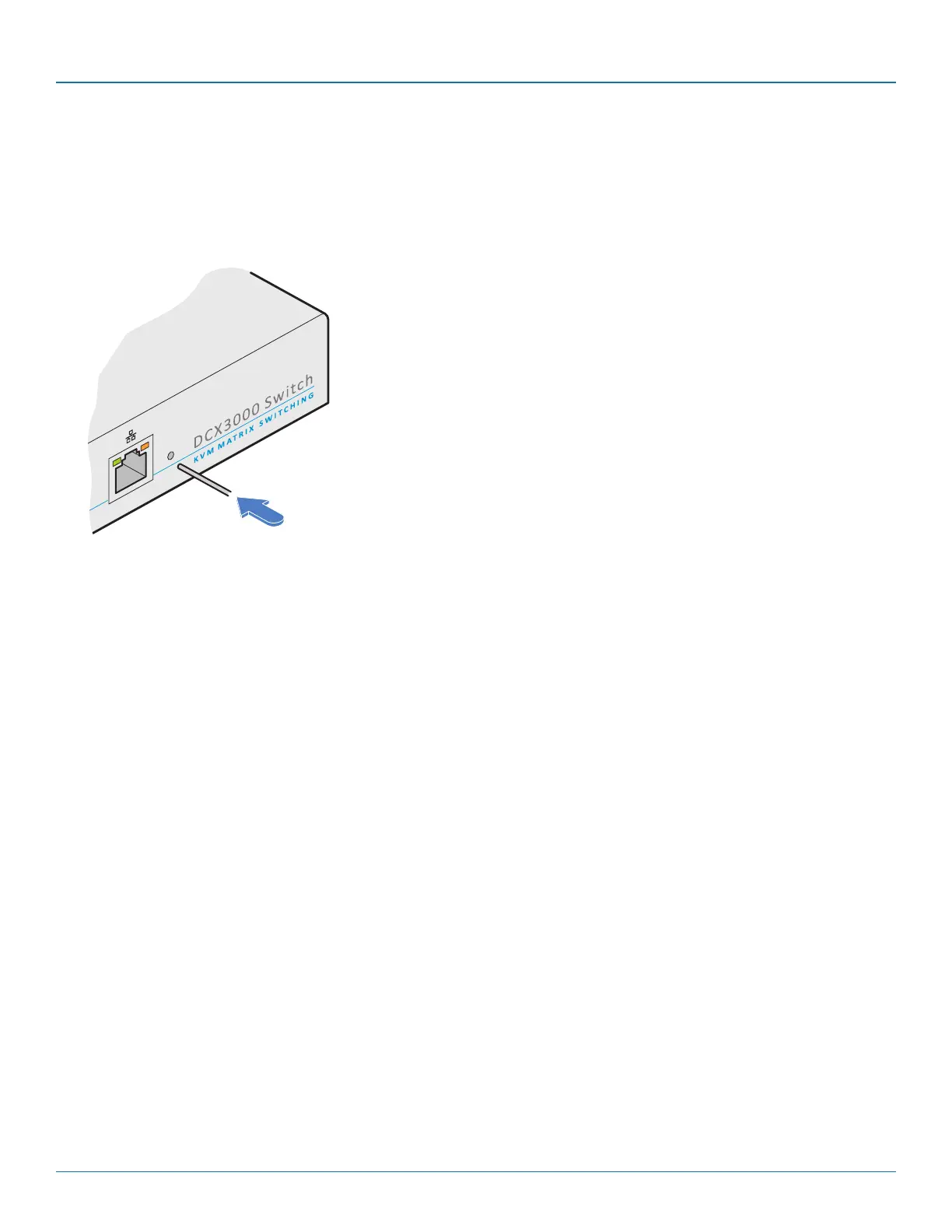
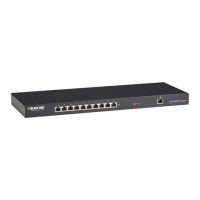
There may be rare occasions when the main switch or a module needs to be given a hard reset. The DCX1000/3000 Switch and
DCX-DVR module both have concealed reset buttons for this purpose. You need to use a narrow implement (e.g. a straightened-
out paper clip) to press-and-hold the recessed reset button on the front panel:
4.13.1.1 DCX1000/3000 Switch > Boot into recovery image
This procedure may be necessary if an attempted firmware upgrade has failed. For such a situation the DCX1000/3000 Switch
always retains a recovery image that will return the unit to a working condition, prior to reattempting a firmware upgrade. Note:
All configuration data (e.g. users, consoles, computers, networking, etc.) will be retained.
1 Press-and-hold the recessed reset button for ten seconds until the STS (Status) indicator begins to flash slowly.
2 Release the reset button. The STS indicator will go out and the switch will boot itself using the recovery image. The STS
indicator will now begin to flash again to indicate that it is running from the recovery image (a red banner will also be
shown at the top of the DCX Matrix screen).
3 When you are sure of operating conditions, such as having good power stability, proceed once again with the firmware
upgrade.
4.13.1.2 DCX1000/3000 Switch > Reset
This procedure may be necessary if the switch has become unresponsive. Note: All configuration data (e.g. users, consoles, com-
puters, networking, etc.) will be retained.
1 Press-and-release the recessed reset button. The switch will reboot.
4.13.1 DCX1000/3000 Switch


 To Next Page