Max Express Ethernet Switch LB9217A-R2 & Applicable Modules
12
o Reset
q Port
tatus on
in
le-Port Module
LEDs & Reset Button
The array of LED indicators on the front panel conveys status and configuration
information to help you monitor and troubleshoot the switch.
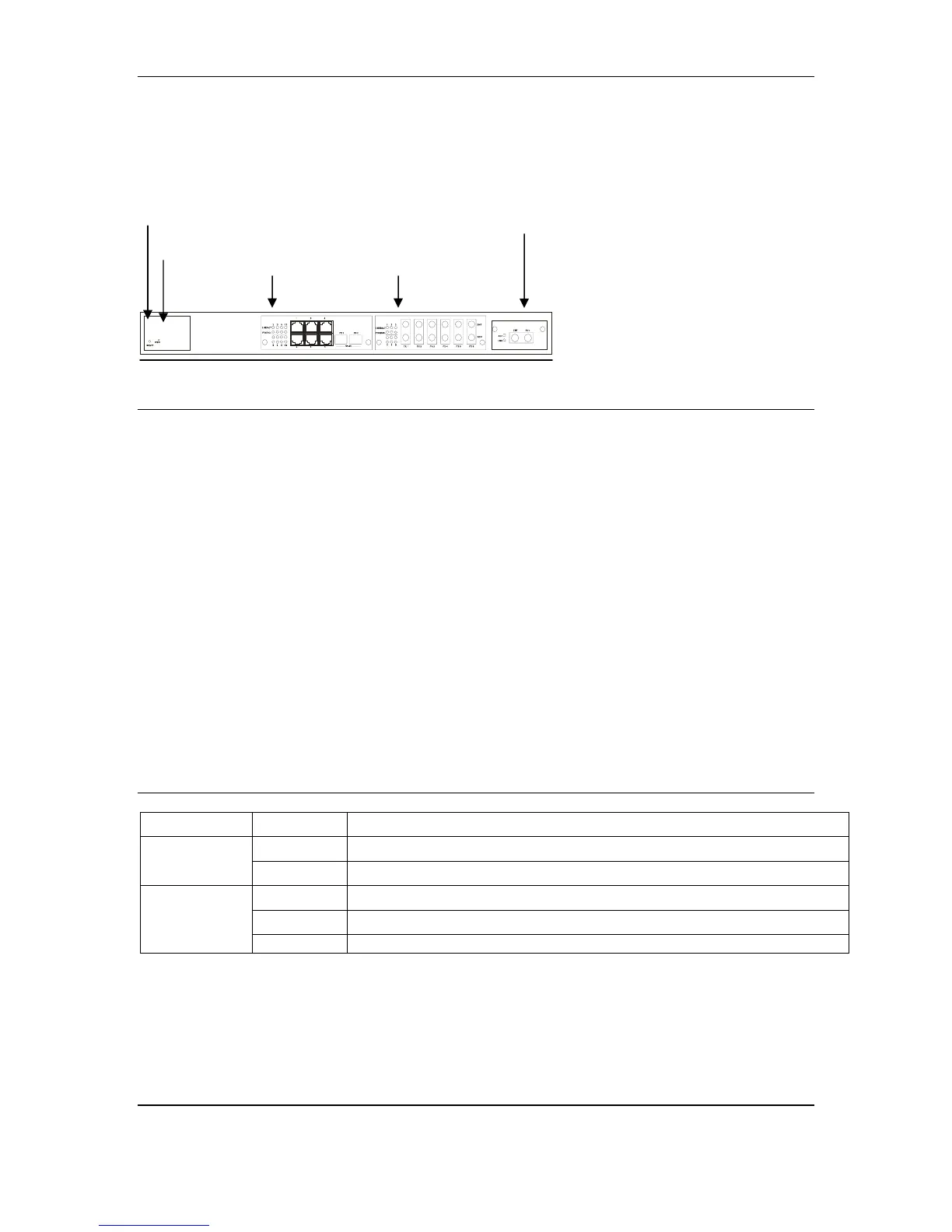
Figure 4: LED & Button Indicators on the 17-Port Switch
n Power
This LED comes on when the switch is connected to power and turned on.
o Reset Button
If the switch should become unresponsive, you may reset it by pressing this
button.
p Port Status on 8-Port Modules
The front panel of the 17-Port Switch allows two 8-port modules. The ports
numbered from 1 to 8 on full TX module.
The LEDs are located at the left side of each section, displaying status for each
respective port. Please refer to Table 1 for more details.
Table 1: Port Status
LED State Indication
Steady A valid network connection established. LNK stands for LINK.
LNK/ACT
Flashing
Transmitting or receiving data. ACT stands for ACTIVITY.
Steady Connection in full duplex mode. FDX stands for FULL-DUPLEX.
Flashing
Collision occurred. COL stands for COLLISION.
FDX/COL
Off Connection in half-duplex mode.
n
Z Port Status on 8-Port Modules



 To Next Page