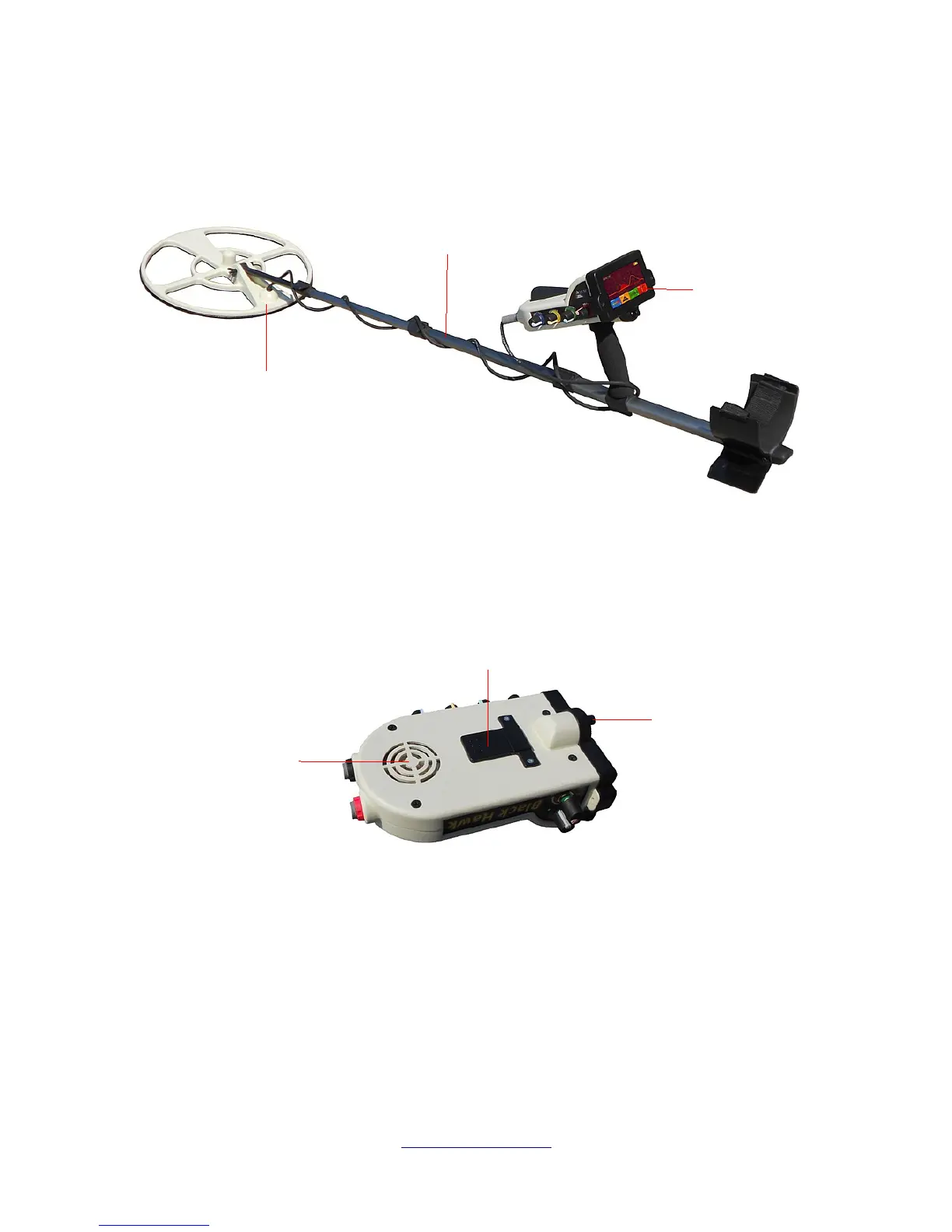
Control Elements 23
First we will explain the various ports and connectors. Understanding the various functions makes it
much easier to prepare the unit for operation.
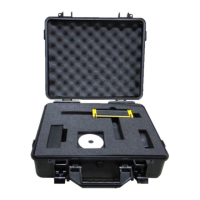
In illustration 5.2 you can clearly see the mounting clip which is used to mount the unit to the Extension
shaft. When mounting the control unit to the telescopic rod, be sure that it locks into place, usually
indicated by hearing a click.
The external speaker shown in illustration 5.2 is controlled by the ON/OFF and Volume control knob. It
should be inspected after each use to ensure that there is no debris, sand, water or any other
contaminants that may have entered the unit during operation.
5.1 General Controls
There are seven controls on the Black Hawk unit. On the right side of the unit there is the ON/OFF and
Volume, Brightness and LED light. On the left side of the unit is the Delay, Interference, Threshold and
Sensitivity control. On the front of the unit is the Calibration Button.


 To Next Page