24
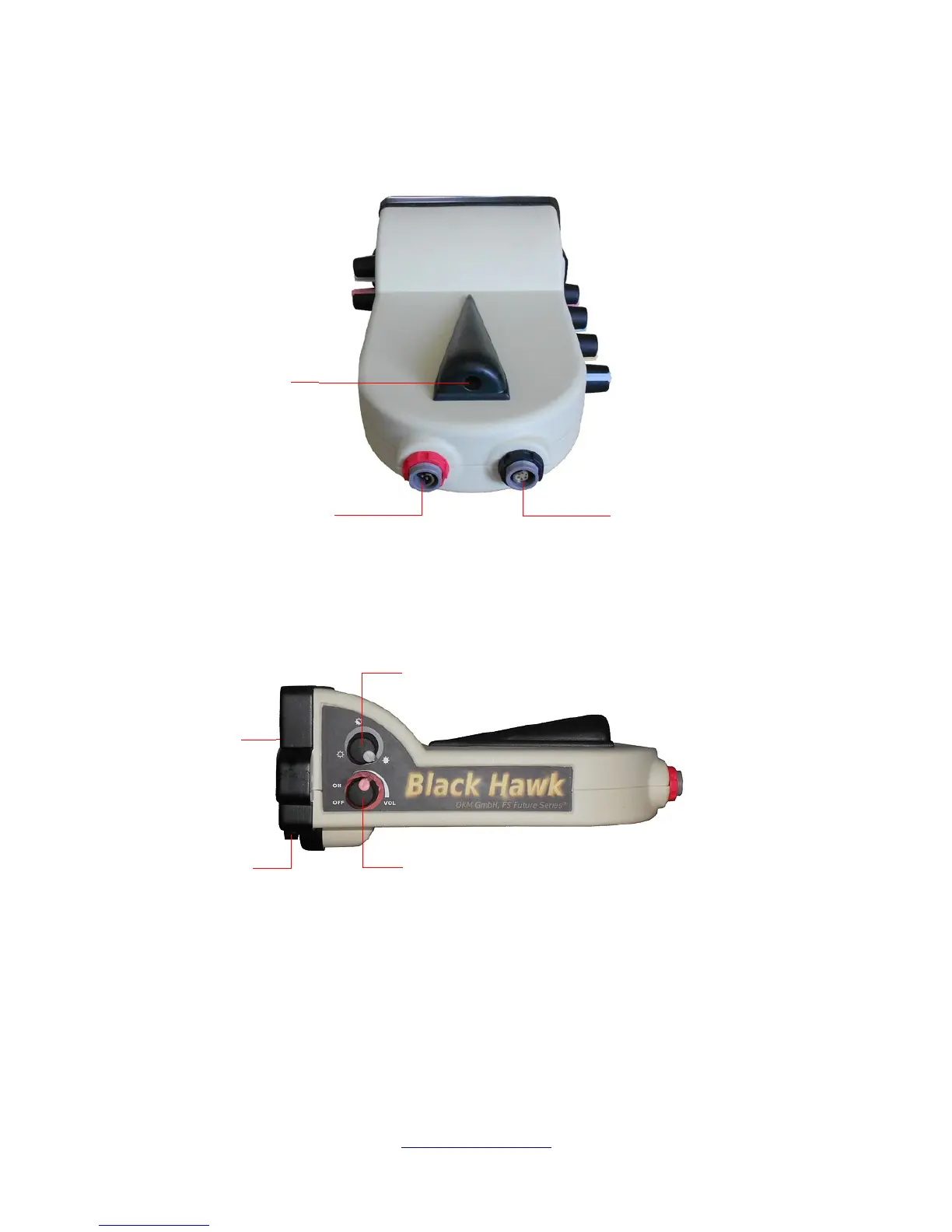
In illustration 5.3 you see the LED that can illuminate your path in the dark, the battery connector and
the search coil connector.
The battery and search coil connectors are color coded to make for a quick and easy assembly of the
unit.
5.1.1 On / Off / Volume
The illustration 5.4 shows the ON/OFF/Volume knob. This control will turn the unit on and off as well as
control the volume of the internal speaker. The unit requires between 8 and 10 seconds to start. The
wireless headphones can be used. When the unit is turned on and you wish to use the headphones, be
sure to keep the volume low. You can still adjust the volume of the headphones separately.
Illustration 5.3: Rear of unit showing battery and coil connectors
Illustration 5.4: Right side unit controls


 To Next Page