ARIA and ALBA KNX Keypad Panels - Operation and Maintenance Manual
Page 8/21
Button parameters
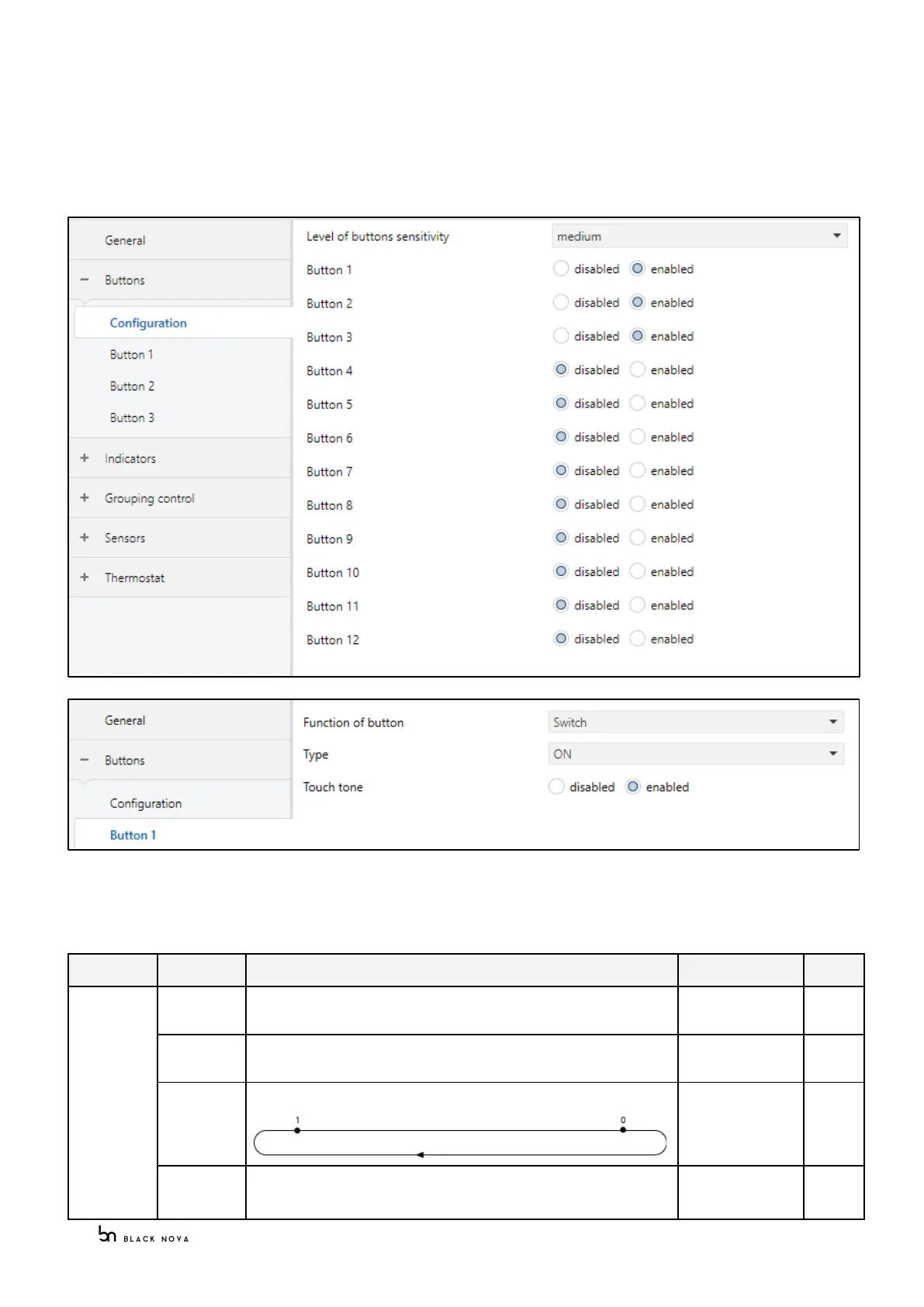
Each keypad panel button has its own individual parameters.
According to the keypad panel model the correct number of buttons will be available.
All the button groups are disabled by default; each button must be enabled in order to be configured with the
desired function and parameters from the dropdown list
Please note: Level of buttons sensitivity feature is available only if the product series selected is ARIA
List of functions
Send always the On command
Send always the Off command
Send alternating On/Off (1 bit) command
Send On/Off command within a delay time



 To Next Page