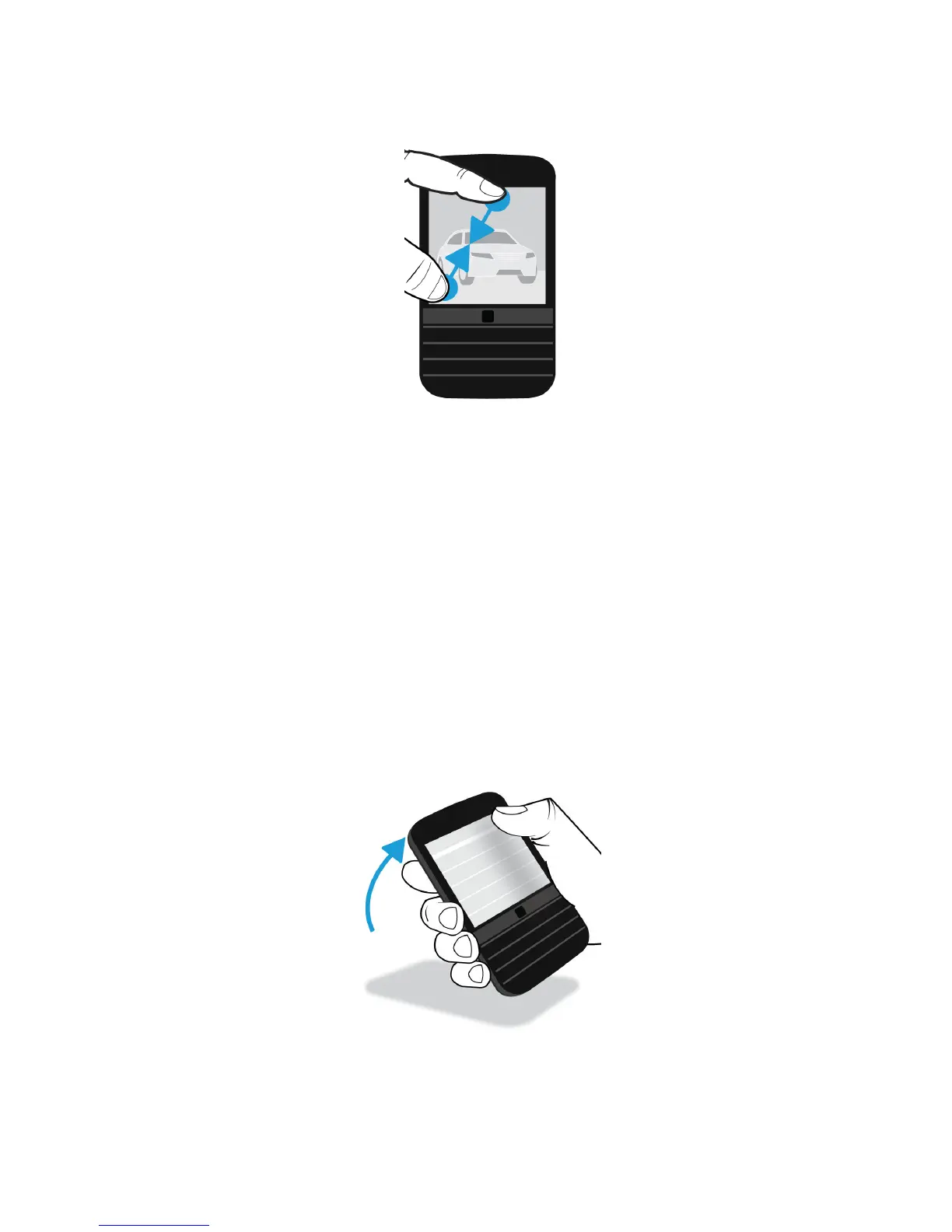
Advanced interactions
If you’re looking for ways to do things more quickly or efficiently, consider using the following gestures:
• Lift to wake
• Flip to mute
• Flip to save power
• Hold to stay awake
Lift to wake
If this feature is turned on, when you pick up your BlackBerry device from a flat surface, your device wakes up automatically.
You don’t have to press the Power/Lock
key or swipe up from the bottom of the screen to start using your device.
User Guide Setup and basics
32








 To Next Page