To turn on or turn off this feature, tap Settings > Advanced Interaction
. Tap the Lift to Wake switch.
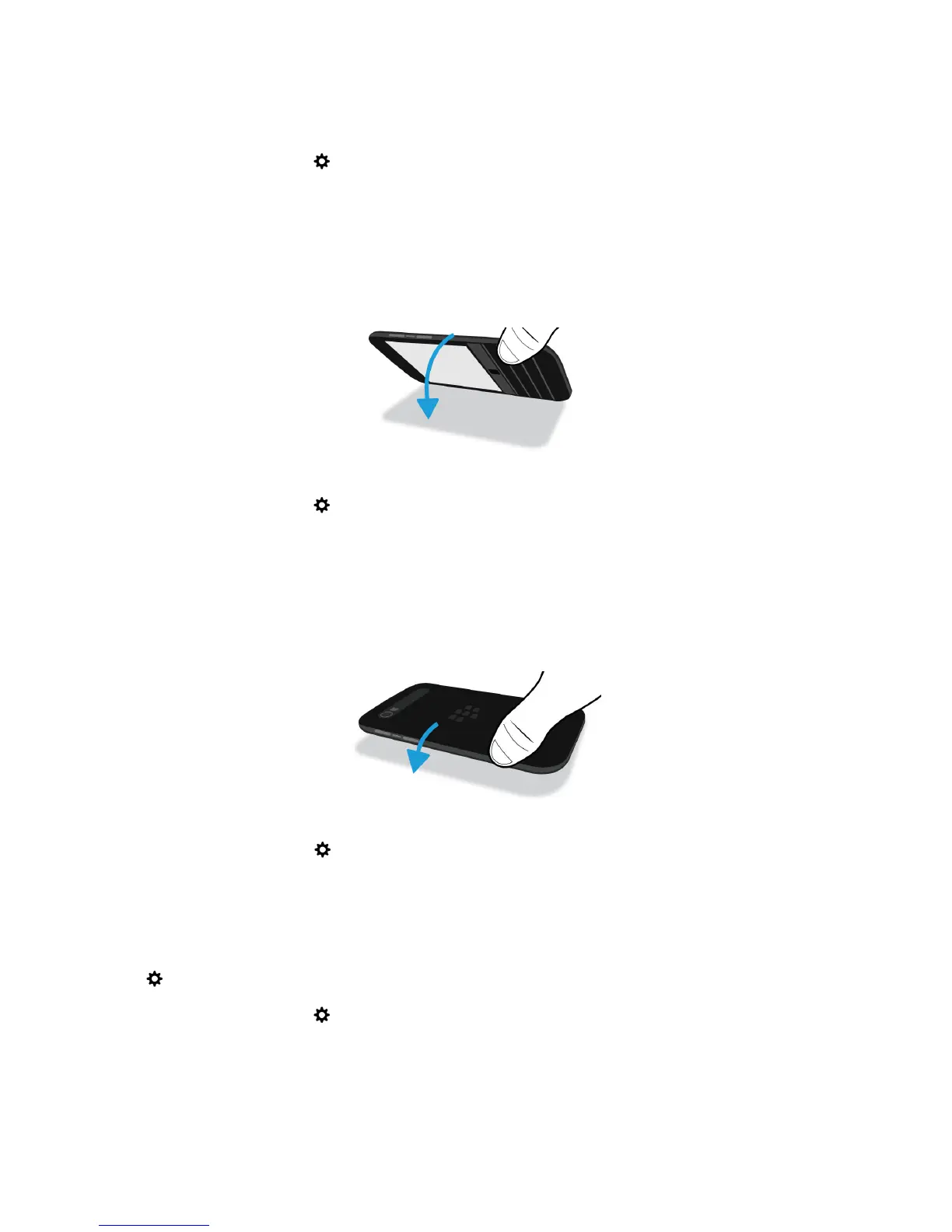
Flip to mute
If this feature is turned on, when you receive a call and it isn’t a convenient time to respond, you can turn your device
facedown to silence the ring tone or vibration. You still receive a notification of the missed call.
To turn on or turn off this feature, tap Settings > Advanced Interaction
. Tap the Flip to Mute switch.
Flip to save power
If this feature is turned on, when you place your device facedown on a flat surface, your device goes into standby mode
to extend battery life. You still receive notifications for incoming calls, messages, and alarms.
To turn on or turn off this feature, tap Settings > Advanced Interaction. Tap the Flip to Save Power switch.
Hold to stay awake
If this feature is turned on, the screen stays on longer while you hold your device in your hand. This setting overrides the
value set in Settings > Display > Screen Timeout.
To turn on
or turn off this feature, tap
Settings > Advanced Interaction
. Tap the Hold to Stay Awake switch.
User Guide Setup and basics
33








 To Next Page