EasyManua.ls Logo

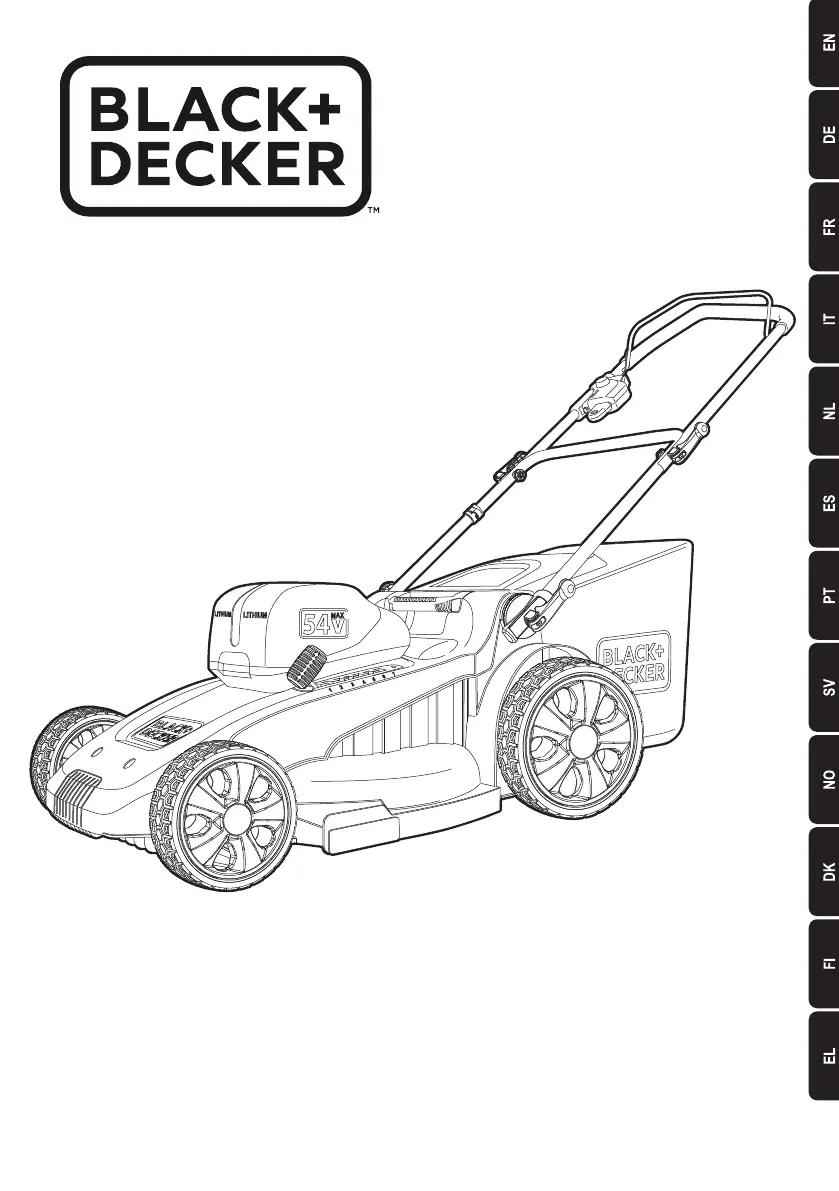
Black+Decker CLM5448PC - User Manual

Black+Decker CLM5448PC
176 pages
Print Icon
To Next Page IconTo Next Page
Loading...
www.blackanddecker.eu
CLM5448PC
CLM5448PCB

Table of Contents

Questions and Answers

  • J
    Jennifer WashingtonAug 3, 2025
    Why does my Black+Decker CLM5448PC Lawn Mower motor stop while mowing?
    • A
      Amanda DennisAug 3, 2025
      If the Black+Decker Lawn Mower's motor stops while mowing, several factors could be at play. First, turn the mower off by releasing the bail handle, remove the safety key and battery pack, and ensure the blade can turn freely. Next, try raising the cutting height. Also, check the battery cavity for debris and proper connection. Verify the battery is fully charged by pressing the state of charge button. To prevent overloading, reduce your cutting pace or increase the cut height.
  • J
    Jennifer BernardAug 7, 2025
    Why are the battery charger LEDs not on for my Black+Decker?
    • T
      tmartinezAug 7, 2025
      If the battery charger LEDs are not on for your Black+Decker device, check the plug connection. If the LEDs still don't turn on, consider replacing the charger.
  • B
    Brandon CastilloAug 13, 2025
    What to do if Black+Decker Lawn Mower is not picking up clippings with bag?
    • A
      Adam HerreraAug 13, 2025
      If your Black+Decker Lawn Mower isn't picking up clippings with the bag, the chute might be clogged. Turn the mower off, unplug it, and clear any grass clippings from the chute. Also, raising the cutting height of the wheels to shorten the length of the cut can help. Finally, remember to empty the bag more often, as a full bag can hinder pickup.
  • V
    vhenryAug 18, 2025
    Why is my Black+Decker CLM5448PC cutting performance unsatisfactory?
    • H
      hughesgeraldAug 18, 2025
      If your Black+Decker Lawn Mower runs but the cutting performance is unsatisfactory, turn the mower off, unplug it, and check the blade sharpness and for any clogging in the deck and discharge chute. Keeping the blade sharp is essential. Also, ensure the wheel height adjustment isn't set too low for the grass conditions; raising the cutting height may improve performance.
  • D
    Daniel EdwardsAug 23, 2025
    How to fix a Black+Decker Lawn Mower that is abnormally noisy and vibrates?
    • H
      hpetersonAug 23, 2025
      If your Black+Decker Lawn Mower is abnormally noisy and vibrates, immediately turn it off and unplug it. Inspect the blade for any bending or damage; replace it with a BLACK+DECKER replacement blade if needed. If the underside of the deck is damaged, return the mower to a BLACK+DECKER Authorized service center. If there's no visible blade damage, disassemble the blade assembly as described in the “Removing and installing blade” section, remove any debris, clean each piece, and reassemble.
  • S
    sanchezleslieAug 28, 2025
    What to do if Black+Decker CLM5448PC is too hard to push?
    • J
      Janet RichardsonAug 28, 2025
      If your Black+Decker Lawn Mower is too hard to push, turn it off and unplug it. Try raising the cutting height to reduce deck drag on the grass. Also, check each wheel to ensure it rotates freely.

Summary

Intended Use

Product Purpose

Describes the intended use of the BLACK+DECKER CLM5448PC & CLM5448PCB lawn mowers for consumer grass mowing.

Safety and Operation

General Safety Precautions

Basic safety precautions for cordless appliances to reduce risks of fire, electric shock, injury, and damage.

Safe Appliance Operation

Guidance on safe operation, including supervision, toy prohibition, and keeping children/animals away.

Pre-Use Checks and Procedures

Details important checks and procedures to perform before using the lawn mower.

Post-Use Storage Recommendations

Guidelines for storing the appliance after use, emphasizing dry, ventilated locations and child safety.

Inspection and Repair Procedures

Instructions for inspecting the appliance for damage and procedures for repairs or replacements.

Additional Lawn Mower Safety

Specific safety advice for lawn mower operation, including handling, slopes, and unattended use.

Safety of Others and Residual Risks

Safety considerations for bystanders and awareness of residual risks associated with tool use.

Warning Symbols and Battery Safety

Explanation of warning symbols and crucial safety instructions for batteries and chargers.

Product Features and Charging

Details product features, charging procedure, and battery diagnostics for optimal performance.

Battery Installation and Operation

Step-by-step instructions for installing, removing, and operating with battery packs, including POWERCOMMAND.

Assembly and Attachments

Guidance on handle assembly, securing cables, and installing bagging and mulching attachments.

Starting, Operating, and Storage

Steps for starting, operating the mower, managing overload, using EdgeMax™, and folding for storage.

Carrying, Mowing Tips, and Blade Care

Advice on carrying the mower, mowing best practices, and procedures for blade maintenance and balancing.

Troubleshooting and Maintenance

Common Mower Issues and Solutions

Guides users through common problems like mower not running, poor cutting, and excessive vibration with possible solutions.

Cleaning and Maintenance

Instructions for cleaning the mower, preventing corrosion, and general maintenance for longevity.

Environmental Protection

Information on proper disposal of products and batteries, and recycling resources.

Technical Data and Guarantee

Product Specifications

Provides detailed technical specifications for the CLM5448PC and CLM5448PCB models.

Warranty Information

Details the 24-month guarantee offered by Black & Decker and how to claim it.

Black+Decker CLM5448PC Specifications

General IconGeneral
Power SourceBattery
Battery Voltage54V
Cutting Width48 cm
Battery TypeLithium-Ion
Cutting Height38-100 mm
Voltage54V
Grass Box Capacity50 liters
Cord LengthCordless

Related product manuals