7
ENGLISH
(Original instructions)
Labels on tool
The following pictograms are shown on the
tool:
Warning! To reduce the risk of injury,
the user must read the instruction
manual.
Additional safety instructions for
batteries and chargers
Batteries
• Never attempt to open for any reason.
• Do not expose the battery to water.
• Do not store in locations where the
temperature may exceed 40 °C.
• Charge only at ambient temperatures
between 10 °C and 40 °C.
• Charge only using the charger provided
with the tool.
• When disposing of batteries, follow the
instructions given in the section
"Protecting the environment".
Do not attempt to charge damaged
batteries.
Chargers
• Use your BLACK+DECKER charger only
to charge the battery in the tool with
which it was supplied. Other batteries
could burst, causing personal injury and
damage.
• Never attempt to charge
non-rechargeable batteries.
• Have defective cords replaced
immediately.
• Do not expose the charger to water.
• Do not open the charger.
• Do not probe the charger.
The charger is intended for indoor
use only.
Read the instruction manual before
use.
Electrical safety
Your charger is double insulated;
therefore no earth wire is required.
Always check that the mains voltage
corresponds to the voltage on the
rating plate. Never attempt to replace
the charger unit with a regular mains
plug.
• If the supply cord is damaged, it must be
replaced by the manufacturer or an
authorised BLACK+DECKER Service
Centre in order to avoid a hazard.
Features
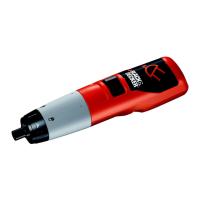
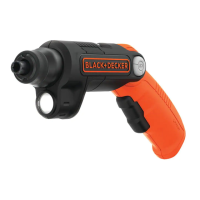
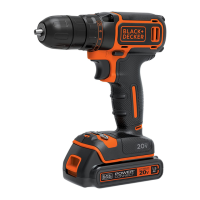
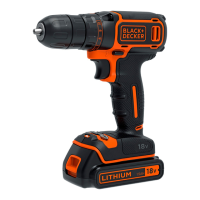
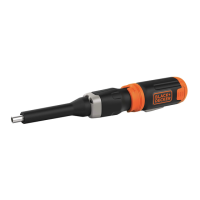
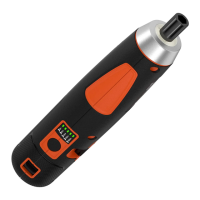
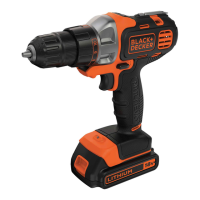
This tool includes some or all of the
following features.
1. Variable speed switch
2. Forward/reverse slider
3. Head release button
4. Bit holder
5. Battery
6. Battery release button
7. Drill/screwdriver head (MTDD6)
8. Torque adjustment collar
9. Chuck
10. LED work light
Assembly
Warning! Before assembly, remove the
battery from the tool.
Fitting and removing the battery (fig. A)
• To fit the battery (5), line it up with the
receptacle on the tool. Slide the battery
into the receptacle and push until the
battery snaps into place.
• To remove the battery, push the release
button (6) while at the same time pulling
the battery out of the receptacle.
Fitting and removing tool heads (fig. B)
Warning! Care must be taken when fitting
and removing heads. Moving parts may
become hot during use.


 To Next Page