28
CAMMSYS BLACKBOX
5-3 Using BlackSys App
1. Start and end recording
※ Download the BlackSys application on your smartphone.
- The BlackSys application can be found on the Google Play Store and the App Store for iPhone.
- The BlackSys application can be used with Android 4.2 or later, iOS 5.0 or later.
- The BlackSys App may not be supported depending on the smartphone.
※ Turn the Wi-Fi button located at the bottom of the product.
※ For playback of recorded videos using Wi-Fi, the reception may vary according to
the data transfer rate.
※ The range of Wi-Fi reception may vary.
※ The path of recorded videos may vary depending on the smartphone.
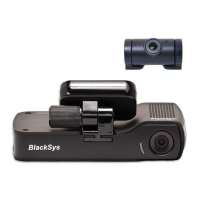
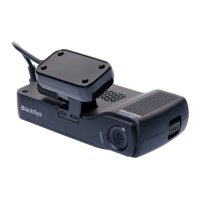
※ The App is compatible with CH-100 and CH-200 and select model in the App before using the device.
1. Select the BlackSys Connect button on the
main screen.
※ When the product is connected with your smartphone,
the BlackSys connect icon will turn green.
2. Select ‘BlackSys’ on the Wi-Fi list.
3. Enter in the default password : 11111111.
※ For a stable connection, please remain within close
proximity with your product.
※ Change your password to prevent others
from accessing your product.
※ Configure your product name and password on the
Blacksys Viewer program.
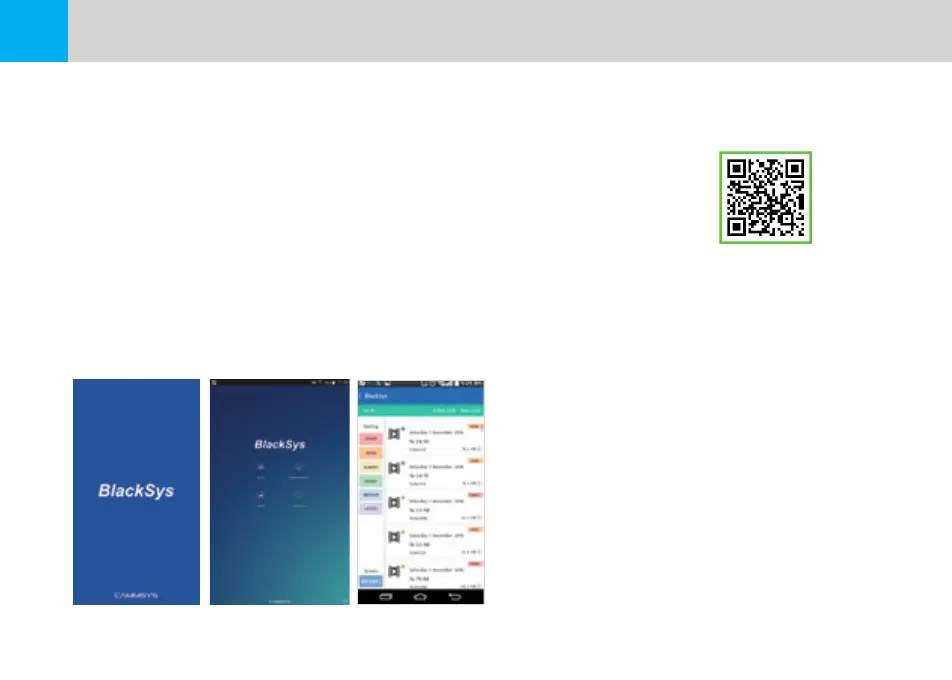
[BlackSys APP]
[Download BlackSys APP from Google play store]
[BlackSys APP Main] [BlackSys APP Play list]
5-4 Connecting the BlackSys App


 To Next Page