GETTING STARTED BATTERIES
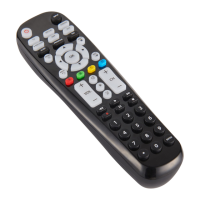
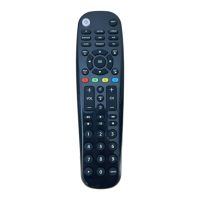
Thank you for choosing the Blackweb Universal Remote Control and
Wireless Audio Transmitter. This remote control can operate a wide range
of electronic devices, works across most brands and models, and comes
pre-programmed to operate many Samsung TVs (see the Programming
Your Remote sections if your device is not compatible). Your remote can
control up to 6 devices and is remarkably easy to set up. To get started,
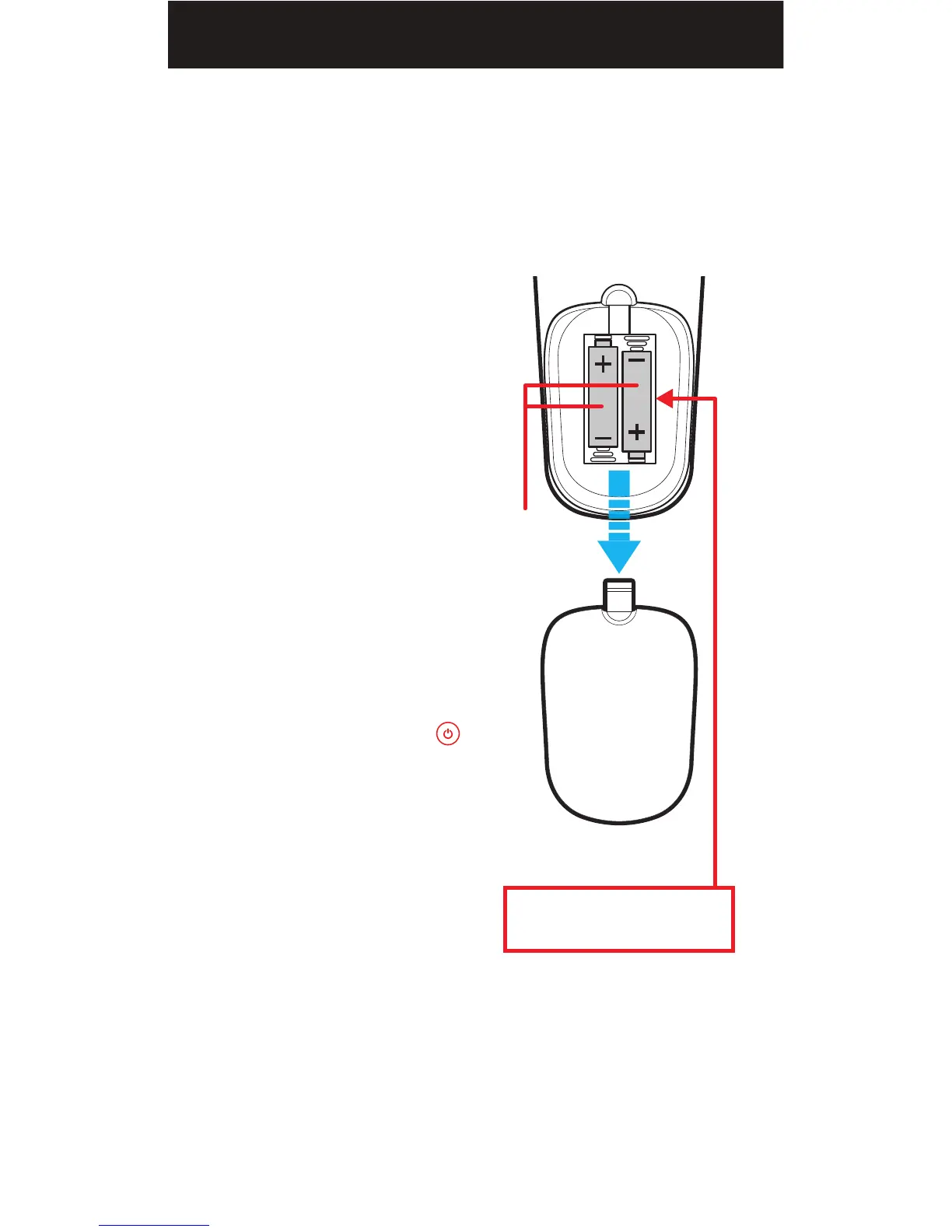
please install two AA alkaline batteries (not included) as shown below.
Installing the Batteries
1. Remove the battery cover.
2. Insert the batteries as shown.
3. Snap the battery cover back into
place.
Battery Precautions
• Do not mix old and new batteries.
• Do not mix alkaline, standard
(carbon-zinc) or rechargeable
(nickel-cadmium) batteries.
• Always remove old, weak or worn-
out batteries promptly and recycle
or dispose of them in accordance
with local and national regulations.
Low Battery Indicator
If while using the remote, the
button’s red indicator light flashes
3 times, this indicates the batteries
need to be replaced. Please replace
the batteries as soon as possible
when this indication occurs.
Code Saver
When changing the batteries of your
remote, please do so quickly. You
have up to 20 minutes to change the
batteries in your remote without
losing the programmed codes.
Battery Saver
To conserve battery power, the remote will automatically turn off if any
button is pressed for more than 60 seconds (except during programming).
This feature is helpful in the event that the remote is stuck in a location
where the buttons remain depressed, such as between sofa cushions.
Battery Cover
Your remote control’s model number
can be found in the battery compartment
Two AA
alkaline
batteries
(not included)
Model: BWA18AV007 (PCL-1)
Customer Support: (877) 907-7010
Made in China
02


 To Next Page