HOW TO SET UP YOUR AUDIO TRANSMITTER
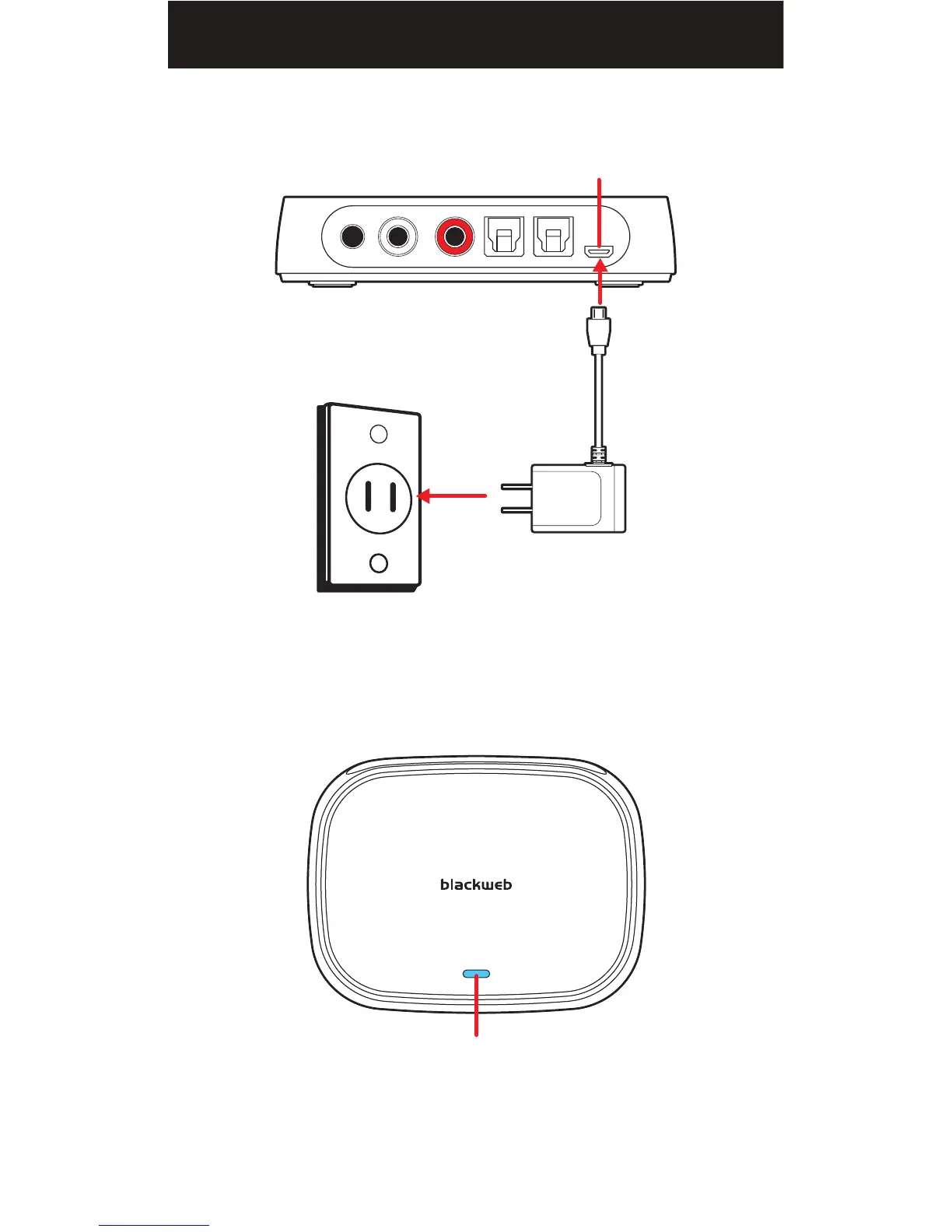
1. Connect the supplied USB charger to the audio transmitter's USB port
labeled "POWER".
When connected to a power source, the audio transmitter’s LED indicator
turns solid blue.
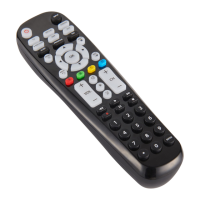
NOTE: A steady blue light indicates that the audio transmitter is paired to the
remote (by default). If the LED indicator is continuously flashing, it indicates
that the audio transmitter and remote are not properly paired (please refer to
“Pairing Mode” in Troubleshooting).
LED INDICATOR
TOP
WALL OUTLET
USB CHARGER
POWER
BACK
16


 To Next Page