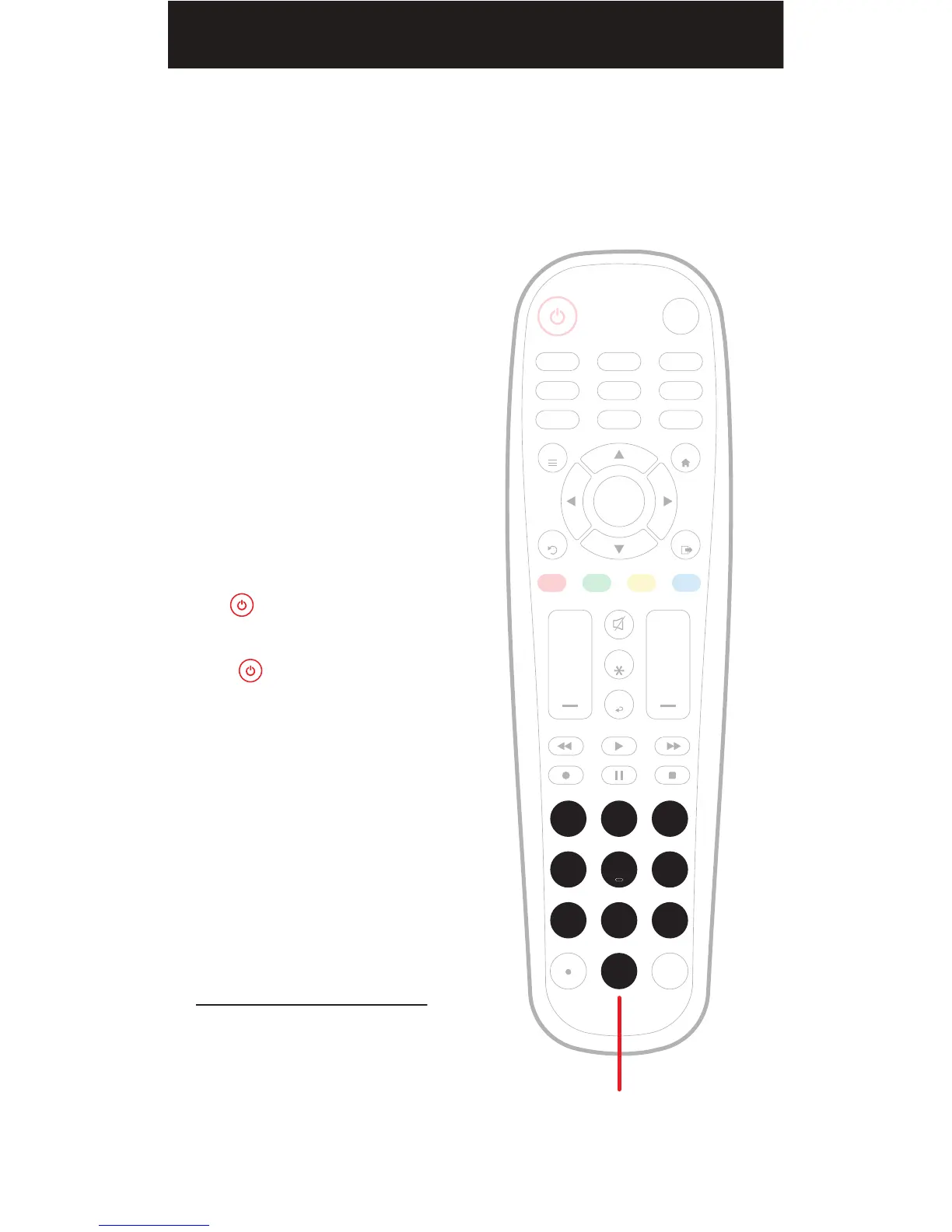
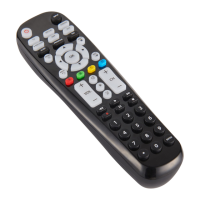
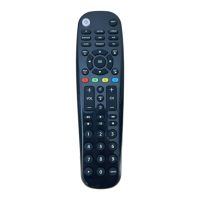
Enter the 4-digit code from the
included list for the category and
brand of your device.
The button’s red indicator light
shuts off if a valid code was entered.
If the button’s red indicator light
flashes and remains on after entering
four digits, that means an invalid code
was entered. In that case, check the
list again and re-enter the code.
NOTE: Test the remote with the device
to make sure the buttons work as
expected. If some of the buttons/
features don’t work, try a different code
on the list. Repeat this process for each
device you wish to control.
Code list and other helpful information
available at:
www.myblackwebremote.com
3.
AMP AUX
SAT/CBL STREAMTV
BRAY/DVD
INPUT
FAV
ENTER
1 2 3
4 5 6
7 8
0
9
+ +
CH
GUIDE
VOL CH
MENU
BACK
APPS
EXIT
OK
PROGRAM
Enter the code
INFO
08


 To Next Page