EasyManua.ls Logo

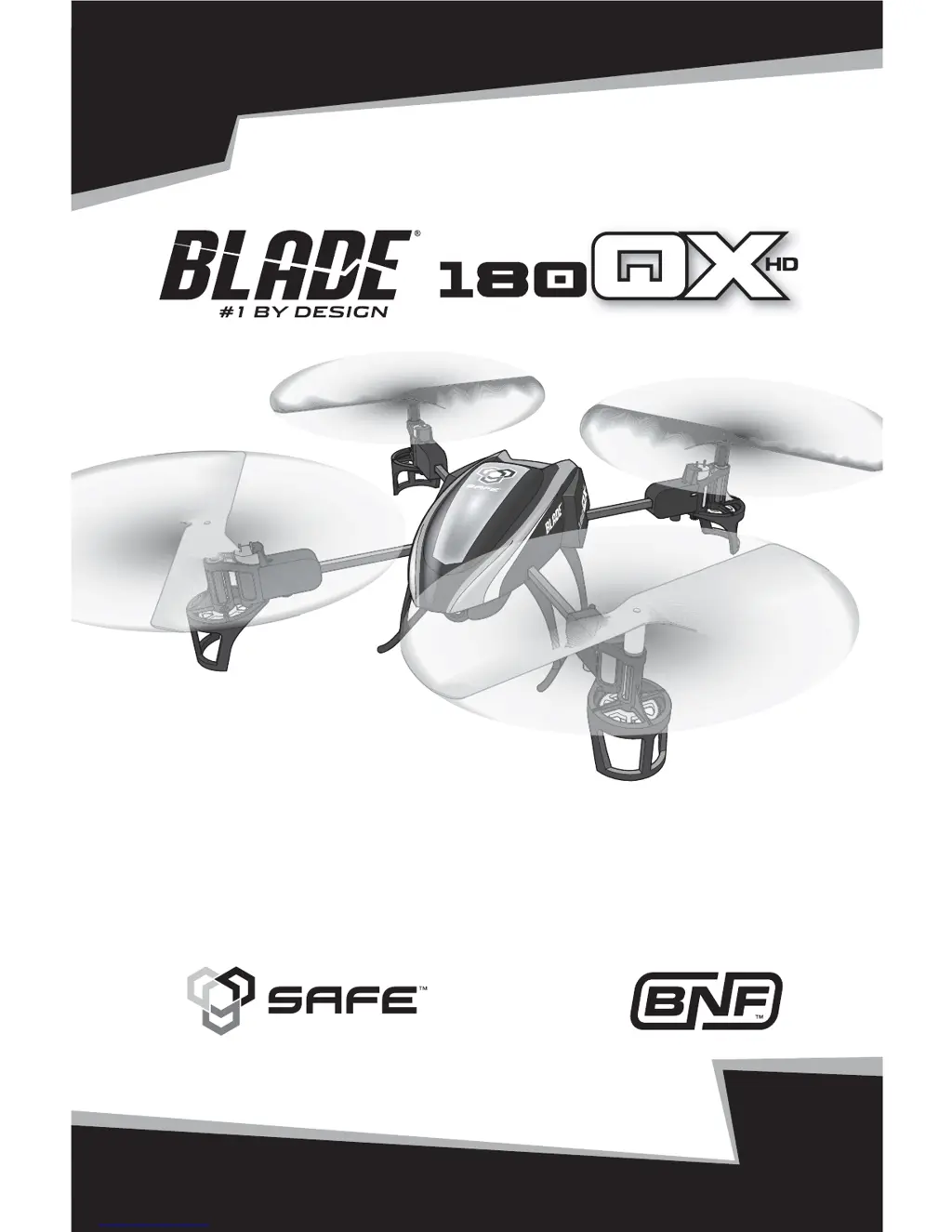
Blade 180 QX HD - User Manual

Blade 180 QX HD
19 pages
Print Icon
To Next Page IconTo Next Page
Loading...
RTF
READY-TO-FLY
Instruction Manual
Bedienungsanleitung
Manuel d’utilisation
Manuale di Istruzioni

Questions and Answers

  • T
    Tiffany DavisJul 26, 2025
    Why is the LED flashing rapidly on my Blade Quadcopter and it won't respond after binding?
    • D
      David EricksonJul 26, 2025
      If the LED on your Blade Quadcopter's receiver flashes rapidly and it doesn't respond to the transmitter after binding, several issues could be the cause. Ensure you wait at least 5 seconds after powering on the transmitter before connecting the flight battery to the quadcopter. If you're using a ModelMatch™ transmitter, verify that the correct model memory is selected. Also, check and replace or recharge the flight battery or transmitter batteries if their charge is too low. Finally, move the aircraft and transmitter away from large metal objects, wireless sources, or other transmitters, and try connecting again.
  • J
    John MorganJul 30, 2025
    How to fix LED flashing rapidly and no response from my Blade Quadcopter during binding?
    • C
      Cindy GonzalezJul 30, 2025
      If the LED on the receiver of your Blade Quadcopter flashes rapidly and the aircraft won't respond to the transmitter during binding, it could be due to several reasons. First, power off the transmitter and move it further away from the aircraft. Then, disconnect and reconnect the flight battery to the aircraft and follow the binding instructions. Also, ensure the bind switch or button was held while the transmitter was powered on. If not, power off the transmitter and repeat the binding process. Lastly, move both the aircraft and transmitter away from large metal objects, wireless sources, or other transmitters, and attempt binding again.
  • K
    Kristine DiazAug 4, 2025
    Why does my Blade Quadcopter have reduced flight time?
    • C
      cory54Aug 4, 2025
      If your Blade Quadcopter's flight time is shorter than expected or it seems underpowered, several factors could be at play. First, fully recharge the flight battery. If that doesn't help, try using a different USB power source for the charger, as the current source may not provide adequate power. A damaged flight battery can also cause this issue, so consider replacing it, following all battery instructions. Lastly, ensure the battery is warm (room temperature) before use, as cold conditions can affect performance.
  • O
    Oscar RothAug 8, 2025
    What to do if my Blade Quadcopter will not respond to throttle?
    • R
      Rebecca MoranAug 8, 2025
      If your Blade Quadcopter isn't responding to the throttle, there are a few things to check. Start by ensuring the throttle stick and throttle trim are at their lowest settings. If the quadcopter moved during initialization, disconnect the flight battery and re-initialize it, making sure it remains still. Also, verify the throttle channel isn't reversed; if it is, disconnect the flight battery, reverse the throttle channel on the transmitter, and then reconnect the battery.
  • B
    Bethany JenningsAug 12, 2025
    Why is my Blade Quadcopter control response inconsistent?
    • S
      Sandra RitterAug 12, 2025
      If your Blade Quadcopter's control response is inconsistent or requires excessive trim, it might be due to incorrect initialization or battery placement. Ensure the aircraft is initialized on a level surface by disconnecting the flight battery, centering the control trim, and re-initializing the quadcopter. Also, check the battery position to ensure the quadcopter balances in the center of the frame; adjust the battery if needed.
  • A
    Anna HerreraAug 17, 2025
    What to do if my Blade Quadcopter crashes immediately upon lift-off?
    • J
      James BurtonAug 17, 2025
      If your Blade Quadcopter crashes immediately upon lift-off, make sure the propellers are in the correct locations and that the motor direction is correct. Also ensure that the correct flight mode is selected.
  • E
    edwardsvanessaAug 21, 2025
    Why does my Blade Quadcopter smell burnt and not function after connecting the battery?
    • M
      Mr. David DuarteAug 21, 2025
      If your Blade Quadcopter doesn't function and smells burnt after connecting the flight battery, it's likely that the flight battery was connected with the wrong polarity. Replace the 5-in-1 board and always connect the flight battery noting the proper polarity.

Summary

Safety and Operational Warnings

General Safety Precautions

Essential safety guidelines for operating the quadcopter and handling batteries.

Preparation and Charging

First Flight Preparation

Steps to prepare the quadcopter and transmitter before the first flight.

Charging Warnings and Procedures

Important safety instructions and steps for charging the Li-Po battery.

Component Installation

Installing the Flight Battery

Steps for connecting the flight battery to the quadcopter.

Transmitter and Receiver Binding

General Binding Procedure

Steps to bind the quadcopter to a transmitter.

RTF Binding Procedure

Specific binding steps for the included MLP6DSM transmitter.

SAFE Technology

Transmitter Control Layout

RTF Transmitter Controls

Diagram and explanation of the RTF transmitter's controls and functions.

Flight Mode and Rate Selection

RTF Flight Modes

How to change flight modes using the switch on RTF transmitters.

BNF Flight Modes

How flight modes are selected for Bind-N-Fly models.

Transmitter Setup Table

MLP6 DSM Setup

Configuration details for the MLP6DSM transmitter.

Transmitter Setup Table (Continued)

Understanding Flight Controls

Primary Flight Control Inputs

Visual guide to throttle, rudder, elevator, and aileron controls.

Flying the 180 QX HD

Takeoff and Hovering

Instructions for lifting off and maintaining a stable hover.

Landing Procedures

Steps for safely bringing the quadcopter down.

Operating the Camera

Camera Installation and Operation

Troubleshooting Guide

Common Problems and Solutions

Addresses issues like inconsistent response, no throttle, or crashes.

Exploded View and Parts

Blade 180 QX HD Specifications

General IconGeneral
TypeQuadcopter
BrandBlade
Model180 QX HD
Experience LevelBeginner to Intermediate
Camera Resolution720p
Indoor/OutdoorBoth
Flight Time5-8 minutes
RangeApprox. 100m
Charging TimeApprox. 60 minutes
Controller2.4GHz
Flight ModesStability, Agility
Battery2S 7.4V 800mAh LiPo

Related product manuals