EasyManua.ls Logo

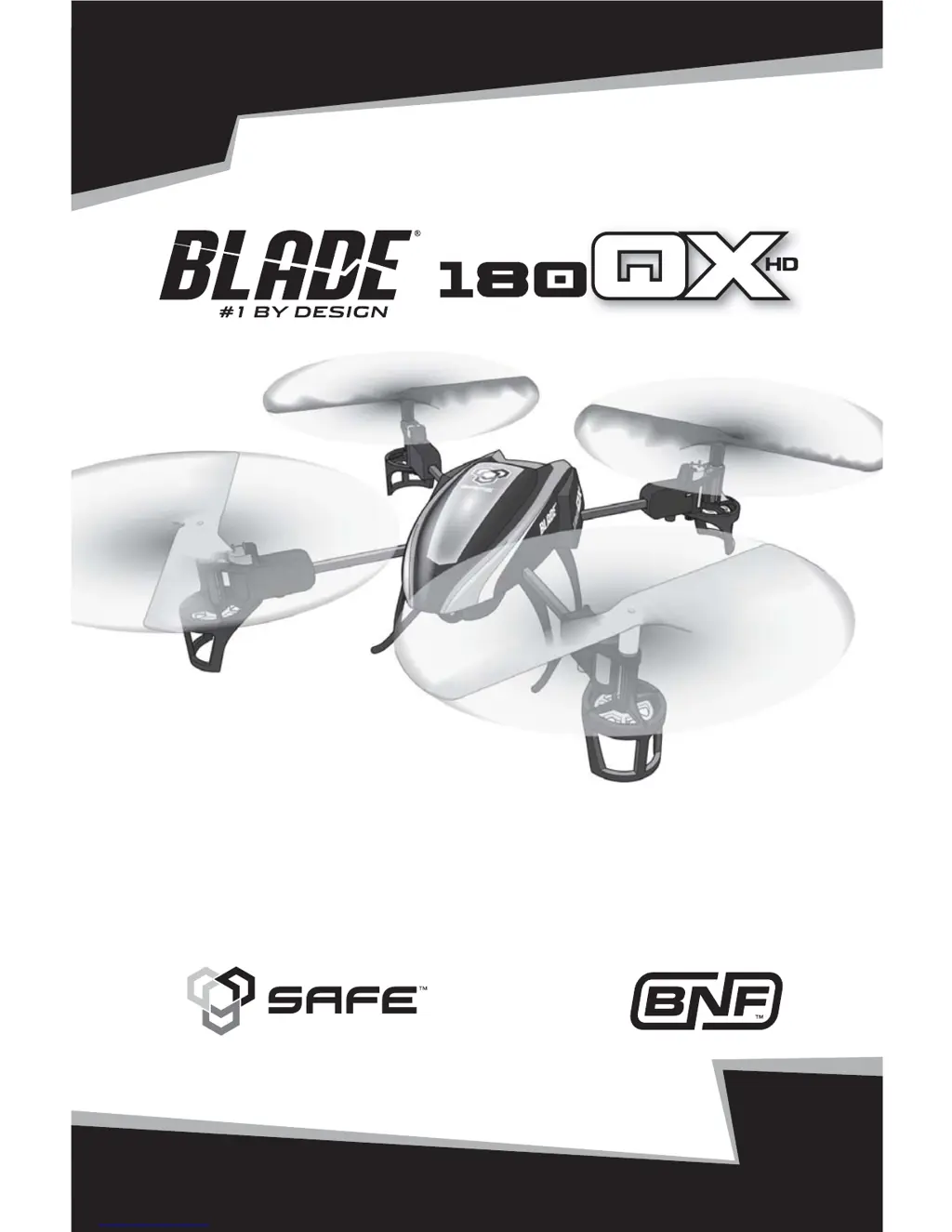
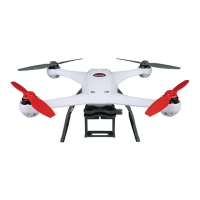
Blade 180QX HD - User Manual

Blade 180QX HD
20 pages
Print Icon
To Next Page IconTo Next Page
Loading...
RTF
READY-TO-FLY
Instruction Manual
Bedienungsanleitung
Manuel d’utilisation
Manuale di Istruzioni

Questions and Answers

Summary

Safety Precautions and Warnings

First Flight Preparation

Battery Charging

Installing the Flight Battery

SAFE Technology

Transmitter Control

Flight Mode and Rate Selection

RTF

Details flight mode and rate selection for Ready-to-Fly models.

BNF

Details flight mode and rate selection for Bind-N-Fly models.

Flying the 180 QX HD

Takeoff

Instructions for safely taking off the quadcopter and adjusting trim.

Low Voltage Cutoff (LVC)

Explains the LVC system and its importance for battery health.

Landing

Procedure for safely landing the quadcopter and battery management.

Post-Flight Inspection and Maintenance Checklist

Checklist for cleaning, wiring, fasteners, and propellers after flight.

Operating the Camera

Instructions for charging the camera and its LED indicators.

Camera Installation and Operation

Camera Installation

Steps to install the camera on the model and connect it.

Changing Camera Modes

How to switch between still and video modes for the camera.

Camera Operation

Using the camera with the RTF transmitter and BNF transmitters.

Data Retrieval

Methods for retrieving data from the camera's memory.

Flight Mode Calibration

Agility Mode Calibration

Steps to calibrate the quadcopter's agility mode for optimal performance.

Stability Mode Calibration

Steps to calibrate the quadcopter's stability modes for optimal performance.

Blade 180QX HD Specifications

General IconGeneral
BrandBlade
Model180QX HD
TypeQuadcopter
Experience LevelIntermediate
CameraIncluded
Range100 m
ControllerIncluded
Channels4 channels
Flight ModesStability and Agility

Related product manuals