EasyManua.ls Logo

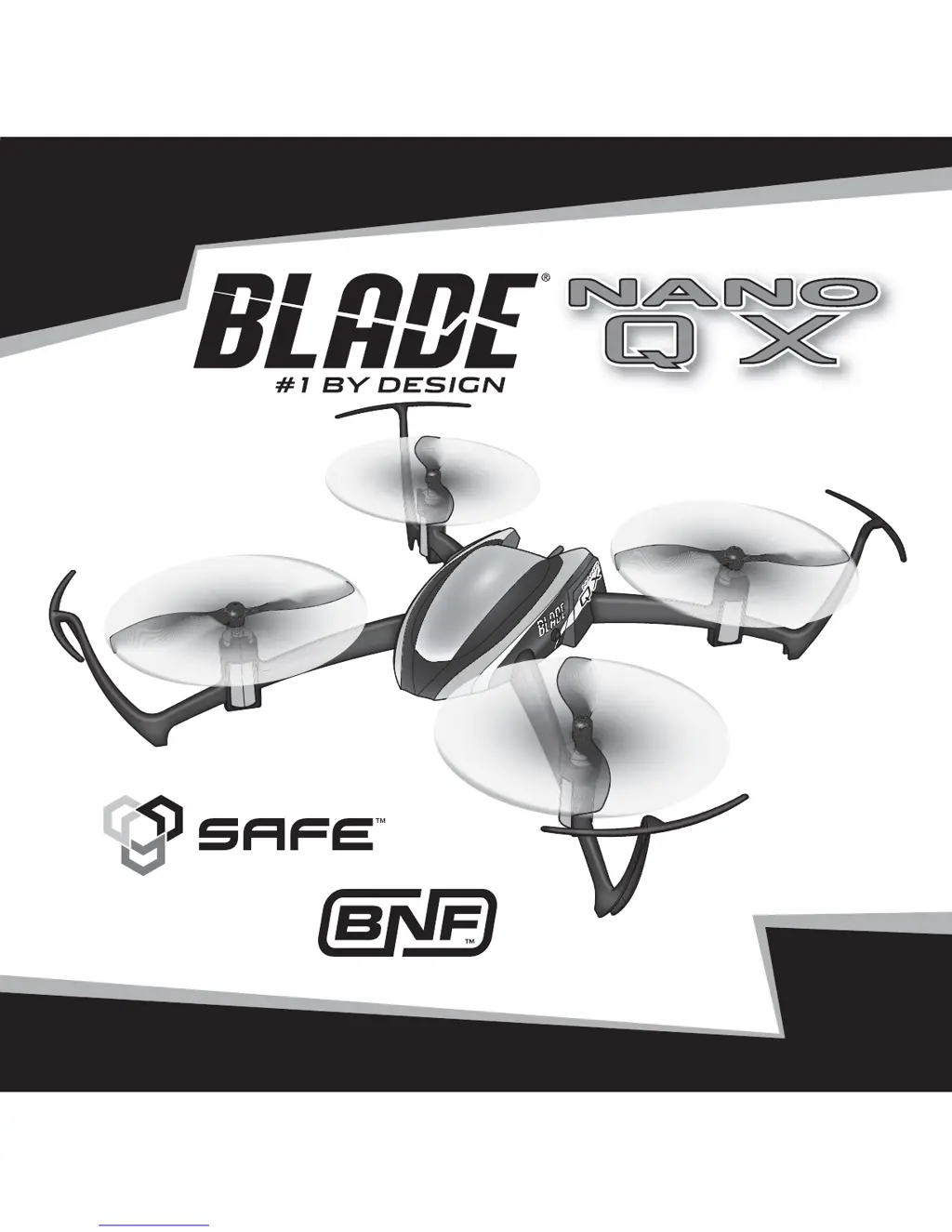
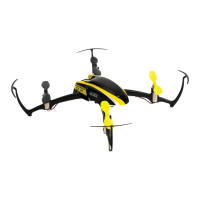
Blade NANO QX - User Manual

Blade NANO QX
25 pages
Print Icon
To Next Page IconTo Next Page
Loading...
RTF
READY-TO-FLY

Other manuals for Blade NANO QX

Questions and Answers

  • T
    Thomas DavidsonAug 18, 2025
    Why does my Blade Nano QX Quadcopter have reduced flight time?
    • J
      Jeremy HarrisAug 18, 2025
      Reduced flight time or underpowered performance of your Blade Nano QX quadcopter can stem from several factors. First, ensure your flight battery is fully charged using an adequate USB power source. If the issue persists, the battery itself might be damaged and need replacement, following battery instructions. Lastly, cold flight conditions can impact battery performance, so ensure the battery is at room temperature before use.
  • D
    Daniel GarciaAug 20, 2025
    What to do if LED flashes rapidly and Blade Nano QX Quadcopter won't respond after binding?
    • R
      Richard DunnAug 21, 2025
      If the LED on the receiver of your Blade Nano QX quadcopter flashes rapidly and it doesn't respond after binding, several issues could be at play. Ensure at least 5 seconds pass between powering on the transmitter and connecting the flight battery. If using a ModelMatch™ transmitter, verify the correct model memory is selected. Low battery charge in either the flight battery or transmitter can also cause this, so replace or recharge them. Lastly, large metal objects or wireless interference nearby can disrupt the connection; try moving to a different location.
  • M
    Mrs. Holly SmithAug 23, 2025
    How to fix Blade Nano QX Quadcopter when LED flashes rapidly during binding?
    • K
      Kevin JohnsonAug 23, 2025
      If the LED on the receiver of your Blade Nano QX flashes rapidly and the aircraft doesn't respond to the transmitter during binding, try these steps: First, power off the transmitter and move it further away from the aircraft before reconnecting the flight battery and following the binding instructions. Ensure the bind switch or button is held while powering on the transmitter and repeating the bind process. The issue might also be interference from metal objects or other wireless sources; move the aircraft and transmitter to a different location.
  • J
    John KramerAug 26, 2025
    What to do if the LED flashes and Blade Nano QX won't respond after binding?
    • T
      Tyler HayesAug 26, 2025
      If the LED on the receiver flashes rapidly and the Blade Nano QX won't respond to the transmitter after binding, ensure you wait at least 5 seconds after powering on the transmitter before connecting the flight battery to the Nano QX. If using a ModelMatch™ transmitter, select the correct model memory. Also, check and replace or recharge low batteries in both the flight battery and the transmitter. Finally, move the aircraft and transmitter away from large metal objects, wireless sources, or other transmitters.
  • J
    Jody McintoshAug 27, 2025
    What to do if LED flashes rapidly and Blade Quadcopter won't bind?
    • K
      kathleen71Aug 28, 2025
      If the LED on the receiver flashes rapidly and the Blade aircraft doesn't respond to the transmitter during binding, power off the transmitter and move it further away from the aircraft. Then, disconnect and reconnect the flight battery to the aircraft and follow the binding instructions again. Also, ensure the bind switch or button is held while powering on the transmitter. Move the aircraft and transmitter away from large metal objects, wireless sources, or other transmitters.
  • C
    crystal01Aug 30, 2025
    Why won't my Blade Nano QX Quadcopter respond to the throttle?
    • D
      Dennis HarrisAug 30, 2025
      If your Blade Nano QX quadcopter isn't responding to the throttle, start by ensuring the throttle stick and trim are at their lowest settings to reset the controls. Another potential cause is movement during initialization; disconnect the flight battery and re-initialize the quadcopter, keeping it still. Lastly, check if the throttle channel is reversed; if so, disconnect the battery, reverse the throttle channel on the transmitter, and then reconnect the battery.
  • K
    Kirsten SmithSep 1, 2025
    Why is Blade Nano QX Quadcopter control response inconsistent?
    • E
      Elizabeth PattonSep 1, 2025
      Inconsistent control response or the need for extra trim on your Blade Nano QX quadcopter can be due to a couple of reasons. First, make sure the aircraft is initialized on a level surface. If not, disconnect the flight battery, center the control trim, and re-initialize the quadcopter. Also, check the battery position in its slot; adjust it so the quadcopter balances in the center of the frame.
  • V
    Vanessa OrrSep 4, 2025
    What to do if Blade Nano QX Quadcopter smells burnt and doesn't function?
    • R
      ryan76Sep 4, 2025
      If your Blade Nano QX quadcopter doesn't function and smells burnt after connecting the flight battery, it's likely the flight battery was connected with the wrong polarity. Replace the 4-in-1 board and always connect the flight battery with the correct polarity.
  • R
    Ronald DonaldsonSep 5, 2025
    Why does my Blade Nano QX Quadcopter crash immediately upon lift-off?
    • C
      Cheyenne ZamoraSep 6, 2025
      If your Blade Nano QX quadcopter crashes immediately upon lift-off, the propellers might be in the wrong locations or the incorrect flight mode may be selected. Make the necessary adjustments.
  • S
    Samuel AlvarezSep 8, 2025
    How to fix inconsistent control response on Blade Nano QX Quadcopters?
    • Y
      ycarterSep 8, 2025
      To address inconsistent control response or the need for extra trim on your Blade Nano QX quadcopter, first, disconnect the flight battery, center the control trim, and re-initialize the quadcopter on a level surface. Also, adjust the battery position to ensure the quadcopter balances in the center of the frame.

Summary

Product Safety Information

Meaning of Special Language

Defines terms like NOTICE, CAUTION, WARNING used in product literature.

Critical Safety Warning

Read entire manual before operating; incorrect use can cause injury or damage.

Safety Precautions and Warnings

Blade nano QX Features

Blade nano QX Specifications

First Flight Preparation

Charging Warnings

Flying Checklist

Low Voltage Cutoff (LVC)

Installing the Transmitter Batteries (RTF)

Battery Charging

LED Indications

Installing the Flight Battery

Transmitter and Receiver Binding

General Binding Procedure

Outlines steps to bind the transmitter to the quadcopter.

MLP4 DSM Binding Procedure

SAFE Technology

Transmitter Control

Flight Mode and Rate Selection - RTF

Flight Mode Selection - BNF

Understanding the Primary Flight Controls

Aileron

4-in-1 Control Unit Function

Flying the nano QX

First Flight

Exploded View

Limited Warranty

Warranty Coverage and Exclusions

Details what the warranty covers and its limitations.

Service and Support Procedures

Explains how to obtain warranty service and contact support.

Liability and Legal Information

Covers liability limits, governing law, and service terms.

Warranty Requirements

Non-Warranty Service

FCC Information

Compliance Information for the European Union

Declaration of Conformity

States the product conforms to EU directives and specifications.

Instructions for disposal of WEEE by users in the European Union

Blade NANO QX Specifications

General IconGeneral
BrandBlade
ModelNANO QX
CategoryQuadcopters
LanguageEnglish

Related product manuals