4
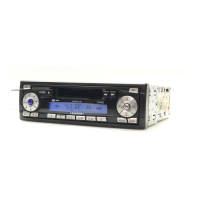
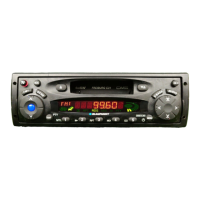
1 button for unlatching the re-
movable release panel
2 BAND button for selection of
FM memory levels and the MW
or LW wavebands,
source selection for radio opera-
tion
3 TS button, starts the Travelstore
function
4 SCAN button, starts scan func-
tion
5 Cassette eject button
6 Cassette slot
7
button, fast winding
8
button, fast winding
9 X-BASS button for X-Bass func-
tion
: CD•C button, source selection
between radio, cassette, CD-
changer (if connected) and AUX
; AUDIO button, controls tone
(bass and treble) balance and
fader
< Arrow keys
= MENU button to call up basic
settings menu
> Buttons 1 - 5
?
button to display clock time
@ Volume controls
volume up
volume down
A Button for switching the device
on and off
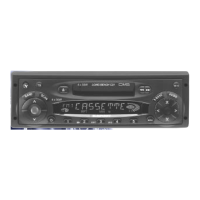
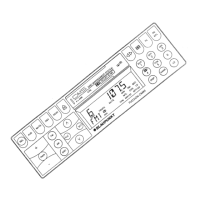
OPERATING ELEMENTS





 To Next Page