18
In-Counter Installation
• Feed the electrical cord through the hole in the countertop�
• Gently place the blender unit into the hole�
• Ensure the gasket is seated correctly, lying flat against the counter surface and
not pinched by the housing�
• Plug the unit into an outlet with appropriate electrical protection�
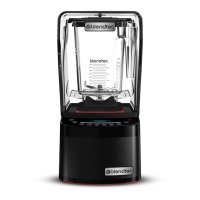
4.2.2 Stealth 875™ Quick Start Guide
1� Touch the power icon to turn on the blender�
2� Raise the sound enclosure lid�
3� Place the blender jar on the motor base, ensuring the jar is completely seated
and the jar lid is secured�
4� Close the sound enclosure lid�
5� On the control surface, touch the desired blend cycle number, pulse icon or
desired location on the slider control bar�
6� To stop a blend cycle before the programmed time elapses, press the
cancel/exit button� If you have enabled the Blend Cycle Pause feature, press
the previously selected blend cycle button to pause the cycle� To resume
the paused cycle, press the previously selected blend cycle button again�
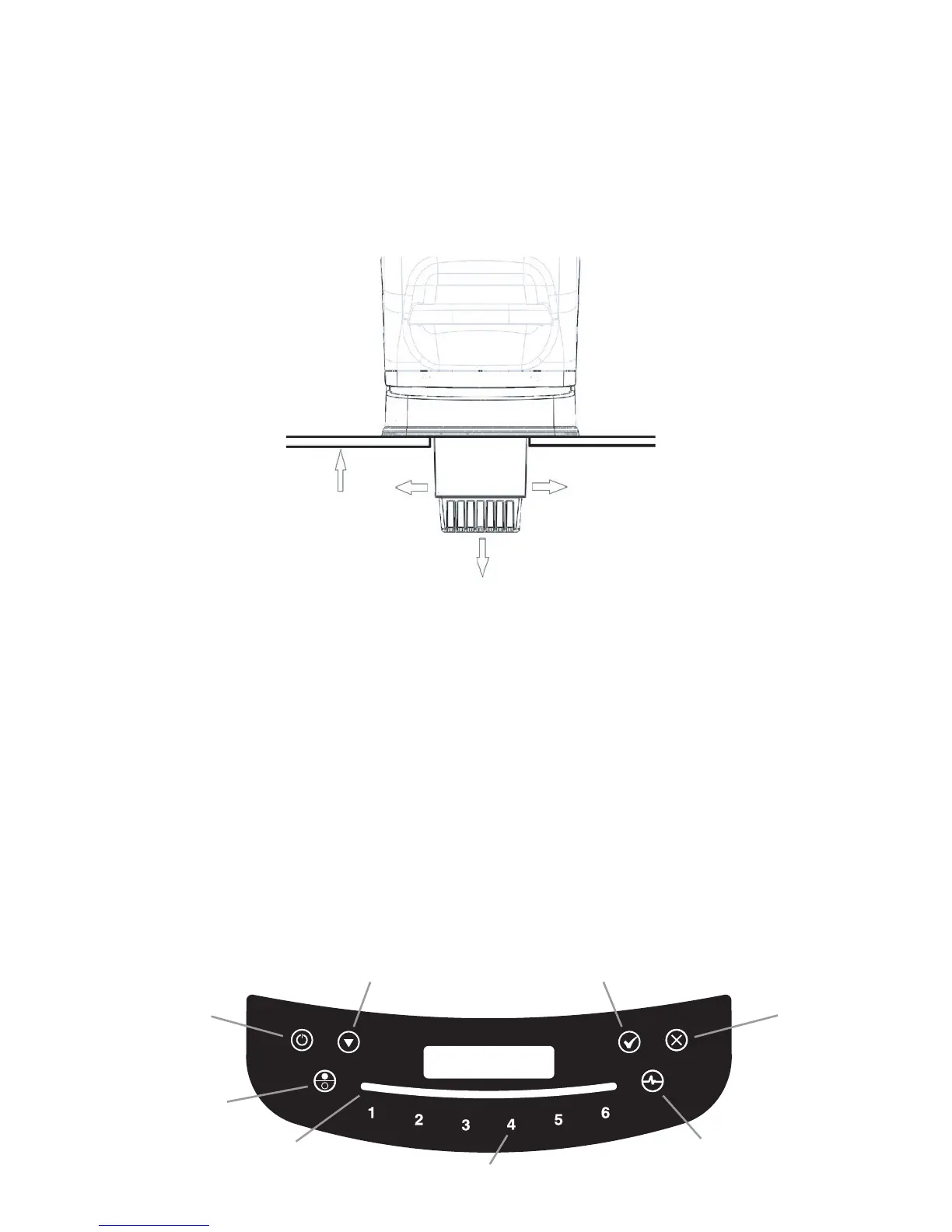
Figure 3. Stealth In-Counter Clearance
3” (7.6 cm)
Minimum
clearance
¾” (1.9 cm)
Maximum
thickness
Scroll (visible in programming mode)
Power Cancel/Exit
Mode
Slider Control Bar
Preprogrammed Cycle Buttons
Pulse
Select (visible in programming mode)








 To Next Page