42
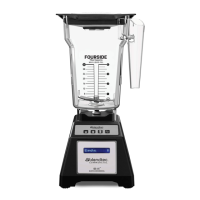
4.5 EZ 600™
Quick Start Guide
1� Toggle the power switch on the back of the motor base�
2� Place the blender jar on the motor base, ensuring the jar is completely seated
and the jar lid is secured�
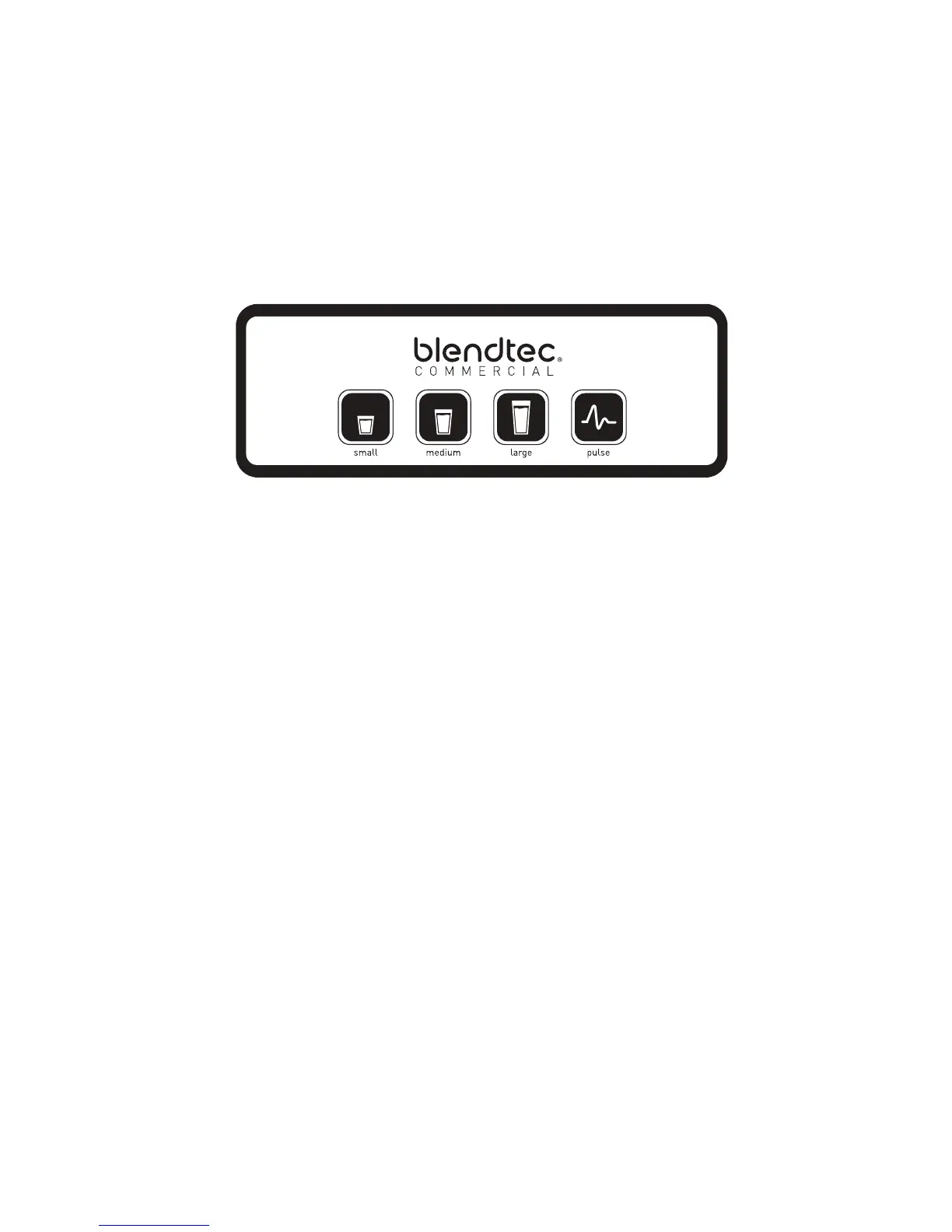
3� On the control surface, touch the desired blend cycle icon or pulse icon�
4� Push any blend cycle button to stop a blend cycle before the programmed time
elapses�
Blender Modes
The EZ 600 includes three profiles that can be changed when first turning on the
blender� In order to change between modes:
1� Turn on the blender�
2� Within 10 seconds of the blender being in idle mode (where it displays cycle
count) enter the code for the desired mode:
Multipurpose 1 profile �����������������������������Small, Medium, Large�
Multipurpose 2 profile �����������������������������Medium, Large, Pulse
Multipurpose 3 profile �����������������������������Large, Pulse, Small
3� When the code is entered successfully, the blender will store the new mode,
and then return to the idle screen�
Multipurpose 1: best for blended coffee and pour over ice smoothies
Multipurpose 2: best for whole fruit and frozen fruit smoothies
Multipurpose 3: best for thick blends and milkshakes
Pulse Function
The Pulse button is used for chopping, mincing, whipping or other momentary
tasks that do not require a long blend cycle� You can also use the Pulse button
to quickly stir a blend before serving�
The Pulse setting runs at speed 7 and will only run while the Pulse button is held
down� When the button is released, the motor shuts off�








 To Next Page