44
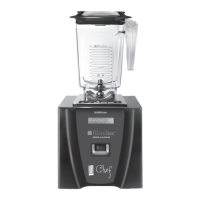
4.6 CHEF 600™
Quick Start Guide
1� Toggle the power switch on the back of the motor base�
2� Place the blender jar on the motor base, ensuring the jar is completely seated
and the jar lid is secured�
3� On the control surface, touch the desired speed setting�
Interface
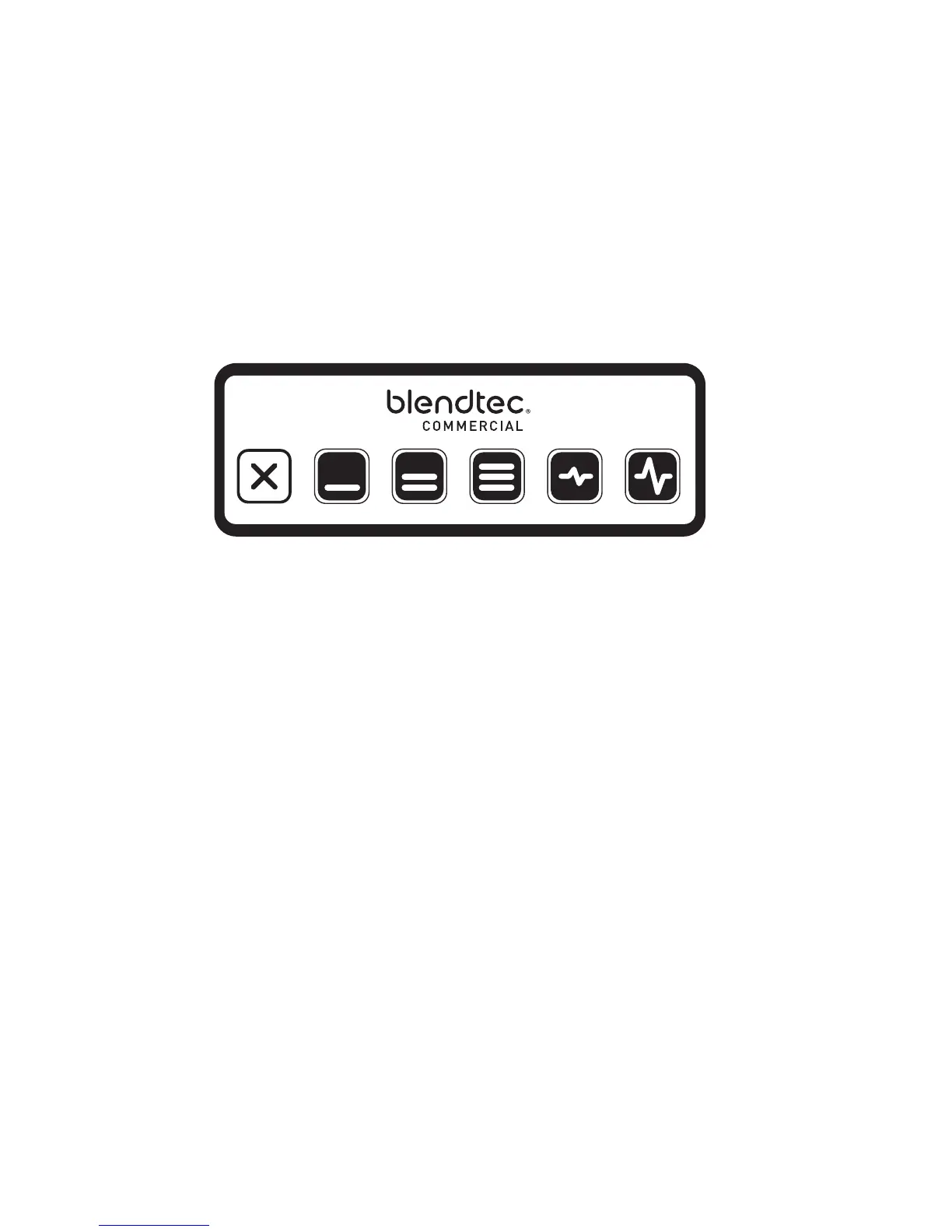
All manual speeds count up to 90 seconds then stop� To stop a blender cycle
before the 90 seconds elapses, press the Stop button�
Pulse Function
The Pulse button is used for chopping, mincing, whipping, or other brief tasks
that do not require a long blend cycle� You can also Pulse to quickly stir a blend
before serving�
For greater flexibility, the Chef 600 offers two different pulse settings�
• Low Pulse: Use for chopping or mixing fragile ingredients
• High Pulse: Use for blending and pureeing�
To use the Pulse function:
• Press the desired Pulse button (Low or High)� The blender will run at the Pulse
setting’s speed while the button is depressed�
• When the pulse button is released, the motor shuts off (unless the button is
held down in the middle of a blend cycle)�
• When using the Pulse setting in the middle of a manual blend cycle, the cycle
speed will resume once the Pulse button is released�
Stop Manual
Speed 1
Manual
Speed 2
Manual
Speed 3
Low Pulse High Pulse








 To Next Page