!
*+!
!
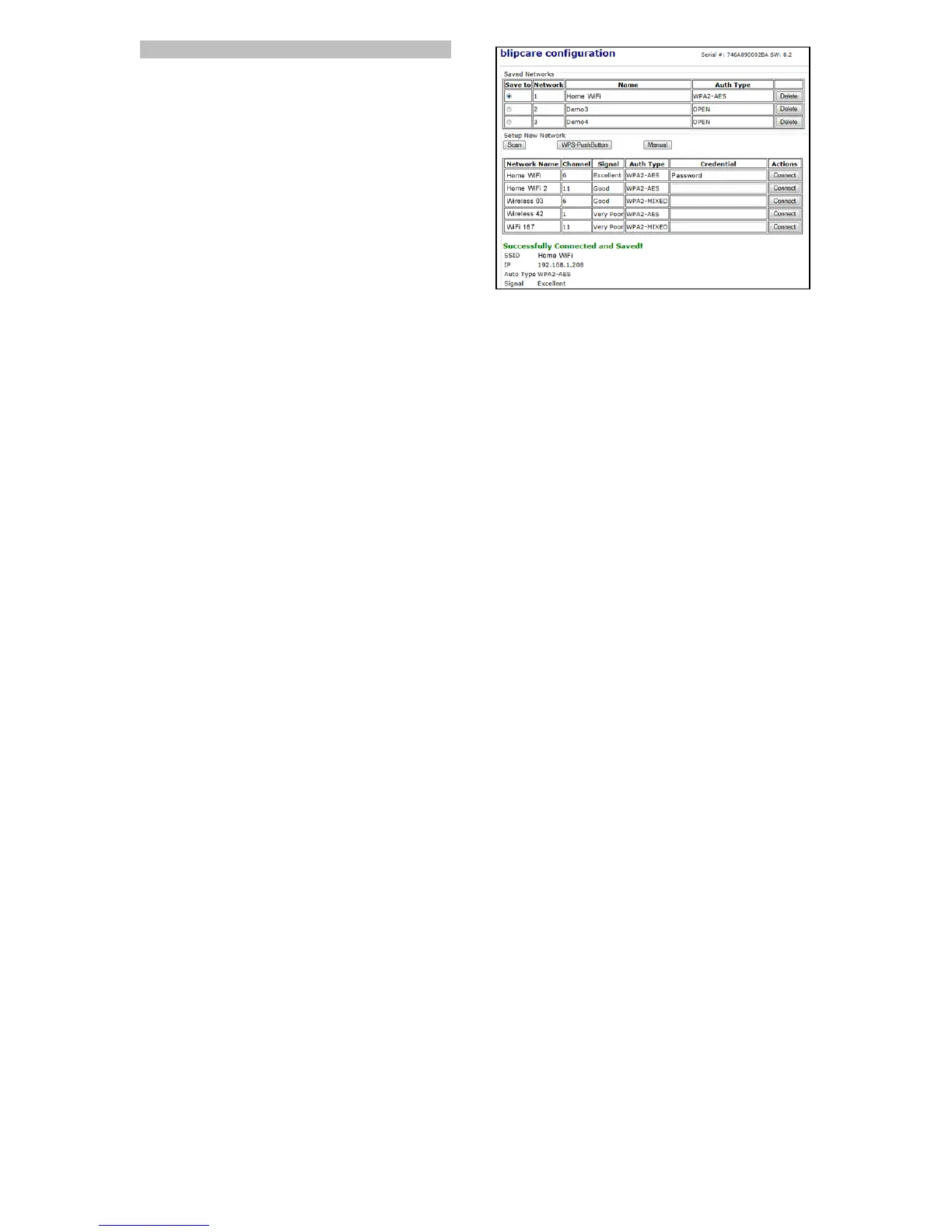
Setting up contd.: SCAN
Clicking "Scan" will show you a list of active Wi-Fi networks that
you can connect to. Look for your Wi-Fi network name. Enter
your Wi-Fi network password into the “Credential” column and
click “Connect”. If the Blood Pressure Monitor connects to the
network a message will be displayed “Successfully Connected
and Saved !”.
If a connection is not established, check the password and try
again. If "Scan" mode fails or you want to connect via another
mode try one of the other connection methods as on the
following pages.



 To Next Page