!
**!
!
Setting up contd.: WPS-PUSHBUTTON
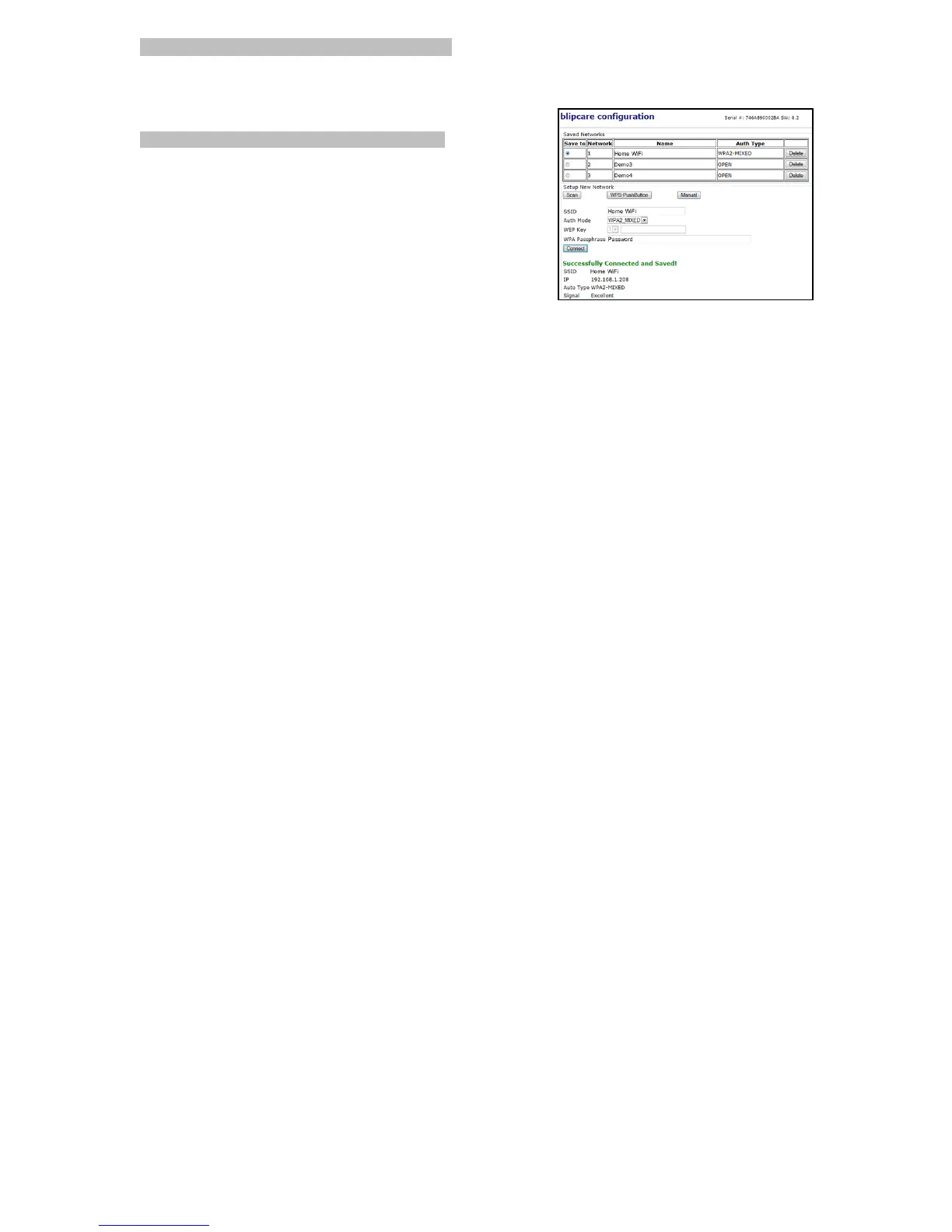
If your router supports Wi-Fi Protected Setup (WPS) feature click "WPS-PushButton" on the blip configuration page then
press the "WPS-PushButton" on your router to connect to your network. If the BP monitor connects to the network a
message will be displayed indicating “Successfully Connected and Saved!”
MANUAL
You must have SSID (i.e.Wi-Fi network name), Auth Mode (i.e. Security
Type) and WPA Passphrase (i.e. SSID password) for your Wi-Fi
network. WEP Key is optional. Click the “Manual” button on the
configuration page and enter the required details manually.
Note-
1. The Blood Pressure unit times out of the AP mode in about 4 minutes.
2. If at any point the Blood Pressure monitor does not display “AP” on the
screen, remove batteries for approximately 30 seconds then replace
the batteries to re-enter AP mode.
3. You can setup and save up to 3 different network credentials.



 To Next Page