Page 5 of 9
Revert to default settings:
If you are not able to connect to the BlipNode, or the BlipNode IP address does not match your
current network you can revert to factory defaults by:
Opening the BlipNode cover.
Apply power and wait one minute for the
BlipNode to start-up.
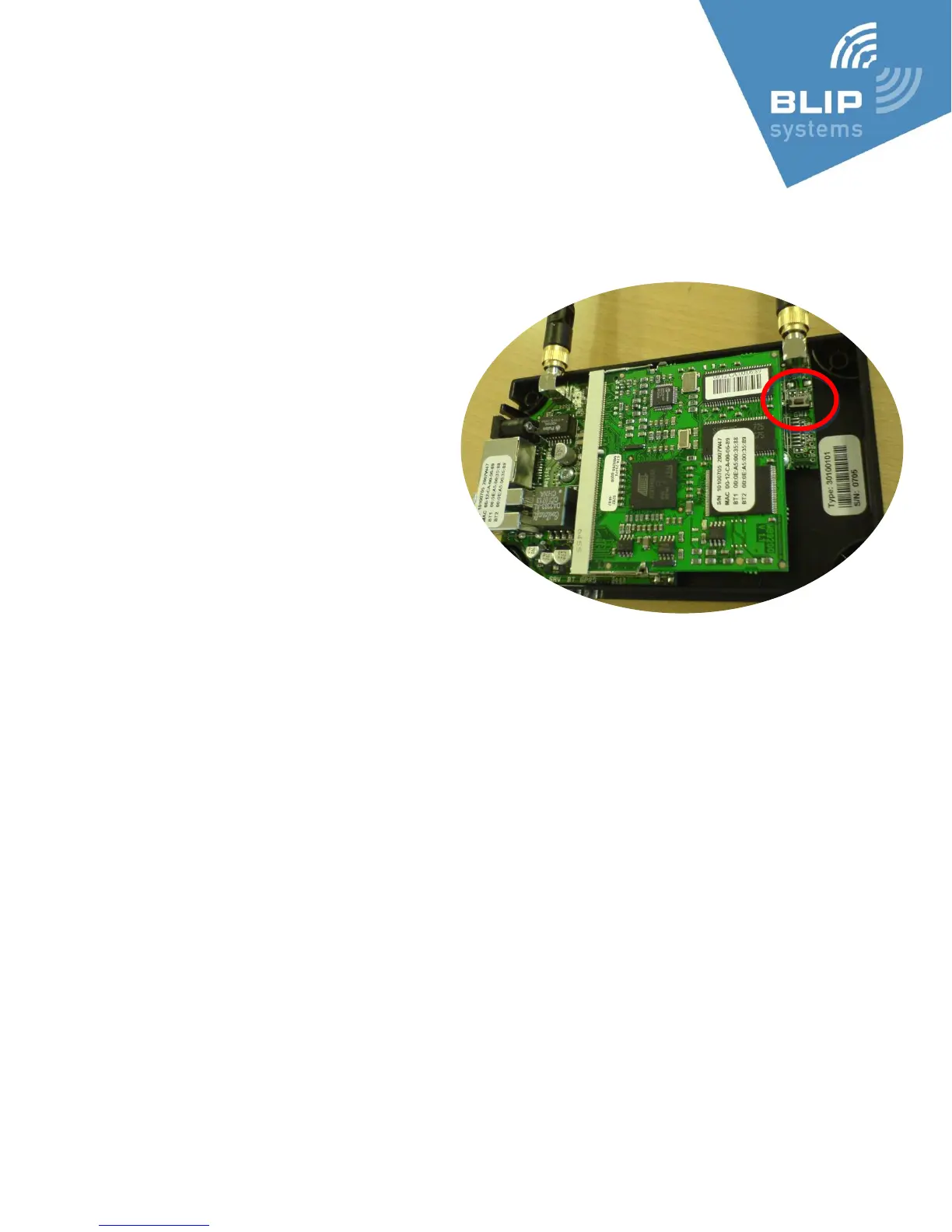
Locate the button inside the BlipNode
(to the right in the picture below).
Press and hold the button for
between 3 and 10 seconds.
After releasing the reset button,
watch the green Power LED and verify
that it stops flashing, as the BlipNode
restarts with the default persistent
settings.



 To Next Page