Page 6 of 9
Mounting a BlipNode for Content Push
Place the BlipNode where your target users:
Gather
Have dwell time
Stands still
Set the range of the BlipNode so that the reach of the external signage matches the range of the
BlipNode (when the user sees the poster/screen informing about the service – the phone prompts).
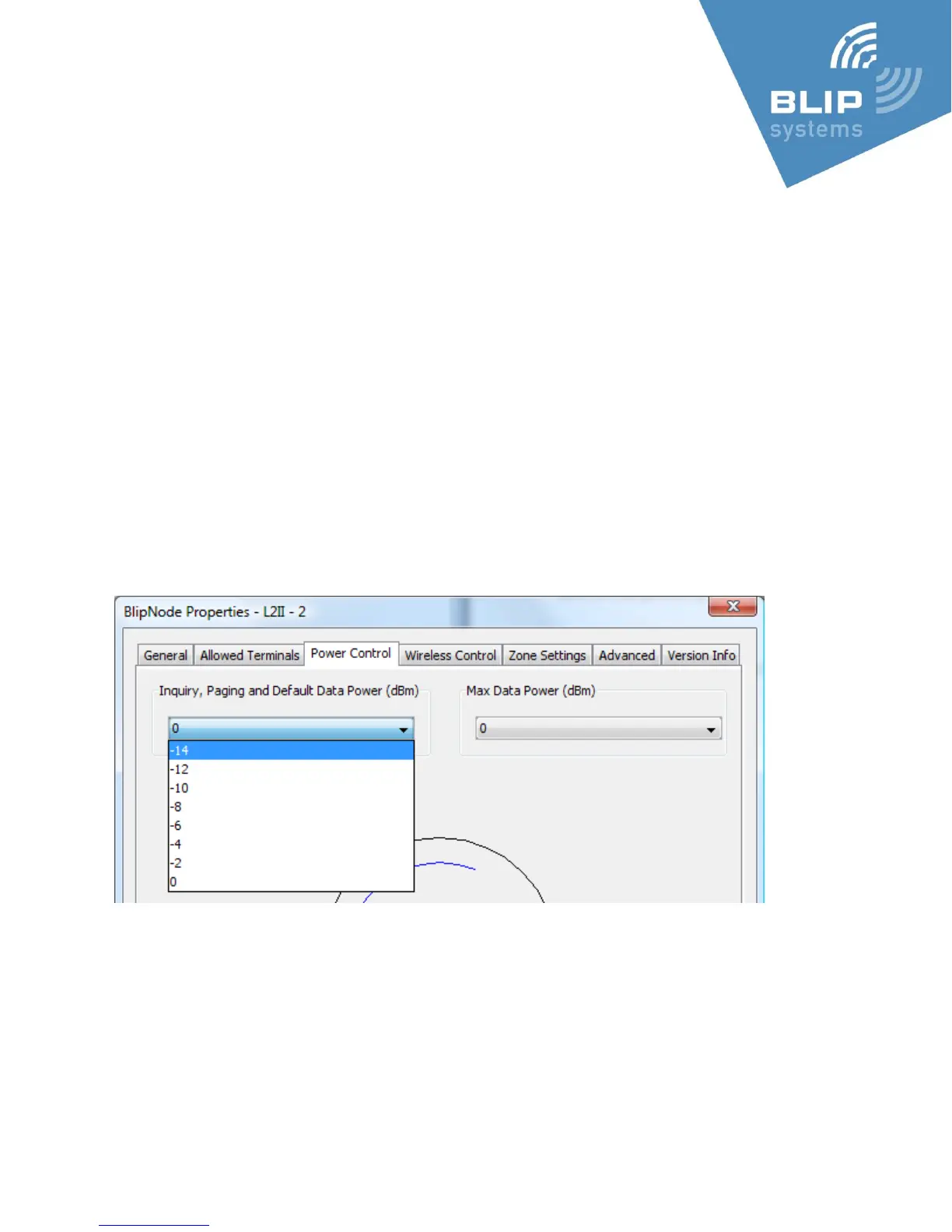
The range can be set both for the BlipNode itself (via the BlipManager, BlipNode Properties) – and
per message (via the BlipZones CMS).
Always use the Bluetooth module with the highest Bluetooth device address for inquiry (as this is
the module with the shortest range, adjustable to the shortest range – using the internal antenna).
-14 is approximately 5 meters range (phone and environment dependent)
0 is approximately 30 meters range (phone and environment dependent)
Mounting a BlipNode for Tracking
The BlipNodes should be placed where users pass by (e.g. by entrances).
As the tracking is zone based the number of BlipNodes determines the possible tracking resolution.



 To Next Page