11
Messaging
You may use this function to exchange text messages and
multimedia messages with your family and friends. The messages to
and from the same contact or phone number will be saved into a
single conversation so you may see the entire message history
conveniently.
Send an SMS
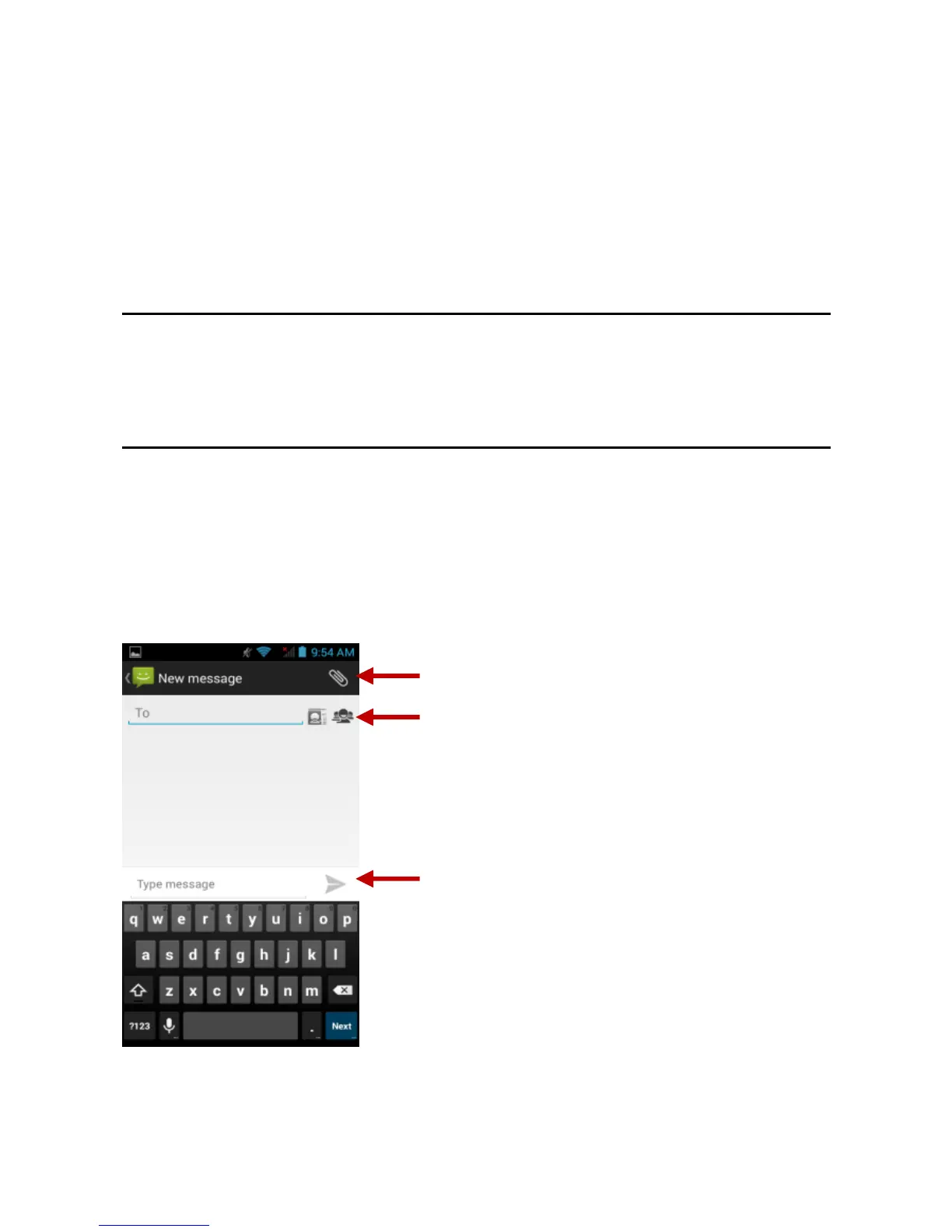
Application Menu » Messaging » New message (or shortcut icon)
Click the contact icon to enter text message recipient
Compose Text Message and click Send
Send an MMS
When creating message, the default message style is SMS. The
message will automatically convert to MMS when adding an
attachment or when surpassing 10 pages of SMS messages.
Click the attachment icon in the messaging interface.
Click to add attachments and create an MMS message.



 To Next Page