22
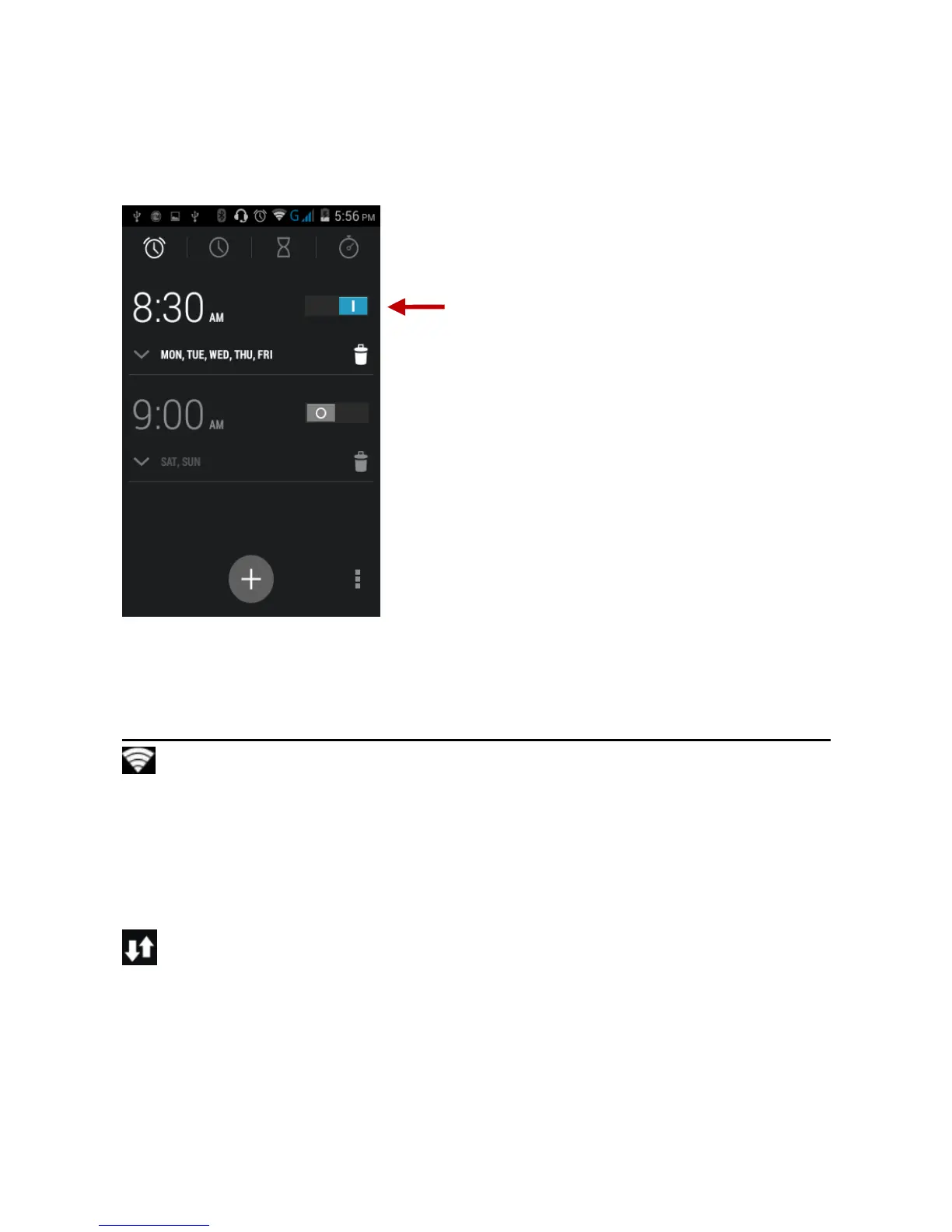
Alarm Clock
Click on the Clock icon then click the alarm tab to enter the alarm
clock set interface. This option allows you to add and edit alarms.
Settings
Wireless & Networks
Wi-Fi
Settings » Wi-Fi to power on. When on, the Wi-Fi will
automatically search for available networks. Any
unsecured network can be used directly and any secured
network requires a password or credentials prior to
connection.
Mobile Data
Set Preferred Network and Network Operator
Configure APN’s



 To Next Page