26
About Device
Phone information status and firmware updates
Storage
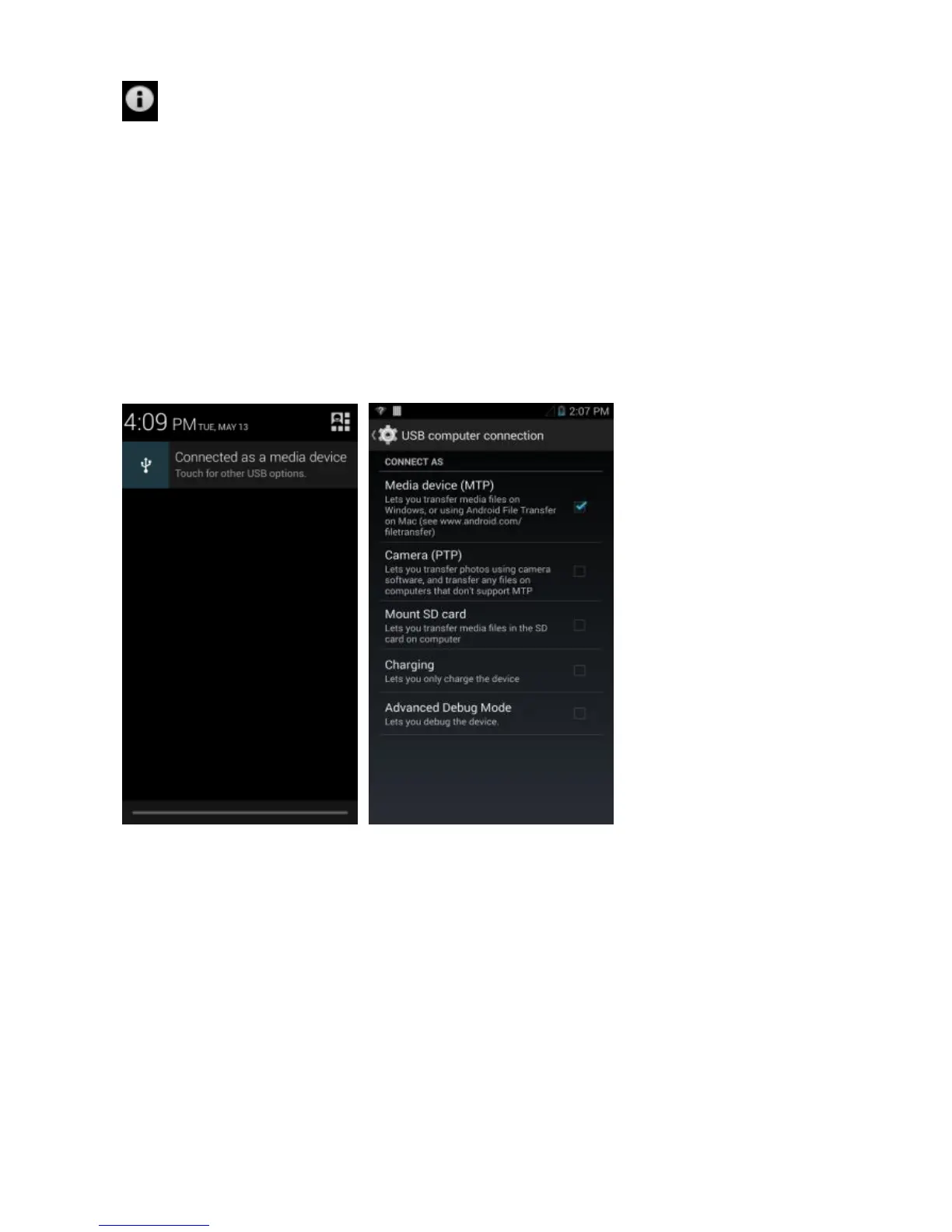
Connect the phone with the USB cable provided. Once connected, a
connection interface will appear. In the connection mode interface,
select MTP and turn on from the connection screen to be able to
transfer files. You may also select from other storage options that are
available.
The information provided in this user manual is subject to change without
notice and BLU Products reserves the right to modify the manual at any given
time. BLU Products has made every effort to ensure that this user manual is
accurate and disclaims responsibility and liability for any inaccuracies or
omissions. Note: Some software and UI elements may vary depending on final
version.



 To Next Page