20
Sound Recorder
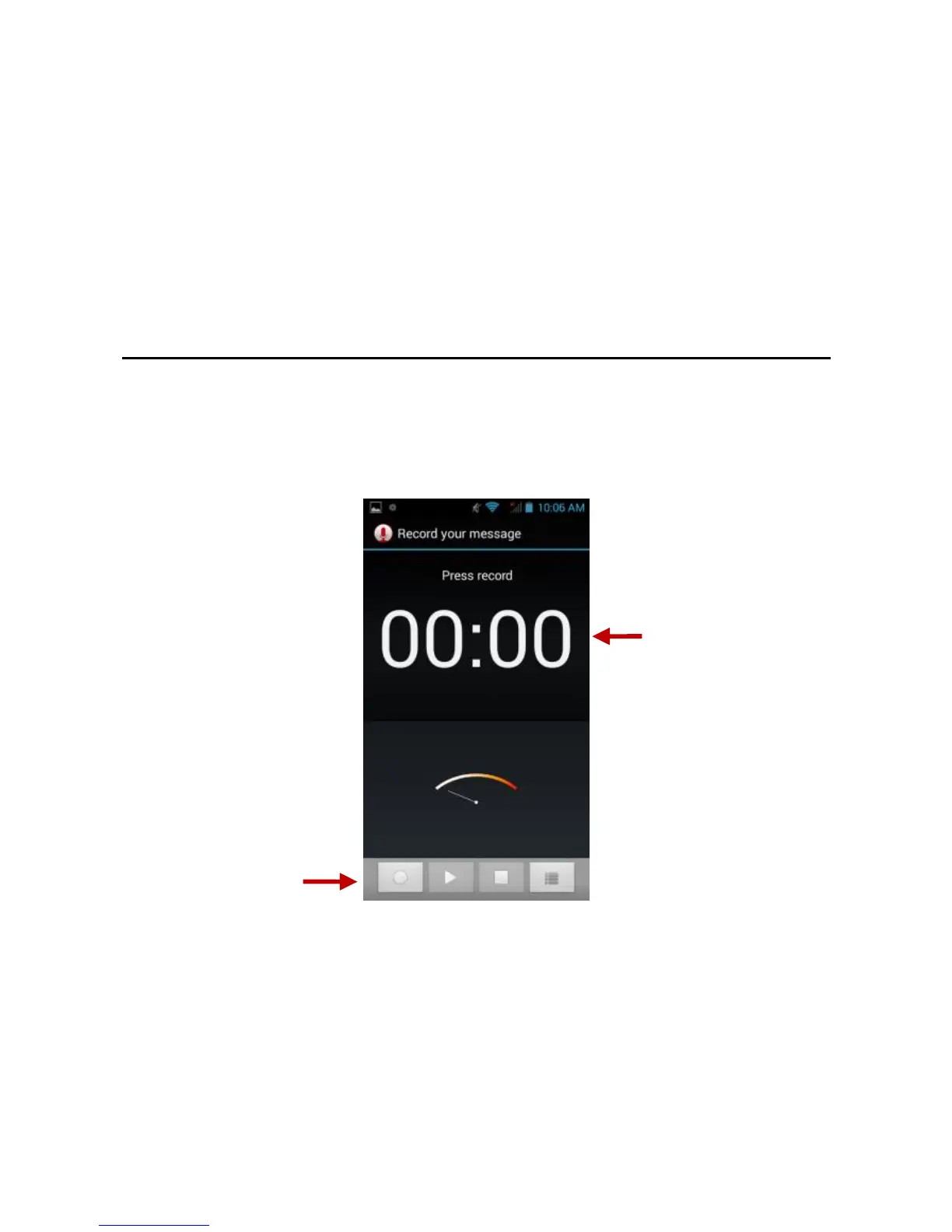
The Sound Recorder can record voice or any audio.
You may send any recorded audio via Bluetooth or MMS and also
have the option to make any recorded audio the phones default ring
tone.
The recorder uses AMR, 3GPP and OGG format.
Record
Keep the phone’s microphone near the sound source.
Click the record button to record the audio.
Click the stop button to stop recording the audio.
Note: All recordings are typically saved in the SD card folder.
Please ensure the SD card is installed prior to recording.



 To Next Page