10 | Blue Tiger Advantage PLUS User Manual v1.2
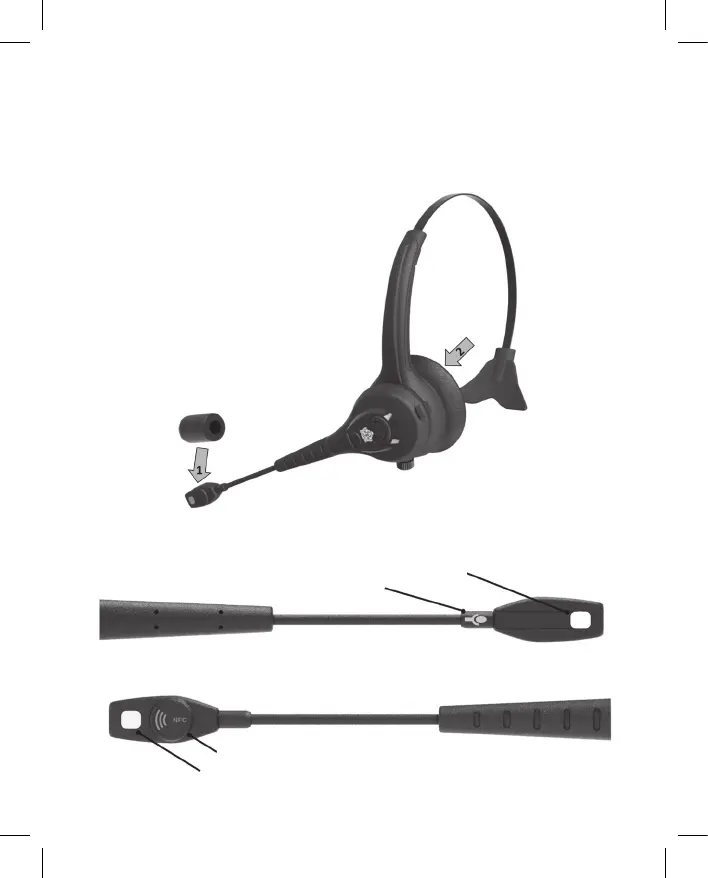
INSTALL WINDSCREEN AND EAR CUSHION
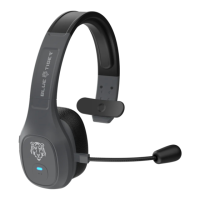
The microphone Windscreen and the speaker Ear Cushion are both easily replaceable.
1. Slide the mic Windscreen over the microphone assembly like a sock.
2. The Ear Cushion snaps on to the headband assembly. Unsnap the cushion from the
headband to replace or interchange between the foam or leather cushions (both included).
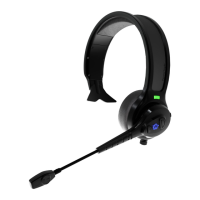
MICROPHONE ORIENTATION
Talk Side
Noise Cancellation Side
Speech Recognition Microphone
Talk Indicator
NFC Tag
Noise Cancellation Microphone


 To Next Page