User Manual
High Current Product Range
2 Erica Way Office: +27 21 205 2000
Somerset West Business Park Technical Support: support@bluenova.co.za
Somerset West, 7130 Website: www.bluenova.co.za
D. INSTALLATION
1. VOLTAGE-BASED INSTALLATION
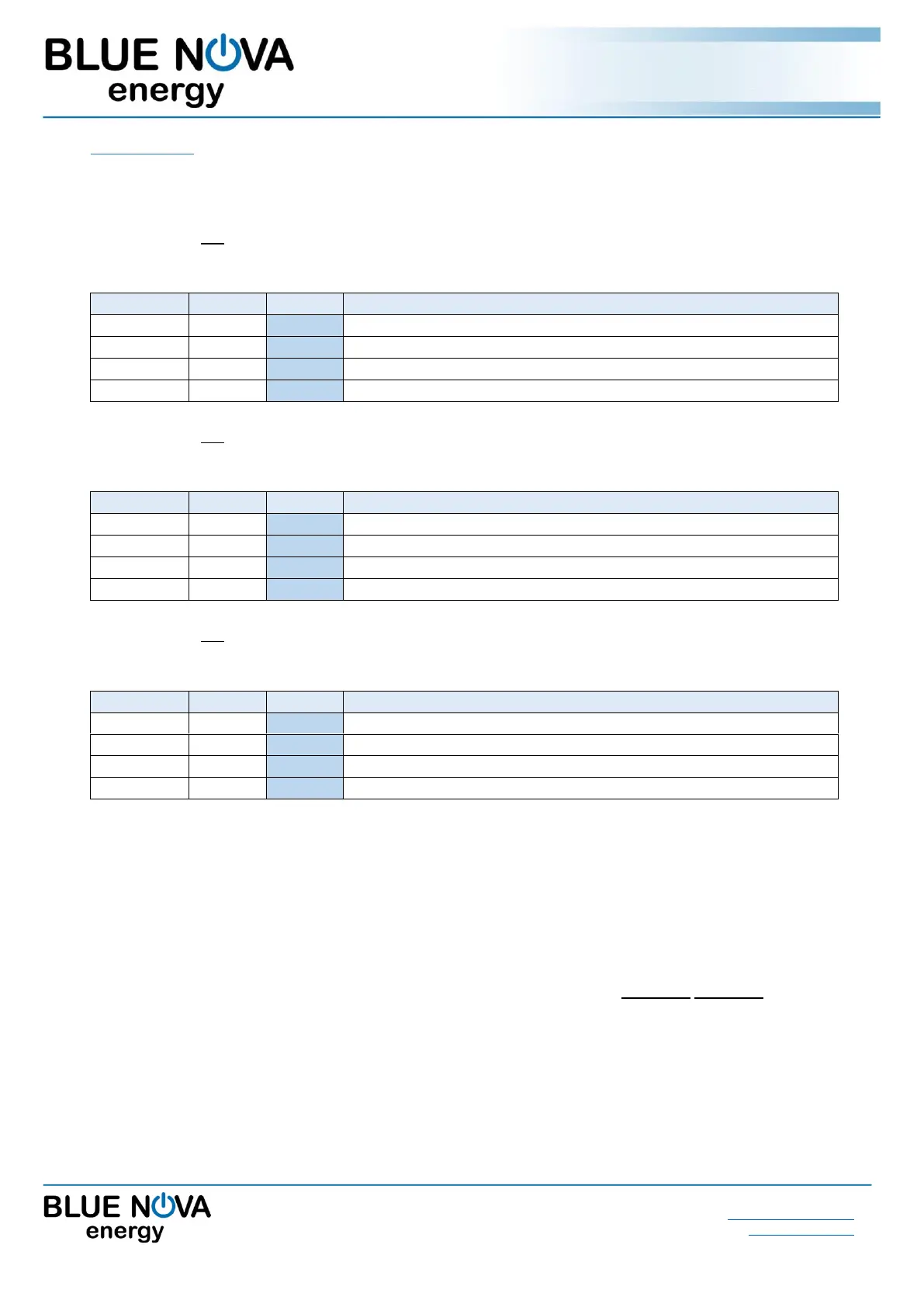
If the battery is not connected to hardware that is serial communication compatible, the following values
highlighted in blue must be set on the inverter/charger for 13V HC batteries:
Typical bulk/absorption charge setpoint.
Charger must reconnect when this voltage is reached.
Mains or generator must reconnect to charge batteries.
Inverter must switch off the load.
If the battery is not connected to hardware that is serial communication compatible, the following values
highlighted in blue must be set on the inverter/charger for 26V HC batteries:
Typical bulk/absorption charge setpoint.
Charger must reconnect when this voltage is reached.
Mains or generator must reconnect to charge batteries.
Inverter must switch off the load.
If the battery is not connected to hardware that is serial communication compatible, the following values
highlighted in blue must be set on the inverter/charger for 52V HC batteries:
Typical bulk/absorption charge setpoint.
Charger must reconnect when this voltage is reached.
Mains or generator must reconnect to charge batteries.
Inverter must switch off the load.
IMPORTANT: Inverter/charger voltage calibration
Some inverters/chargers have been known to return inaccurate results when measuring voltage.
In such cases, the inverter/charger should be calibrated as follows:
Compare the voltage values displayed by the inverter/charger with that of a calibrated voltmeter.
If the actual voltage differs by more than 100mV from that measured by the inverter/charger, apply this
difference to the highlighted values above (i.e. if actual voltage = 56V while inverter voltage = 56.5V,
the voltage difference = 0.5V should be subtracted from each of the set values above).
Note: Some inverters/chargers have pre-programmed lead-acid related algorithms & functionalities such as auto-
desulfation and equalisation. These functionalities should be disabled, where possible.


 To Next Page
 Loading...