5
Visit www.bluesound.com/setup for helpful tips and tricks
DOWNLOAD THE APP
AND CONNECT TO MUSIC
A Download the BluOS Controller App.
B Ensure your controller device is connected to the proper
home network.
C Follow the in-App prompts to finish setting up your
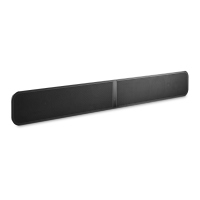
PULSE SOUNDBAR.
D Use the left-hand Navigation Drawer to add or select a
music source.
All BluOS Controller Apps for Apple iOS devices
(iPhone, Pad, iPod), Android devices, Kindle Fire, and
Windows or Mac desktops are available for download
at www.bluesound.com/downloads.






 To Next Page