EasyManua.ls Logo

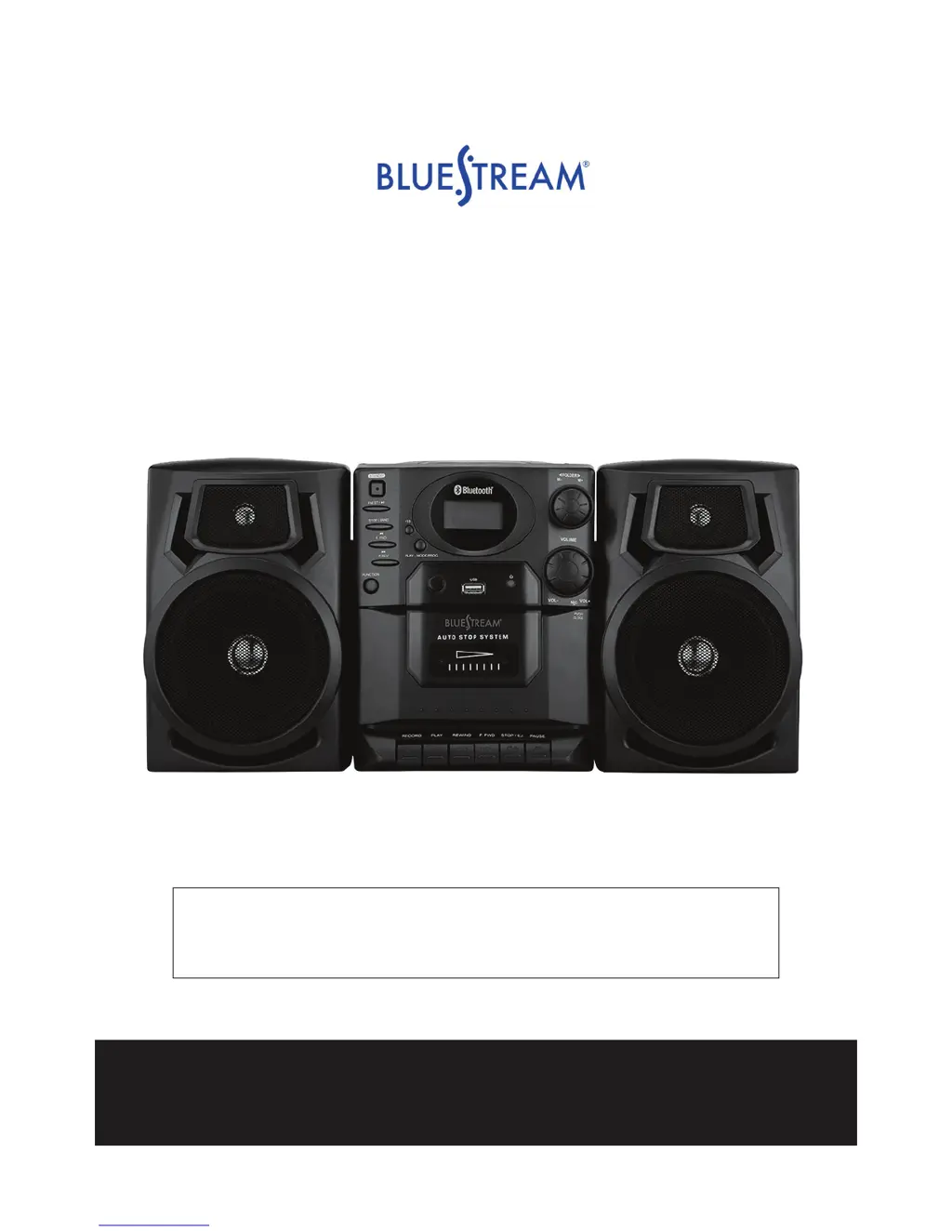
Bluestream BS7330 - User Manual

Bluestream BS7330
12 pages
Print Icon
To Next Page IconTo Next Page
Loading...
Bluetooth
®
Portable Mini System
Model: BS7330
PLEASE READ THIS USER MANUAL COMPLETELY BEFORE
OPERATING THIS UNIT AND RETAIN THIS BOOKLET FOR
FUTURE REFERENCE.
For technical assistance or troubleshooting please
call 1-855-719-8324 or visit www.sibrandssupport.com

Questions and Answers

Summary

Bluetooth Connectivity

Pairing Bluetooth Devices

Step-by-step guide to connect your Bluetooth device to the BS7330 for audio playback.

Playing Audio via Bluetooth

Instructions on how to play music from a paired Bluetooth device using the system's controls.

CD Player Operations

Basic CD Playback

How to insert, play, pause, and stop a CD on the BS7330 system.

CD Track Navigation

Methods for skipping to the next/previous track and searching within a track.

Programmed and Repeat CD Play

Setting custom playback orders and repeat functions for CDs.

Radio, USB, and Cassette Functions

AM;FM Radio Listening

Tuning into radio stations and tips for optimal reception.

Setting Radio Presets

How to store and recall favorite AM/FM radio stations.

USB Flash Drive Playback

Playing MP3 files from a USB drive, including folder navigation.

Cassette Tape Playback

Loading and playing cassette tapes, including rewind and fast forward.

Cassette Recording and Clock Setting

Recording to Cassette

Instructions for recording audio from CD, Radio, or USB onto a cassette tape.

Setting the System Clock

Guide to setting the 12-hour or 24-hour clock format and time.

Troubleshooting Guide

Bluestream BS7330 Specifications

General IconGeneral
BrandBluestream
ModelBS7330
CategoryStereo System
Signal-to-Noise Ratio≥70dB
Speaker Configuration2.0
USB PortYes
AUX InputYes
FM RadioYes
Frequency Response20kHz
Input Voltage50/60Hz