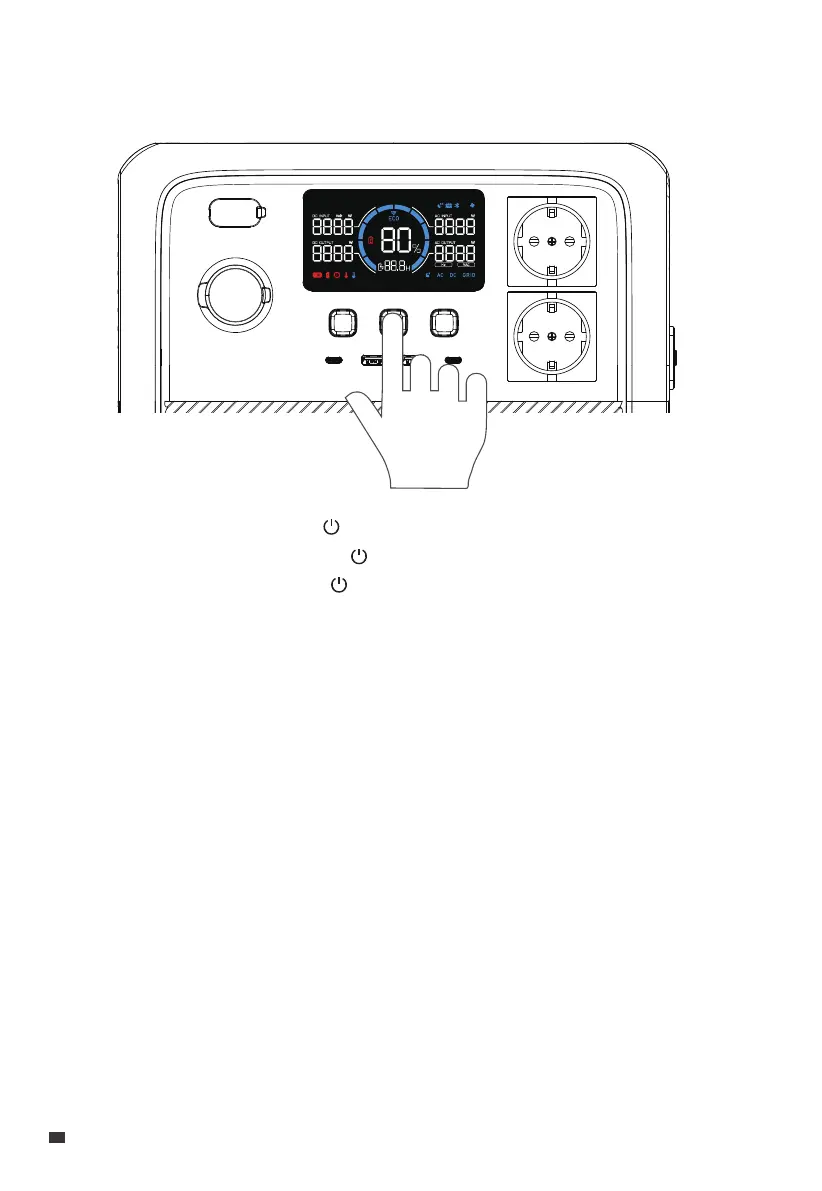
4. Power ON/OFF
• Power ON: Press and hold the for about 2 seconds to turn AC70P on.
When the AC70P is on, press the again to turn on / off the LCD screen.
• Power OFF: Press and hold the for 2 seconds to turn off the unit.
• AC ON / OFF: When the AC70P is on, press the AC power button to turn it on / off.
• DC ON / OFF: When the AC70P is on, press the DC power button to turn it on / off.
EN
JUST POWER ON
12


 To Next Page