20
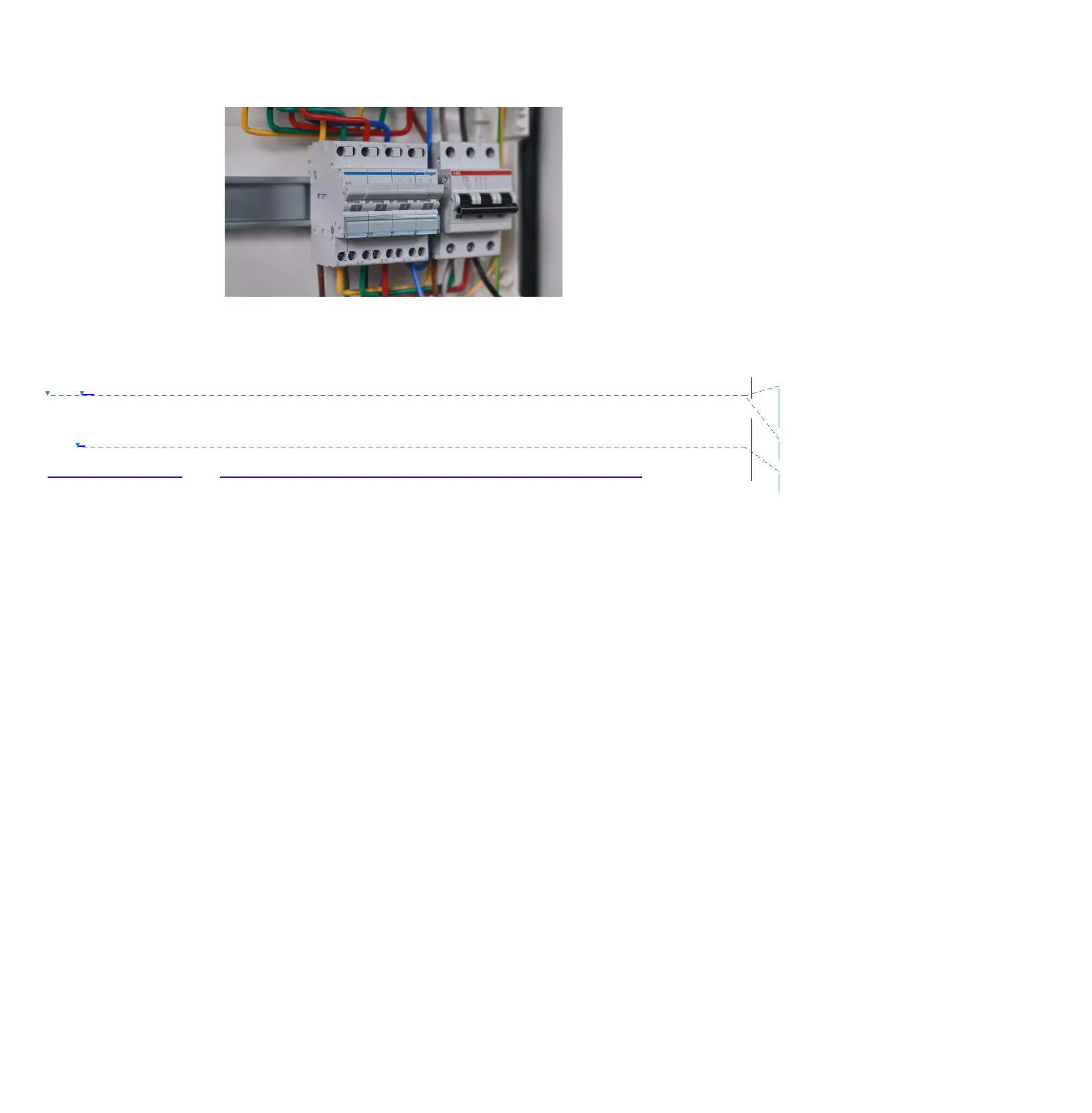
Step 2 Turn the transfer switch to position I. The current flows from the Backup port of EP600 to the loads.
5. Powering on the ESS
Step 1 Switch on the DC circuit breakers on B500 battery packs. Press and hold the power button of any battery
pack for 3 seconds and the green indicator on the button lights up.
Step2 Wait for 40 seconds until the green indicator of the inverter is always on.
Step3: When connecting to the solar panel , please switch on the DC circuit breakes on EP600.
Step 4 Switch on the AC circuit breakers connected to the EP600 grid port.
Step 5 Power on the system via the BLUETTI app.
6. Using BLUETTI App
BLUETTI App allows you to monitor and control the EP600 energy storage system (ESS) in the
palm of your hand via Bluetooth or WiFi, with features like Real-time Alarm, Error Message, Data
Collection, Operation Status, Parameter Configuration, and Firmware Upgrade.
Note:
Apply to operating systems: Android 8.0 or above, iOS 11.0 or above.
Bluetooth is available on your phone.
The router applies to WiFi of IEEE 802.11 b/g/n, 2.4GHz, please turn off the 5G option.
BLUETTI recommends a router with WPA or WPA2_PSK encryption. EP600 ESS doesn’t support
enterprise encryption (commonly used on public WiFi networks that require user authentication, like
airport hot spots) and WEP and WPA TKIP encryption.
Pictures shown below are for illustration only. Actual UI may vary.
Scan the QR code to download the BLUETTI app. Or search for the app from App Store or Google Play Store.
For more details, refer to the “EP600 App User Manual.”
Step 1 Switch on the DC
circuit breakers on EP600.



 To Next Page