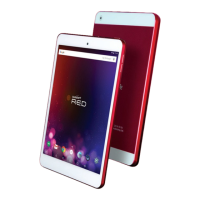
USER’S GUIDE
Table of Contents
SECTION 1: SAFETY INSTRUCTIONS
SECTION 2: GET STARTED
Hardware Buttons and Ports
Switch the Tablet On or Off
Use the Lock Screen
Charge the Battery
SECTION 3: MAIN USER INTERFACE
Change the Wallpaper
Arrange and work with Apps
Use folders
SECTION 4: MEMORY STORAGE
Use a Micro SD Card
Use a USB Storage
SECTION 5: INTERNET CONNECTION
Connect to a Wi-Fi network
Use a USB 3G Dongle


 To Next Page