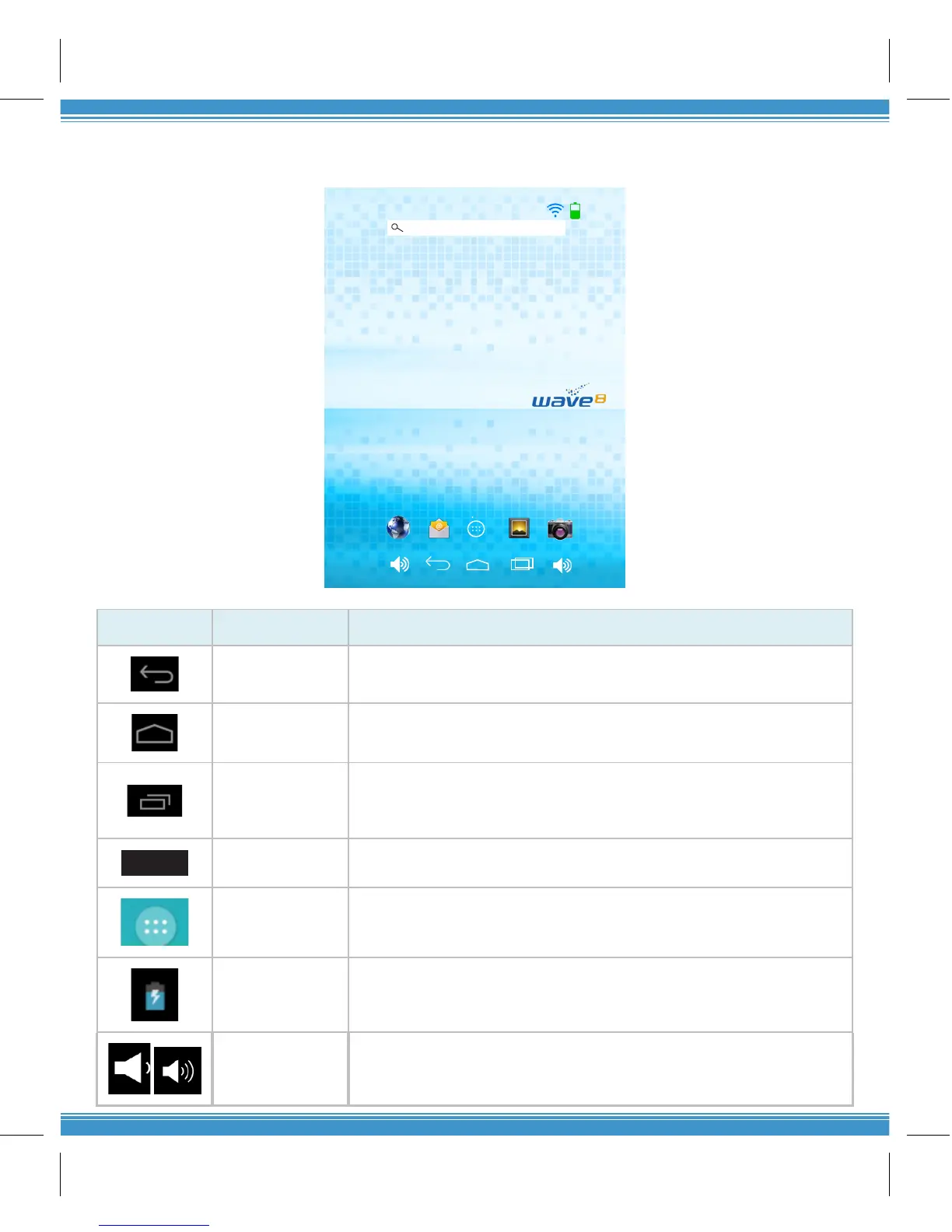
SECTION 3: MAIN USER INTERFACE
Icon Name Descripon
Back
Opens the previous screen you were working in. Once you back up
to the home screen, you can’t go back any further in your history.
Home
Opens the central home screen if you’re viewing a le or right home
screen.
Recent Apps
Opens a list of thumbnail images of Apps you’ve worked with
recently. To open an app, tap it. To remove a thumbnail, swipe le
or right.
12:21
Time Current me set on the Tablet.
All Apps Displays all apps in the Tablet
Baery
Indicator
Baery status: low, charging, full charge
Volume
Adjustment
Decreases or increases the volume of the Tablet



 To Next Page