SECTION 4: MEMORY STORAGE
Use a Micro SD Card
1. To install, gently insert the SD card on the TF Card slot. When the notication saying
“Preparing mass storage” is gone, the SD Card is ready for use.
2. To eject, go to Settings > Storage > Unmount storage (Under SD Card) > Ok When
the indicator “Storage safe to remove” appears, you may gently press the SD Card
from the TF Card slot to remove from the Tablet.
Use a USB Storage
1. To install, connect the USB adapter to the Tablet and the other end of the USB ash
disk. . When the notication saying “Preparing mass storage” is gone, the USB
storage is ready for use.
2. To remove, go to Settings > Storage > Unmount storage (Under SD Card) > OK-
When the indicator “Storage safe to remove” appears, you may remove the USB.
SECTION 5: INTERNET CONNECTION
Connect to a Wi-Fi network
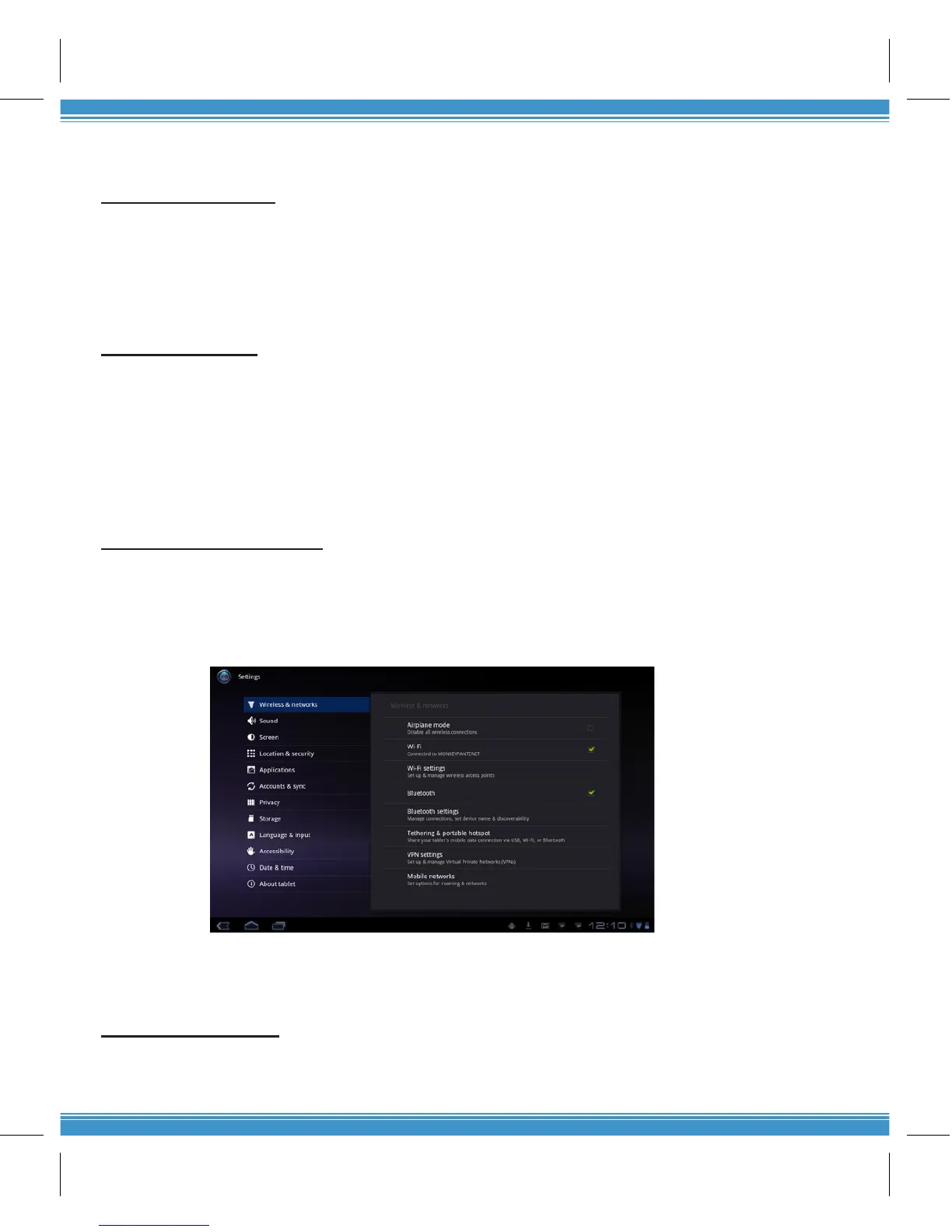
1. To connect, go to Settings and slide the Wi-Fi tab to ON. Choose from a list of
hotspots where you want to connect. If you select an open network, you will be
automatically connected. If you select a network that is secured with WEP, a
password will be required to connect.
2. To disconnect, slide the Wi-Fi tab to OFF.
3. To connect to another network, you have to disable the previous connection. Se-
lect the previous connection then touch Forget to deactivate connectivity. Choose
another network to connect.
Use a USB 3G Dongle
Insert the USB Dongle through the OTG cable into the USB host port. Wait a few minutes until a
3G icon appears to connect to the internet.


 To Previous Page