BPAP Series User Manual V1.0
31 / 58
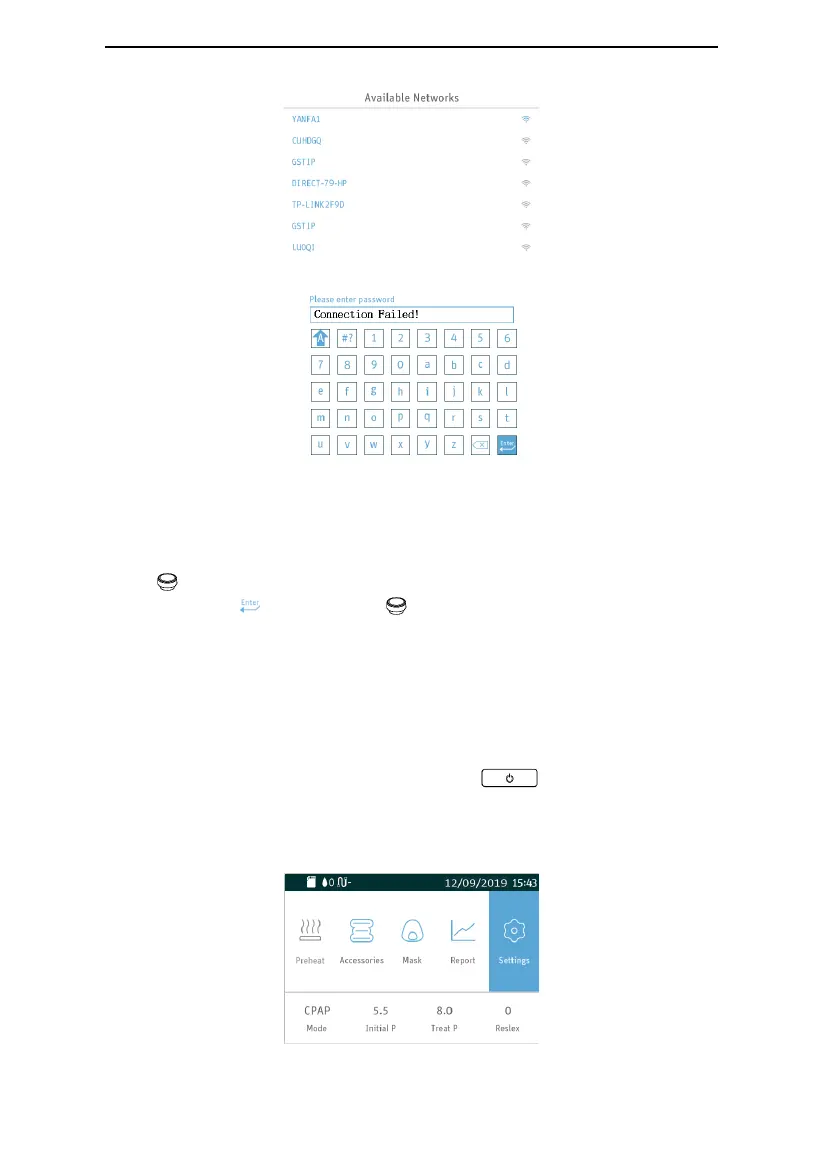
Fig. 8-13
Fig. 8-14
To switch from one successfully connected WiFi network to another, select the desired new
network and enter the correct password to connect to it.
If the desired WiFi network is a public network that does not require a password, turn the
Knob directly
after accessing the password input interface
until the cursor stays on the
Confirmation Key
. Press the Knob to connect to the network.
16. Navigating the Patient Menu
16.1 Steps to Navigating the Patient Menu
16.1.1 Accessing the Main Interface
Connect the power cord and power adapter properly, the screen displays the Main Interface
shown in Fig. 16-1. Press the Start / Stop Button , and the device will start
delivering air, the screen displays the Main Interface shown in Fig. 16-2 (Applicable to G3
B20A, G3 B25S, G3 B25A models) or Fig. 16-3 (Applicable to G3 B25VT、G3 B30VT、G3
B30SV、G3 LAB、MBC-790-30ATHmodels).
Fig. 16-1

 To Next Page
 Loading...