BPAP Series User Manual V1.0
33 / 58
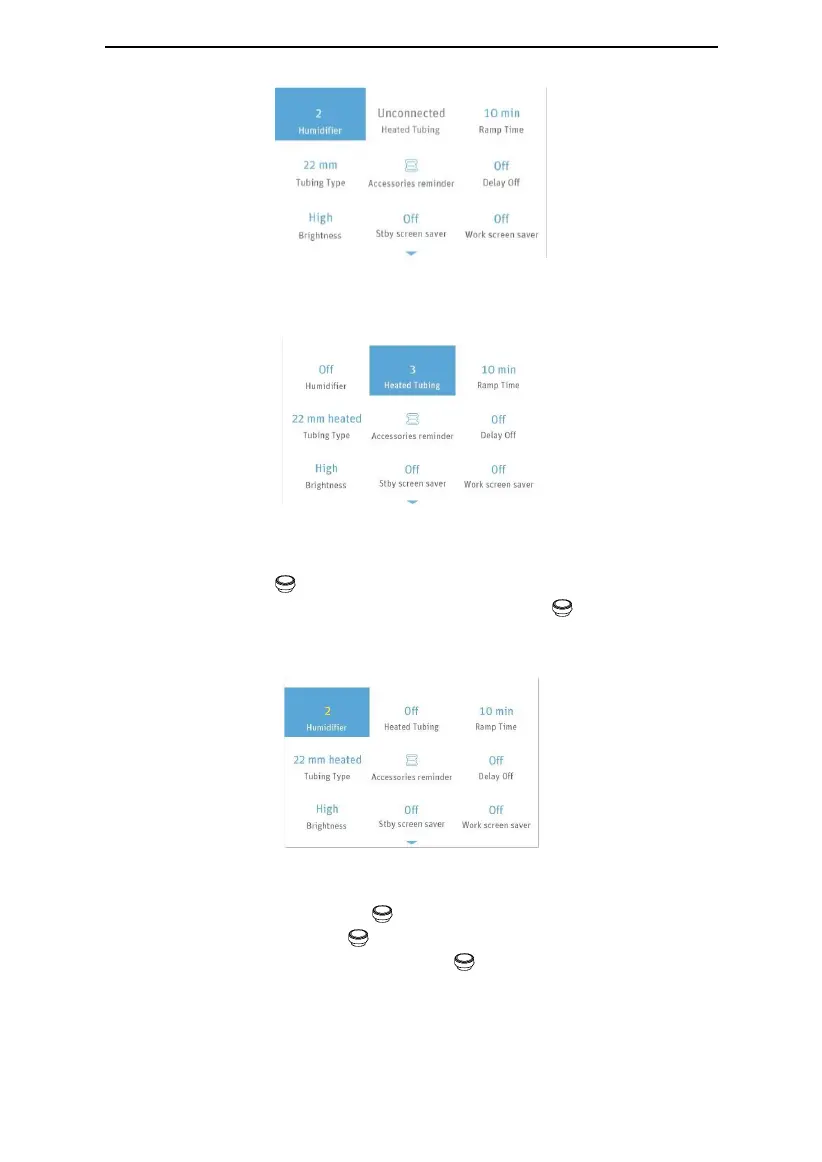
Fig. 16-5
Note: The Heated Tubing option can only be adjusted when the device is connected to the
Heated Tubing, as shown in Fig. 16-6.
Fig. 16-6
16.1.3 Selecting Options
As you turn the Knob clockwise, the cursor moves downwards from one option to
another. When the cursor is on a certain option, press the Knob , and the color of the
option is changed, meaning that the option can now be adjusted, as shown by the
Humidifier option in Fig. 16-7.
Fig. 16-7
16.1.4 Adjusting Options
Adjust the option by turning the Knob . As shown in Fig. 16-7, the Humidifier option is
selected. As you turn the Knob clockwise, the numbering increases, indicating a
higher humidity level. As you turn the Knob counterclockwise, the numbering
decreases, indicating a lower humidity leve, as shown in Fig. 16-8.


 To Next Page
 Loading...