DLC50 Control Panel Installation and Operation Manual | Doc. No. 6051439500 Rev. A
Broadcast Microwave Services 24
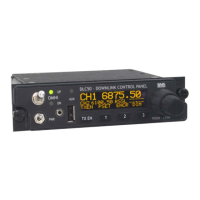
With External Dimming Control
1. Adjust the cockpit common dimming control to the night operation level (or NVG level if so
equipped). On the DLC50, navigate to the Other>Dim Control menu and press OK.
2. Rotate the inner knob to increase or decrease the brightness of the DLC50 front panel until it
matches the illumination level of the other instruments on the same external dimmer control. Press
OK. The DLC50 brightness will now track the other instruments connected to that dimmer control.
Without External Dimming Control
1. Navigate to the Other>Dim Control menu and press OK. (This menu may also be assigned to a
soft-key or can be added to the simple UI for easy access).
2. Rotate the inner knob to the desired brightness and press OK.
The document reference is online, please check the correspondence between the online documentation and the printed version.


 To Next Page