▷ Torque.
▷ Power.
Displays
1. "CAR"
2. "Driving information"
3. "Sport displays"
Full Black Panel Display: Display
in the instrument cluster
The sport displays can be shown as widgets in
the instrument cluster.
The following widgets can be selected:
▷ Widget for torque and performance.
▷ Widget for G meter.
For further information:
Widgets, see page 173.
Vehicle status
General
It is possible to show the status of some systems
and perform actions on them.
Calling up the vehicle status
1.
"CAR"
2. "Vehicle status"
Overview of information shown
Symbols Description
"Flat Tyre Monitor": status of the
runflat indicator RPA, see
page 386.
"Tyre Pressure Monitor": status
of the Tyre Pressure Monitor,
see page 379.
"Engine oil level": Electronic oil
measurement, see page 397.
Symbols Description
"Check Control messages": to
display saved Check Control
messages, see page 179.
"Service requirements": to dis‐
play service requirements, see
page 189.
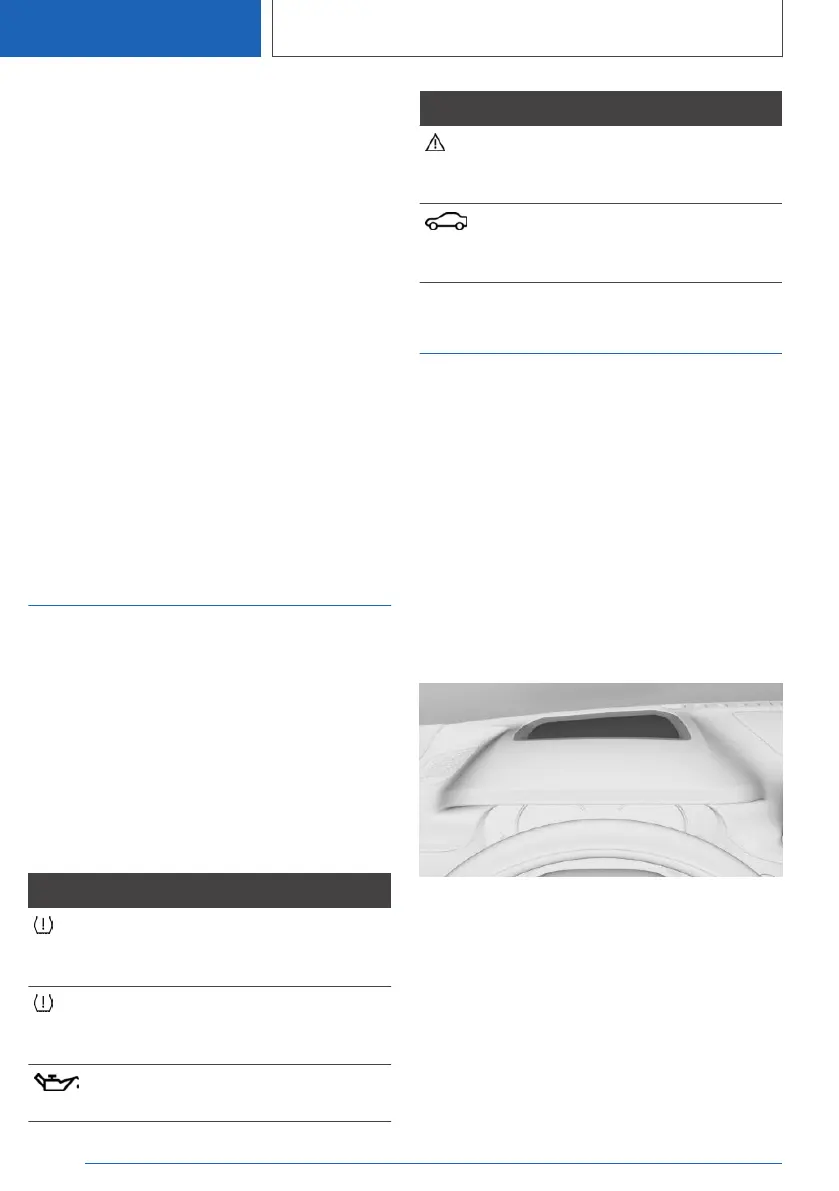
Head-Up Display
Principle
The system projects important information, for
example the speed, into the driver's field of vi‐
sion.
The driver can absorb this information without
having to divert attention from the road.
General
Follow the instructions on cleaning the Head-Up
Display.
Overview
Switching on/off
1.
"CAR"
2. "Settings"
3. "Displays"
4. "Head-up display"
5. "Head-up display"
Seite 196
CONTROLS
Displays
196
Online Edition for Part no. 01405A1EA53 - X/20



 To Next Page