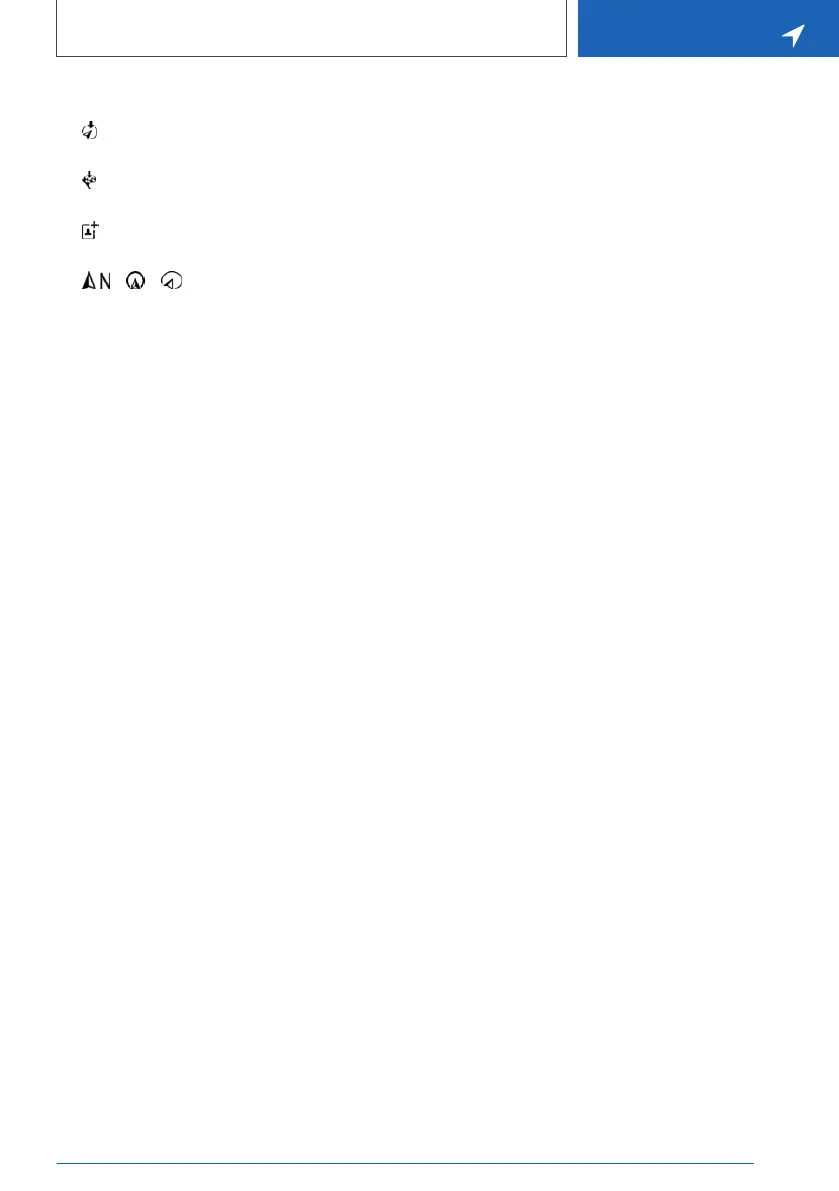
▷ If equipped with touchscreen:
"Back to current location": change to nor‐
mal map view.
▷ "Show destination": the map section
around the destination is displayed.
▷ "Save position": store current position as
contact.
▷ "Change map view": change
the map view.
Seite 23
Map
NAVIGATION
23
Online Edition for Part no. 01402989211 - II/18



 To Next Page