Sound output via
headphones and vehicle
loudspeakers
General information
In the rear, it is possible to output the sound from
a selected entertainment source via headphones
or the vehicle's speakers, depending on the rear
seat enable setting, refer to page 68.
Selecting the sound output
1. Press button.
2. Select the desired sound output:
"Speakers" or "Headphones"
Headphones
Corded headphones
Headphones and compatible headsets can be
connected using a jack plug 1/8"/3.5 mm on the
rear CD/DVD/Blu-ray player, refer to page 64.
Cordless headphones
General information
Suitable wireless headphones are available from
a dealer’s service center or another qualified
service center or repair shop.
Connecting headphones
Up to 3 cordless headphones can be connected.
1.
Switch on the headphones.
2. "My Vehicle"
3. "iDrive settings"
4. "Headphones/Remote control"
A list of linked devices is displayed.
5. "Connect new device"
6. Press and hold the activation switch on the
headphones until the following text is dis‐
played:
"Connecting…"
The headphones will appear in the list of con‐
nected devices.
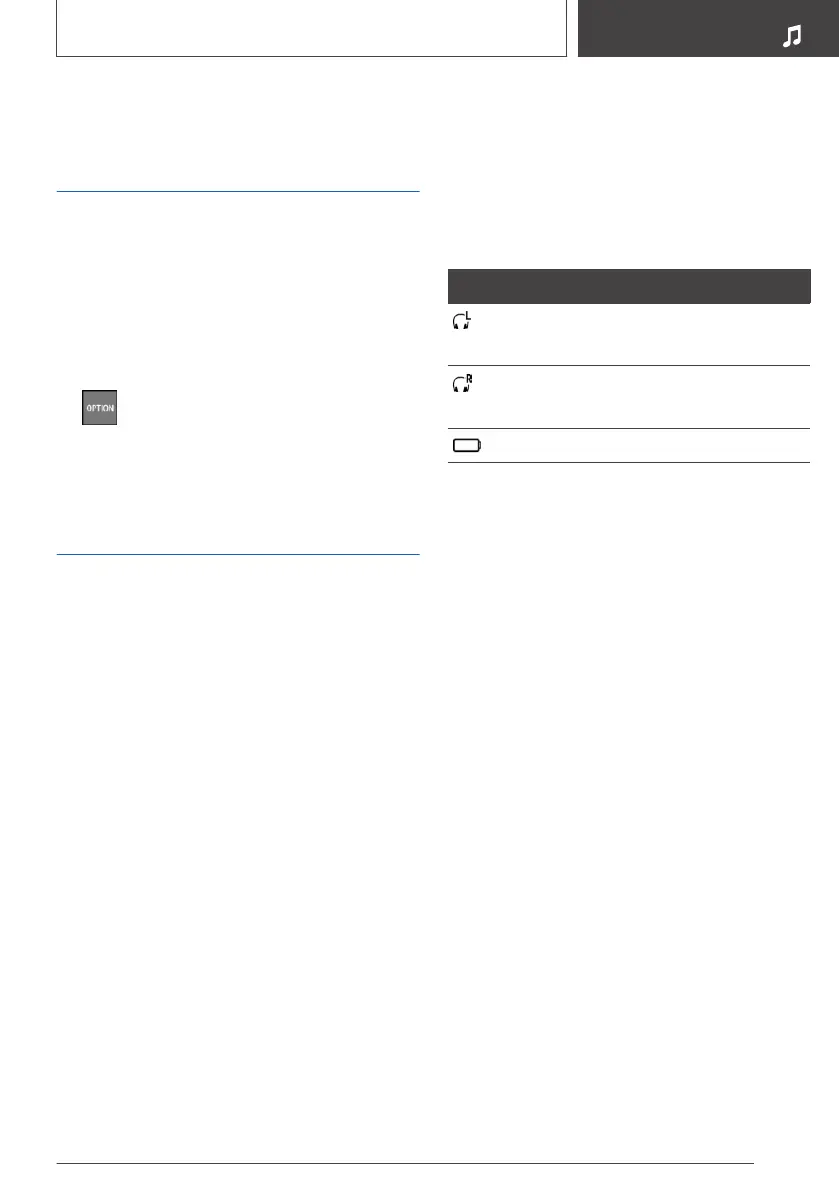
Symbol Meaning
Headphones.
Connection to the left screen.
Headphones.
Connection to the right screen.
Battery charge status.
Renaming headphones
The displayed name of the headphones can be
changed.
1.
"My Vehicle"
2. "iDrive settings"
3. "Headphones/Remote control"
A list of linked devices is displayed.
4. Select headphones.
5. "Rename"
6. Enter the desired name.
Deleting the headphones
connection
1.
"My Vehicle"
2. "iDrive settings"
3. "Headphones/Remote control"
A list of linked devices is displayed.
4. Select headphones.
5. "Remove device"
Selecting a rear side
A pair of headphones can be connected to the
left or right side of the rear entertainment sys‐
Seite 67
Rear entertainment
ENTERTAINMENT
67
Online Edition for Part no. 01402989211 - II/18



 To Next Page