on the situation, a message is shown on the
Control Display.
▷ If a situation is detected in which the vehicle
should drive off immediately, the stopped en‐
gine is started automatically.
The function may be limited if the navigation data
is invalid, outdated or not available, for example.
Manually deactivating/activating
the system
Principle
The engine is not switched off automatically.
During an automatic engine stop, the engine is
started.
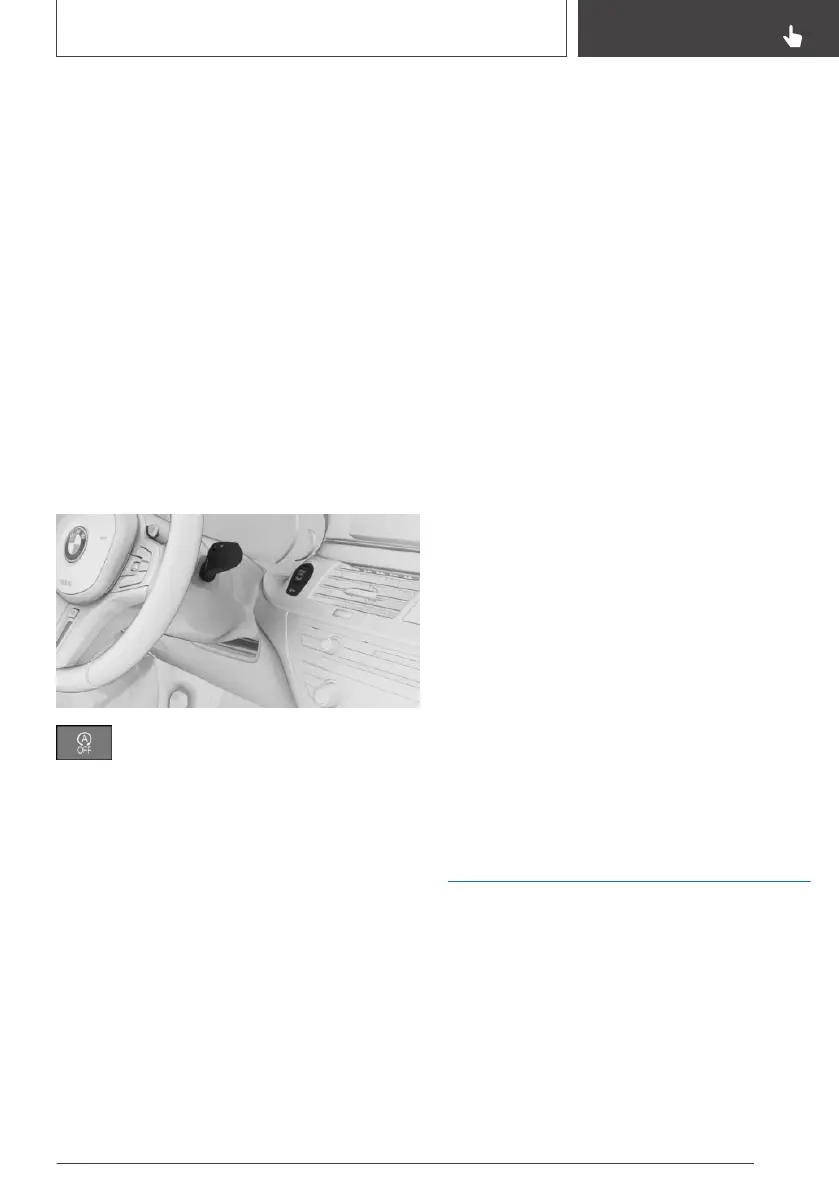
Using the button
Press the button.
Via selector lever position
The Auto Start Stop function is deactivated in
the automatic transmission's sequential mode.
Display
▷ LED illuminates: Auto Start Stop function is
deactivated.
▷ The LED is extinguished: Auto Start Stop
function is activated.
Parking the vehicle during
automatic engine stop
General
With automatic engine stop, the vehicle can be
parked safely, for example in order to leave it.
M Steptronic sport transmission
1. Press the start/stop button.
▷ Drive-ready state is switched off.
▷ Standby state is switched on.
▷ Selector lever position P is automatically
engaged.
2. Apply the parking brake.
Automatic deactivation
General
In certain situations the Auto Start Stop function
is deactivated automatically for safety reasons,
for example if the absence of the driver is detec‐
ted.
Malfunction
The Auto Start Stop function no longer shuts
down the engine automatically. A Check Control
message is shown. It is possible to keep driving.
Have the system checked by a Service Partner
of the manufacturer or another qualified Service
Partner or a specialist workshop.
Parking brake
Principle
The parking brake is used to prevent the vehicle
from rolling when it is parked.
Seite 127
Driving
CONTROLS
127
Online Edition for Part no. 01402989787 - II/18



 To Next Page