Driver Assistance Systems
Vehicle equipment
This chapter describes all standard, country-spe‐
cific and special equipment available for the
model series. Therefore equipment which is not
installed in your vehicle, for example on account
of the optional equipment selected or the coun‐
try specification, may also be described here.
This also applies to safety-relevant functions and
systems. Comply with the relevant laws and reg‐
ulations when using the corresponding functions
and systems.
Manual Speed Limiter
General
The system enables speeds of 30 km/h/20 mph
and above to be set as a speed limit. Below the
set speed limit, the vehicle can be driven without
restriction.
Overview
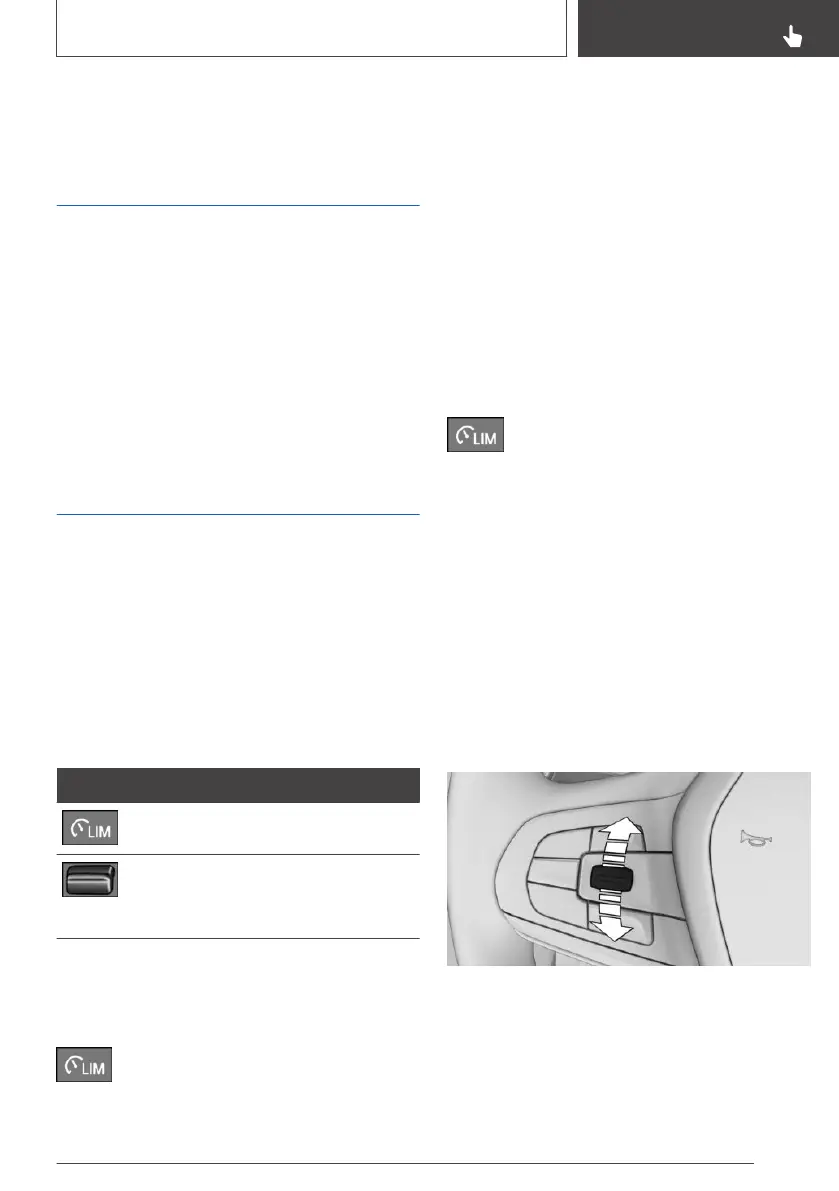
Buttons on the steering wheel
Button Function
System on/off.
Rocker switch:
Changing the speed limit, see
page 215.
Operation
Switching on
Press the button on the steering wheel.
The current speed is adopted as the speed limit.
When switching on when at a standstill or driving
at low speed, 30 km/h/20 mph is set as the
speed limit.
The speedometer marker is set to the corre‐
sponding speed.
When activating the speed limit it is possible that
Dynamic Stability Control DSC will be switched
on and the drive mode switched to COMFORT.
Switching off
Press the button on the steering wheel.
The system switches off automatically in the
following situations, for example:
▷ When switching the engine off.
▷ When switching on Cruise Control.
▷ When activating some programs.
The displays turn off.
Interrupting
The system is interrupted when reverse gear is
engaged or the transmission is in neutral.
Change speed limit
Press the rocker switch repeatedly upwards or
downwards until the desired speed limit is set.
▷ Every time the rocker switch is pressed to the
resistance point, the speed limit is increased
or decreased by 1 km/h, 1 mph.
Seite 215
Driver Assistance Systems
CONTROLS
215
Online Edition for Part no. 01402989787 - II/18



 To Next Page