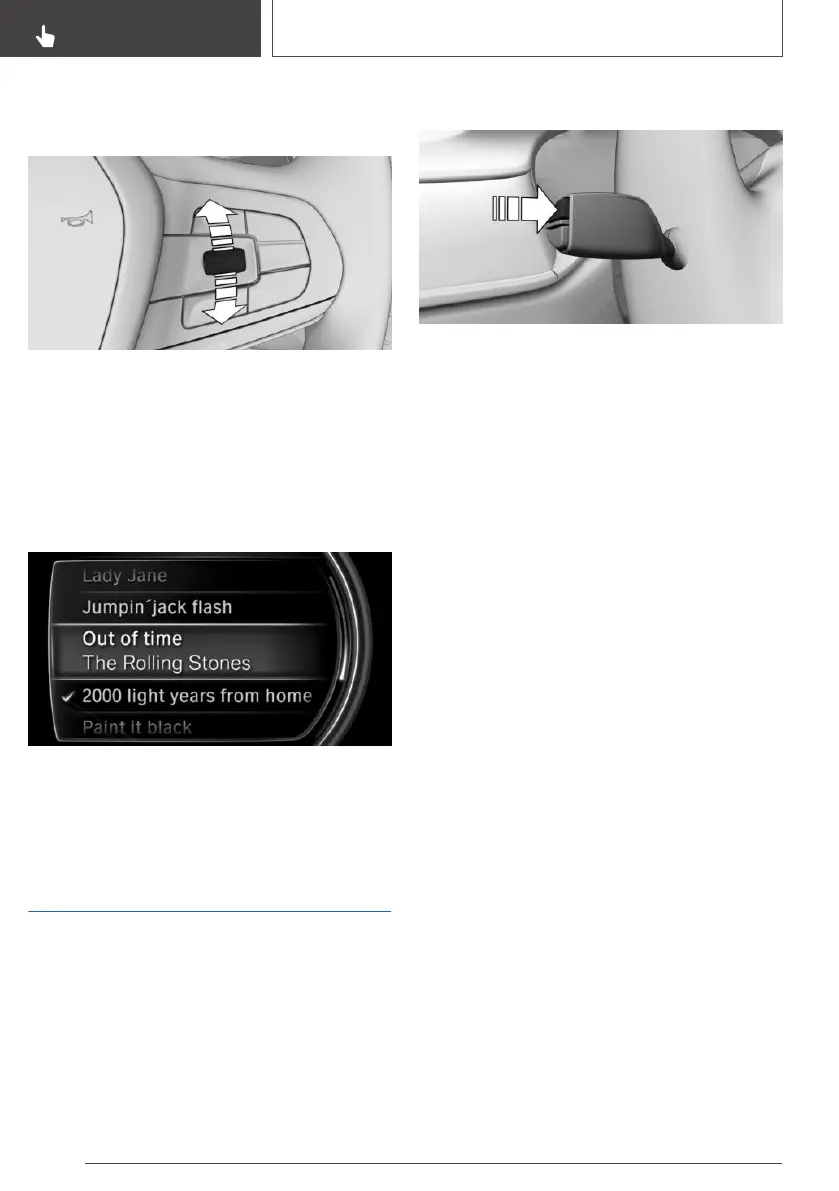
Activating the list and selecting a
setting
Turn the knurled wheel on the left side to acti‐
vate the corresponding list.
1.
Turn the knurled wheel and select the re‐
quired setting.
2. Press the knurled wheel.
Display
Depending on equipment, the list in the instru‐
ment cluster may differ from the illustration.
On-board computer in the
instrument cluster
Principle
The on-board computer shows various vehicle-
related data, such as average values, in the in‐
strument cluster.
Calling up information
Press the button on the turn indicator lever.
Information is displayed in the instrument cluster.
Press the button repeatedly to display further in‐
formation.
Overview of the information
The following information can be displayed using
the on-board computer:
▷ Kilometres and trip odometer.
▷ Navigation data.
When route guidance is activated in the navi‐
gation system.
▷ Consumption display.
▷ Average fuel consumption and average
speed.
Selecting information for the on-
board computer
It is possible to select whether some items of in‐
formation from the on-board computer can be
called up in the instrument cluster:
Via iDrive:
1.
"My Vehicle"
2. "iDrive settings"
3. "Displays"
4. "Instrument cluster"
5. "On-board computer"
6. Select the desired setting.
The setting is saved for the currently used driver
profile.
Seite 156
CONTROLS
Displays
156
Online Edition for Part no. 01402989787 - II/18



 To Next Page