Thermal image
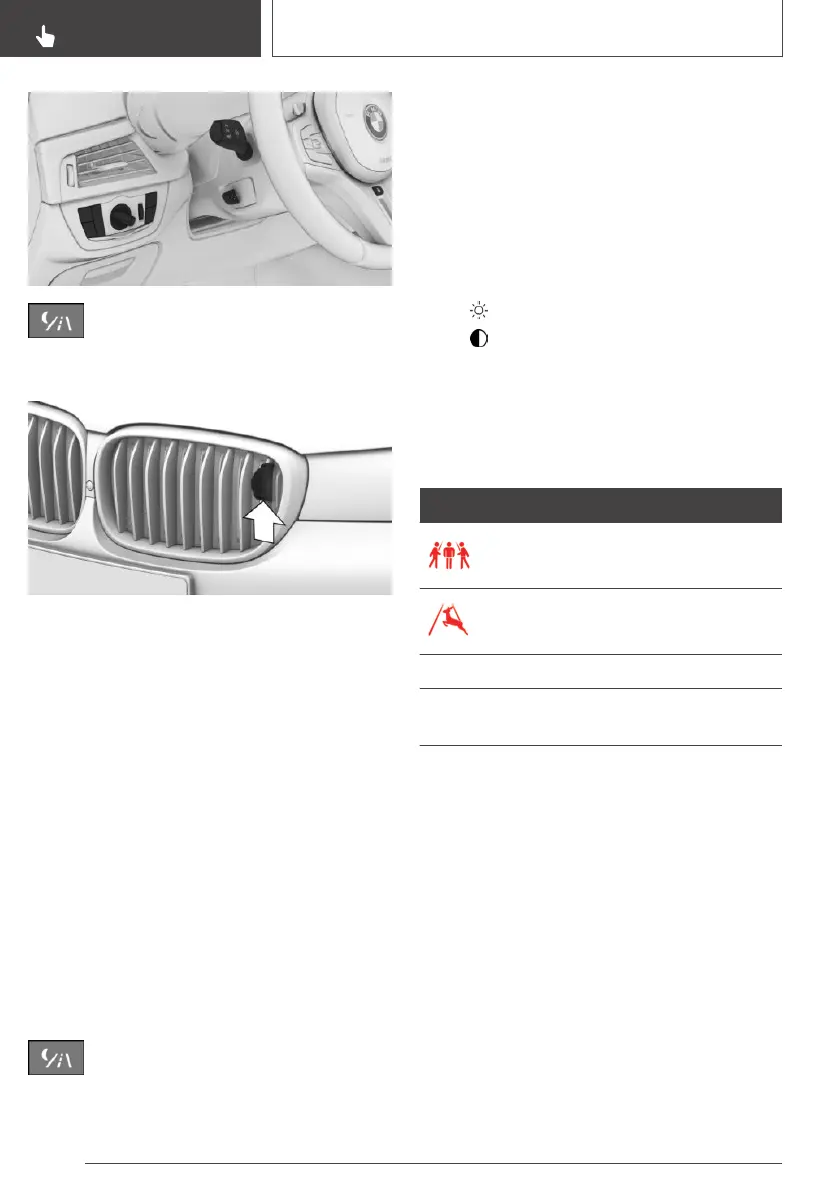
Camera
At low outside temperatures, the camera is auto‐
matically heated.
With the vehicle's lights switched on, the camera
lens is cleaned at certain intervals when the
windscreen washer system, see page 133, is op‐
erated.
Switching on
Switching on automatically
The system is automatically activated at the start
of each journey in the dark.
Switching on the thermal image
In addition to the warning function, the thermal
image of the Night Vision camera can be dis‐
played on the Control Display. This function has
no effect on object detection.
Press the button.
The camera image is displayed on the Control
Display.
To adjust the thermal image
When the thermal image is switched on, it is pos‐
sible to adjust the brightness and contrast.
Via iDrive:
1. Select brightness or contrast.
▷ "Brightness".
▷ "Contrast".
2. Set the desired value.
Warning function
Display
Symbol Meaning
Person warning.
Animal warning.
System illuminates red. Advance warning.
Symbol flashes red and an
acoustic signal sounds.
Acute warning.
The displayed symbol may vary and shows the
side of the carriageway on which the person or
animal has been detected.
Warning in the case of persons or
animals in danger
If there is a risk of collision with a detected per‐
son or animal, a warning symbol is shown in the
instrument cluster and in the Head-Up Display.
Although the shape and heat radiation are evalu‐
ated, false alarms cannot be ruled out.
Seite 188
CONTROLS
Safety
188
Online Edition for Part no. 01402989787 - II/18



 To Next Page